How to Plan and Execute a Successful Quizizz Implementation Timeline
Learn how to plan and execute a Quizizz implementation timeline with clear stages for training, testing, and full rollout to maximize engagement.

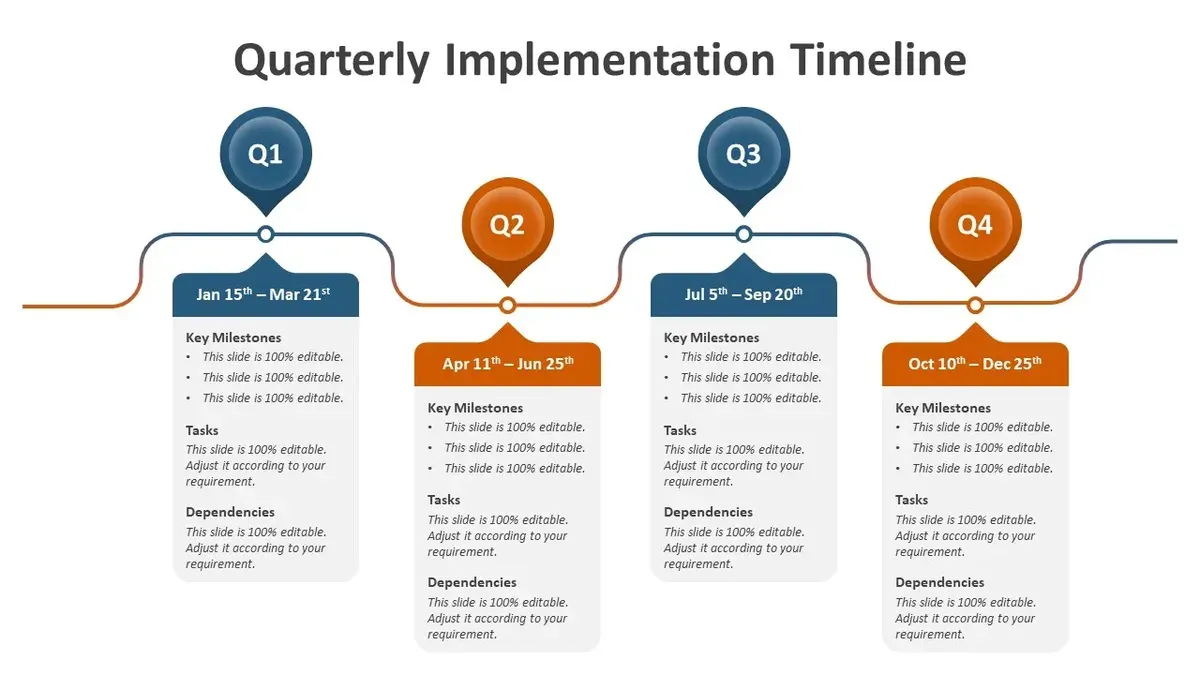
Short answer: A successful Quizizz implementation timeline involves clear stages including initial training, pilot testing, feedback collection, and full rollout. You should allocate several weeks to each phase to ensure educators and students become comfortable with the platform before scaling up. Planning this timeline strategically helps avoid common pitfalls and maximizes engagement.
This article covers how to create an effective Quizizz implementation timeline tailored for classrooms or schools. You will learn why understanding Quizizz's role in education matters, how to schedule training and pilot phases practically, and how to address typical challenges during rollout. By following this guide, you will connect each step of introducing Quizizz with actionable scheduling and get tips to maintain momentum throughout the process.
Understand What Quizizz Is and Why It Matters for Your Classroom
Quizizz is an interactive quiz platform designed to support formative assessment and increase student engagement through gamified learning. It allows educators to create, assign, and analyze quizzes that students can complete individually or collaboratively, either in class or remotely.
Implementing Quizizz with a clear, structured timeline ensures you integrate it effectively into your teaching routine, optimizing both student participation and learning outcomes. Timely adoption helps you avoid last-minute rushed setups, giving students consistent exposure and allowing you to track their progress systematically.
Common uses include quick comprehension checks, homework assignments, and review sessions. For example, you might schedule weekly quizzes aligned with lesson objectives, providing immediate feedback that informs your instructional adjustments. Quizizz complements other teaching strategies by offering a dynamic alternative to traditional paper quizzes and fostering a more interactive classroom environment.
Identify When Quizizz Was Created and How It Has Evolved
Quizizz was founded in 2015 with the goal of making classroom assessments engaging and accessible through gamified quizzes. Initially, it offered a straightforward platform where teachers could create quizzes and students could participate live or asynchronously.
Over time, key feature rollouts transformed Quizizz into a robust tool for educators. In 2017, the introduction of real-time leaderboards and immediate feedback enhanced student motivation during live sessions. By 2019, integration capabilities with learning management systems (LMS) like Google Classroom and Microsoft Teams expanded its reach and simplified assignment distribution.
Recent updates have focused on analytics and customization. Features such as detailed performance reports, quiz scheduling, and question randomization reflect Quizizz’s responsiveness to educators’ needs for actionable data and flexible implementation.
For example, a teacher planning to adopt Quizizz can now schedule quizzes ahead of time, assign them through LMS integration, and review comprehensive student results, all within one platform. This evolution illustrates how Quizizz has grown from a simple quiz tool to a versatile educational resource tailored to classroom realities.
Create an Effective Implementation Timeline for Quizizz
Begin by assessing your school's readiness: verify technology availability such as reliable internet and devices, identify staff who need training, and review existing content that can be adapted for Quizizz. This foundational step avoids delays caused by overlooked resource gaps.
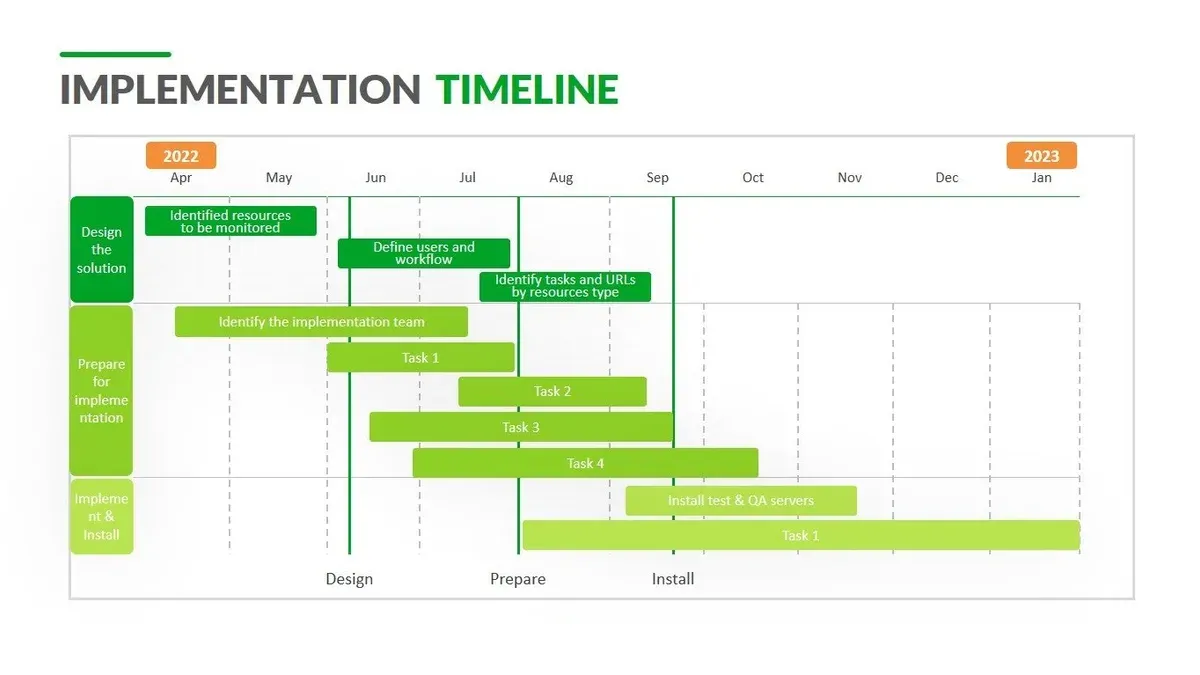
Divide your rollout into clear phases. Start with a pilot involving a small group of teachers and students to test Quizizz’s integration with your curriculum. Collect feedback on usability and engagement to adjust your approach before wider adoption. Next, plan a full-scale launch, ensuring all educators have completed training and have access to necessary materials.
Set milestones and checkpoints throughout the process. For example, by week two, complete staff training; by week four, finish the pilot and gather evaluation data; by week six, begin full implementation. Use these deadlines to monitor progress and address issues promptly.
For instance, a typical district might allocate three months: weeks 1–2 for readiness checks and training; weeks 3–4 for the pilot phase; weeks 5–6 to analyze pilot feedback and prepare resources; and weeks 7–12 for full deployment and ongoing support.
- Assess technology, training needs, and content readiness
- Plan phased rollout: pilot, feedback, full launch
- Establish clear milestones and deadlines to track progress
- Allow time for evaluation and resource adjustment between phases
How to Create and Use Quizzes in Quizizz to Maximize Engagement
Begin by selecting “Create” from the Quizizz dashboard, then choose either “Start from Scratch” or pick a template from the extensive library. Templates speed up creation but starting fresh lets you tailor content precisely to your curriculum.
Add questions by clicking “Add Question” and select from multiple-choice, checkbox, fill-in-the-blank, or open-ended types. Incorporate images, audio, or video by using the media icons within the question editor to cater to different learning styles and maintain attention.
Adjust timing per question in the “Settings” tab—shorter times boost pace but longer times suit complex problems. For example, a math quiz might allow 60 seconds per problem, while a vocabulary quiz could use 30 seconds.
Deploy quizzes live by choosing “Play Live” for synchronous engagement, or assign as homework with “Assign” for asynchronous access. Live quizzes foster competition and immediate feedback; homework mode supports flexible pacing.
Throughout creation, use the preview function to ensure clarity and flow. A common oversight is not previewing, which can lead to confusing instructions or media display errors.
- Access dashboard and click “Create”
- Choose template or start blank
- Add diverse question types with multimedia
- Set appropriate timing per question
- Preview quiz before publishing
- Deploy live or assign as homework
Avoid Common Mistakes During Your Quizizz Rollout
One frequent error is skipping pilot testing or providing inadequate training for educators. Without hands-on experience, teachers may struggle with Quizizz’s features like the "Reports" section under the dashboard, limiting their ability to analyze student performance effectively. A successful implementation involves a small-scale pilot where educators familiarize themselves with lesson creation and class assignment before full deployment.
Another pitfall is overloading students with quizzes lacking clear objectives. For example, assigning daily quizzes without aligning them to specific learning goals can cause fatigue and reduce engagement. Instead, schedule quizzes strategically, targeting key concepts and using Quizizz’s "Schedule" feature to pace assessments thoughtfully.
Finally, ignoring the rich data analytics and student feedback available in Quizizz hampers continuous improvement. Schools that regularly review the "Student Insights" and adjust content see higher adoption and learning gains, while those that overlook this feedback often face stagnant results.
- Conduct a pilot test with a small teacher group before full rollout
- Provide comprehensive training on Quizizz features and data analysis
- Align quizzes with clear learning objectives and pace them appropriately
- Regularly review Quizizz analytics and student feedback for adjustments
Integrate Time-Telling and Timeline Features in Quizizz for Enhanced Learning
Quizizz offers interactive quiz formats ideal for teaching time concepts and sequencing events. To create a time-telling quiz, use the "Image Choice" question type where students select clock faces showing the correct time based on a digital prompt. For example, a question might display "What time is 3:45 PM?" alongside four clock images, encouraging visual recognition and reinforcing analog time skills.
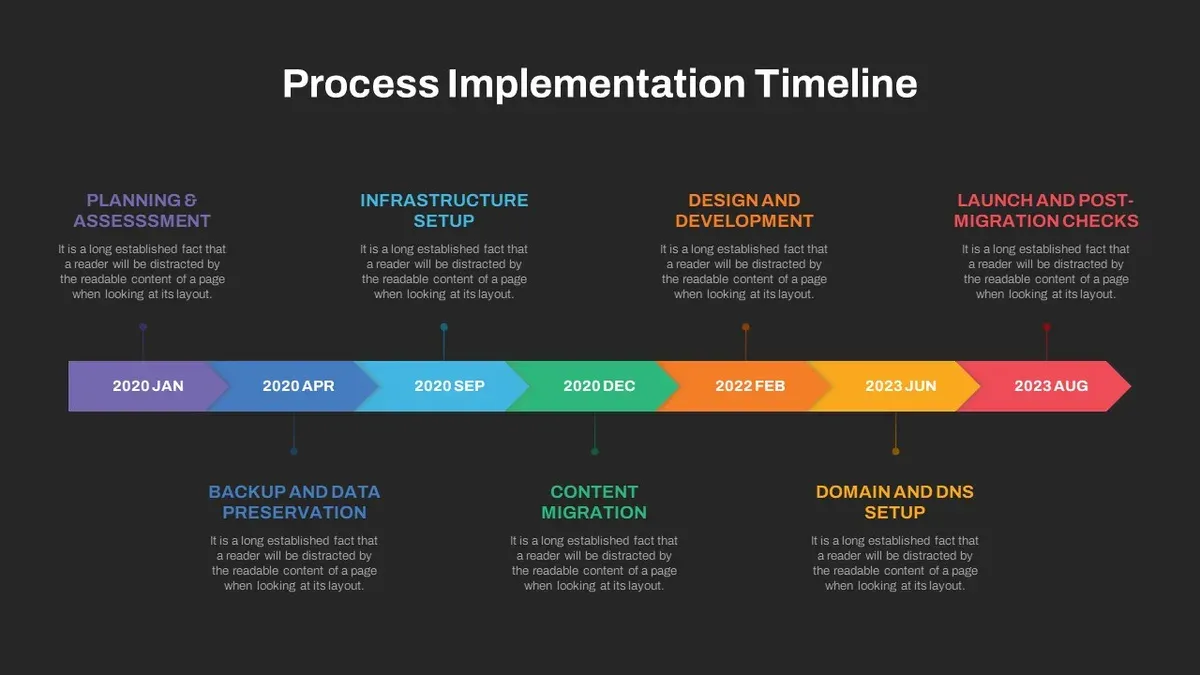
Timeline quizzes help students grasp historical or process-based sequences by ordering events correctly. Use "Ordering" question types where learners drag and drop events along a timeline, such as arranging key moments in New York City history or steps in a scientific process. This kinesthetic approach deepens understanding of chronology and cause-effect relationships.
Creative quiz ideas include combining time-telling questions with timeline ordering in a single quiz, like asking students to identify when a historical event occurred and then place it in sequence with others. Templates can be adapted from the Quizizz library, focusing on subjects like "Reading Clocks" or "World Events Timeline" to save time while maintaining engagement.
- Create "Image Choice" questions with clock faces for time recognition
- Use "Ordering" questions to build timelines of events or processes
- Combine question types for multifaceted learning experiences
- Leverage Quizizz templates tailored to time and timeline topics
Read next
- Moving from Pear Deck to Quizizz: Your Essential Checklist
- Moving from Nearpod to Quizizz: Your Complete Transition Checklist
- Moving from Microsoft Forms to Quizizz: Your Expert Checklist
- Moving from Padlet to Quizizz Checklist: A Practical Educator’s Guide
Frequently asked questions
When was quizizz made?
Quizizz was created in 2015 as an interactive learning platform designed to engage students through gamified quizzes. Since its launch, it has evolved continuously with added features like live games, asynchronous assignments, and detailed reports to support various teaching styles.
How to create an implementation timeline?
Start by assessing your school's readiness and setting clear goals for Quizizz adoption. Break down the process into phases such as training, pilot testing, and full rollout, allocating realistic timeframes for each. Include checkpoints for feedback and adjustments to ensure smooth integration.
How to create quizizz?
To create a Quizizz quiz, log in to your dashboard and select “Create” then “Quiz.” Add questions by choosing from multiple formats like multiple-choice, checkbox, or fill-in-the-blank, and set timers or points per question. Preview the quiz before saving to catch any errors or formatting issues.
How to use quizizz?
Use Quizizz by assigning quizzes as live games or homework through the dashboard. You can share a game code for synchronous play or send a link for asynchronous completion. Monitor student progress and analyze reports directly within the platform to inform your instruction.
What happened to quizizz?
Quizizz has expanded its features and user base over time, integrating with popular learning management systems and adding content libraries. It remains actively supported and updated, focusing on enhancing engagement and ease of use for educators and students.
Quick checklist
- Assess your school's technology readiness and internet stability before starting.
- Set clear milestones for staff training, pilot testing, and full rollout.
- Schedule time for creating or importing quizzes aligned with your curriculum.
- Plan for ongoing monitoring and collecting feedback from educators and students.
- Integrate time-telling features in quizzes to reinforce learning objectives.
- Prepare contingency plans for common technical or engagement challenges.
Honest limits of this guide
This guide focuses on educational settings and may not cover corporate or other non-educational implementations of Quizizz. Technology infrastructure and user readiness vary widely; adapt timelines accordingly to fit your unique environment. It does not replace formal training or professional development on digital tools, which remain essential for effective adoption.
The most useful next step is to convene your instructional team to draft a customized, realistic timeline based on your school’s specific resources and goals. Begin by mapping out essential dates for staff orientation and pilot quizzes to create momentum and ensure a smooth transition to full implementation.