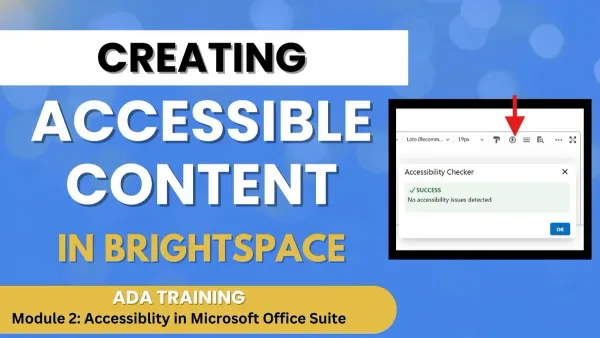
Accessibility
How to Make Course Content Accessible in Brightspace: A Step-by-Step Guide
Follow this step-by-step guide to make your course content accessible in Brightspace using built-in tools and universal accessibility principles.

Editor at RolloutReady. Daniel helps schools and small teams plan, launch and support new technology, and writes the rollout guides, setup checklists and troubleshooting walkthroughs published here.

Accessibility
Follow this step-by-step guide to make your course content accessible in Brightspace using built-in tools and universal accessibility principles.
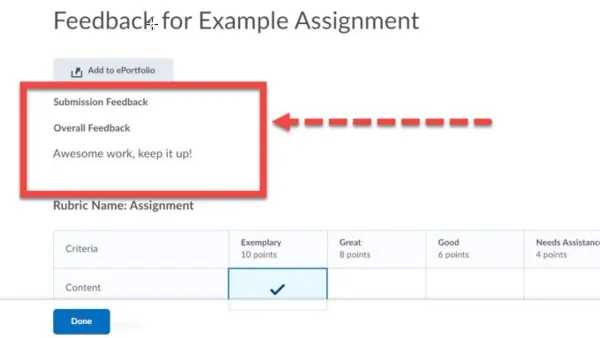
Education Technology
This guide explains how to leave clear, effective feedback on student work in Brightspace using text, rubrics, and multimedia tools.
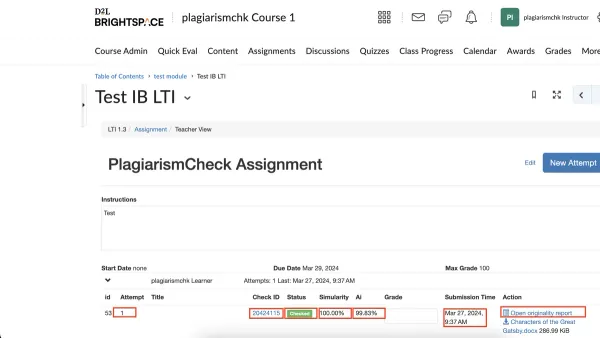
Academic Integrity
This article guides you step-by-step on handling plagiarism concerns in Brightspace by enabling detection tools and applying academic integrity policies.
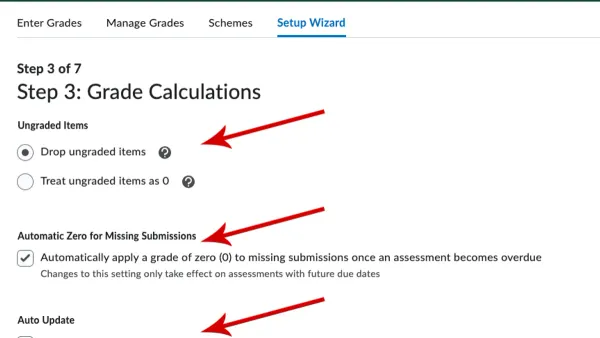
Education Technology
Step-by-step guide to grading student work in Brightspace, covering gradebook setup, grading assignments, quizzes, discussions, and managing grade release.
Online Learning
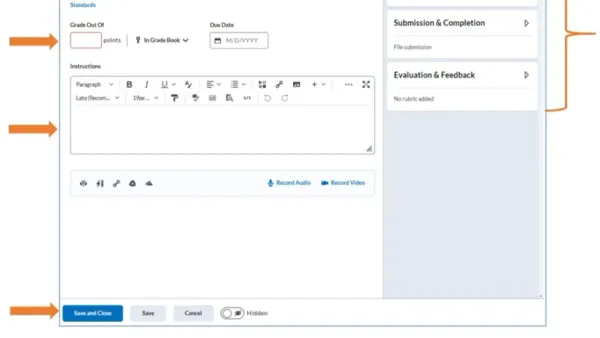
Step-by-step guide on how to create and manage assignments in Brightspace for instructors and students.
Brightspace
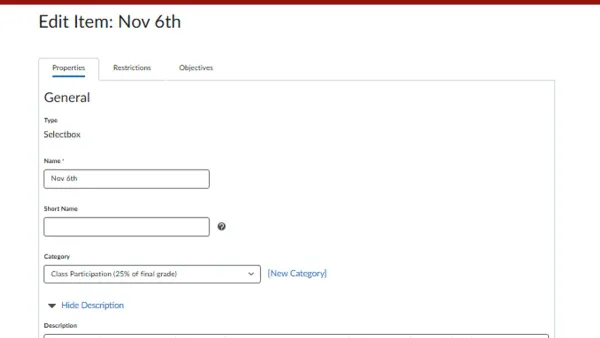
Step-by-step guide to creating a clear and organized weekly agenda page in Brightspace for better course navigation and student clarity.
E-Learning
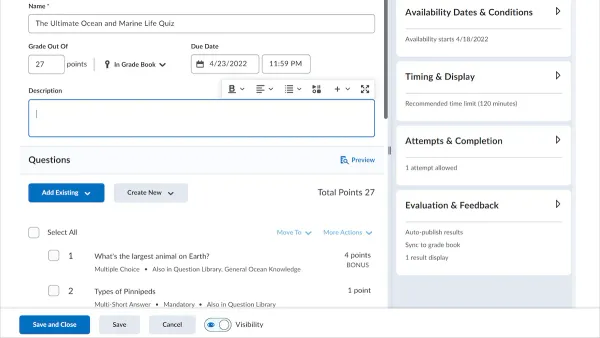
This guide shows you how to build and manage quizzes in Brightspace with clear, practical steps for instructors.
Brightspace
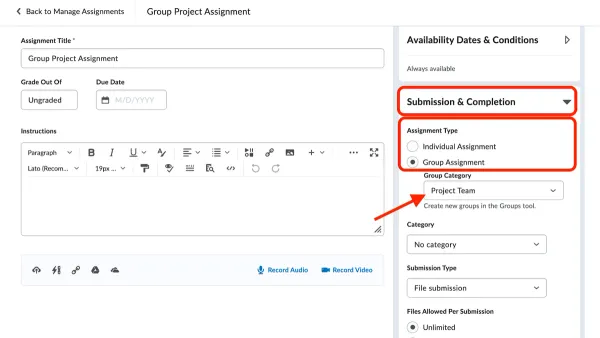
This guide explains how to assign work to small groups in Brightspace, covering group creation, assignment setup, and managing submissions.
Device Management
This guide explains how to switch from Apple School Manager to Mosyle smoothly, covering setup, migration steps, and avoiding common pitfalls.
Education Technology
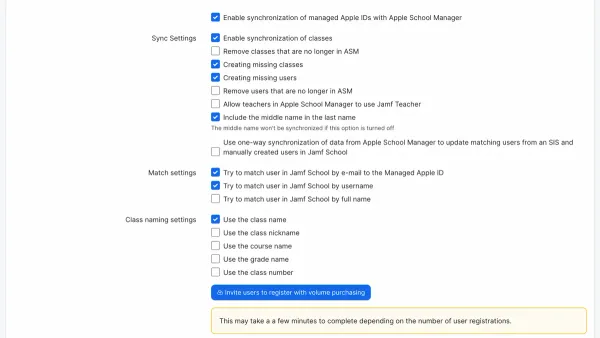
This checklist guides you through moving from Apple School Manager to Jamf School, covering device enrollment, user sync, and configuration steps.
Education Technology
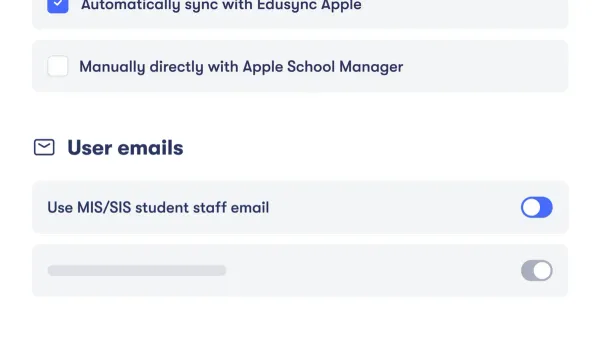
This guide explains how to switch from Apple School Manager to Clever, covering user migration, SIS sync, and avoiding common pitfalls.
Education Technology
Learn how Apple School Manager streamlines device deployment, app distribution, and account management for private schools.