Create an Effective iPads Implementation Timeline: Expert Guide
Learn how to create an effective iPads implementation timeline that aligns device rollout with hardware and software milestones for smooth deployment.

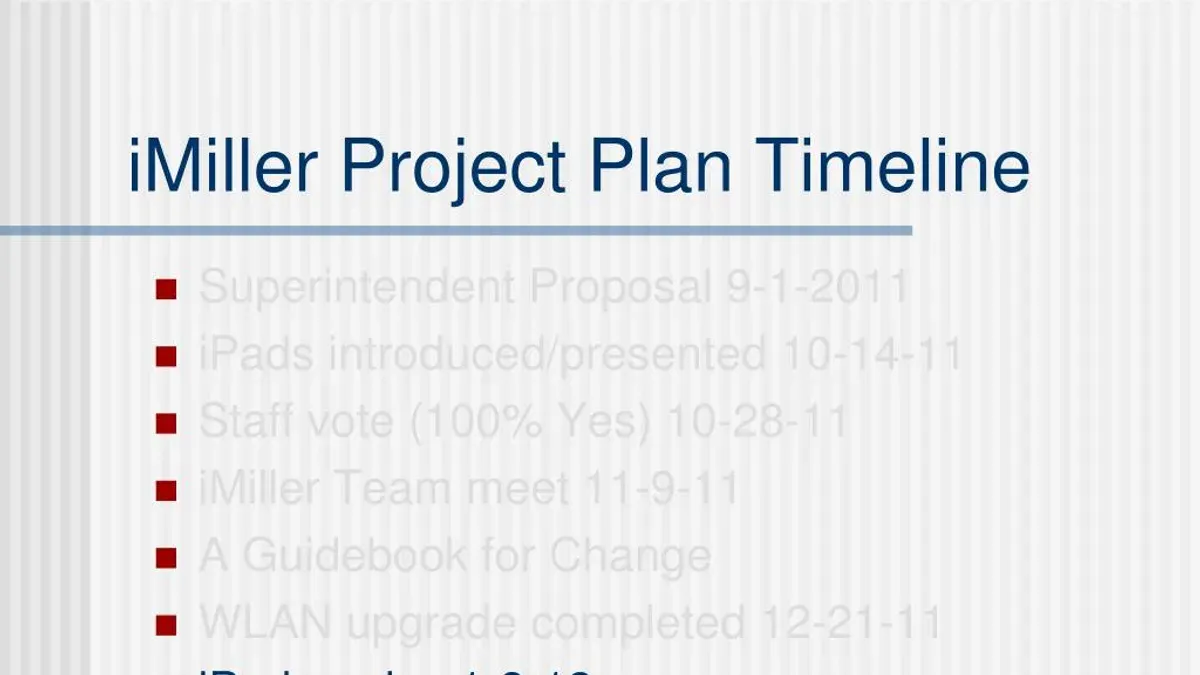
Short answer: An effective iPads implementation timeline aligns your device rollout with the history of iPad releases and iOS support cycles, ensuring compatibility and maximizing device lifespan. To build this timeline, you need to understand when key iPad models launched and how iOS updates impact your deployment schedule.
This article guides you through creating a practical iPads implementation timeline tailored to your organization's needs. You'll learn how to integrate hardware generations with software development, avoid common planning pitfalls, and use the iPad generations timeline to anticipate future upgrades. This approach helps you deploy devices smoothly while maintaining long-term operational efficiency.
Understand the timeline of iPad releases
The iPad lineup has evolved through distinct generations, each introducing features that affect deployment and support. The original iPad launched with a 9.7-inch screen and a 1GHz Apple A4 chip, setting the foundation. Subsequent generations improved processing power, display quality, and added functionalities like Retina displays and Apple Pencil support.
Variants such as the iPad Air and iPad Pro broaden the lineup, targeting different user needs. For example, the iPad Air introduced a thinner design and more powerful chips while maintaining a similar screen size, making it a versatile choice for both education and business. The iPad Pro series added larger displays, higher refresh rates, and advanced cameras, suitable for high-performance tasks.
| Release | Model | Key Specs | Support Duration |
|---|---|---|---|
| 2010 | iPad 1st Gen | 9.7" screen, A4 chip, no multitasking | ~5 years |
| 2013 | iPad Air 1st Gen | Thin design, A7 chip, Retina display | ~6 years |
| 2015 | iPad Pro 12.9" 1st Gen | Large display, A9X chip, Pencil support | ~6 years |
| 2020 | iPad Air 4th Gen | 10.9" screen, A14 chip, USB-C | Expected 5-6 years |
Understanding these milestones helps you select models that align with your organization's support and upgrade cycles. For instance, deploying iPad Air models with longer support periods delays costly replacements. Furthermore, new features like USB-C ports or Face ID may require adjustments in accessory compatibility and security policies.
- Review the generation and variant that best fits your users' needs
- Consider the expected support lifecycle to plan upgrades appropriately
- Account for feature changes impacting deployment logistics
How to create an implementation timeline for iPads
Start by assessing your current device inventory and identifying which models are in use. This helps determine compatibility requirements and the scale of replacement or addition needed. For example, if your organization uses older iPad Air models, you may prioritize upgrades to the latest iPad to ensure performance and iOS support.
Next, map out the phases of your rollout: procurement, staging, deployment, and training. Procurement typically takes 2 to 4 weeks depending on vendor and budget approval. Staging involves configuring devices with necessary profiles and apps, usually requiring 1 to 2 weeks. Deployment can be phased by department or location, often spanning 2 to 6 weeks depending on size. Training key users and support staff should be scheduled immediately before or during deployment to minimize downtime.
Simultaneously, incorporate software update and support timelines. Plan deployments around major iOS updates to avoid mid-rollout disruptions. For instance, avoid starting deployment a week before a scheduled iOS release, as updates can affect device setup and app compatibility.
Consider a phased rollout example: procurement takes 3 weeks, staging 2 weeks, deployment over 4 weeks by location priority, and training during weeks 5 and 6. Dependencies include completing staging before deployment and finishing training before full adoption.
- Assess device inventory and compatibility
- Plan procurement timeline (2–4 weeks)
- Schedule staging with device configuration (1–2 weeks)
- Phase deployment by department or location (2–6 weeks)
- Align training with deployment phases
- Coordinate timeline around iOS update schedules
Manage iOS development and support timeline alongside hardware rollout
Aligning iOS software updates and development with your hardware deployment ensures a seamless user experience and maximizes device longevity. Apple typically supports iPads with iOS updates for about five to six years after their initial release, which sets the boundaries for your deployment and upgrade cycles.
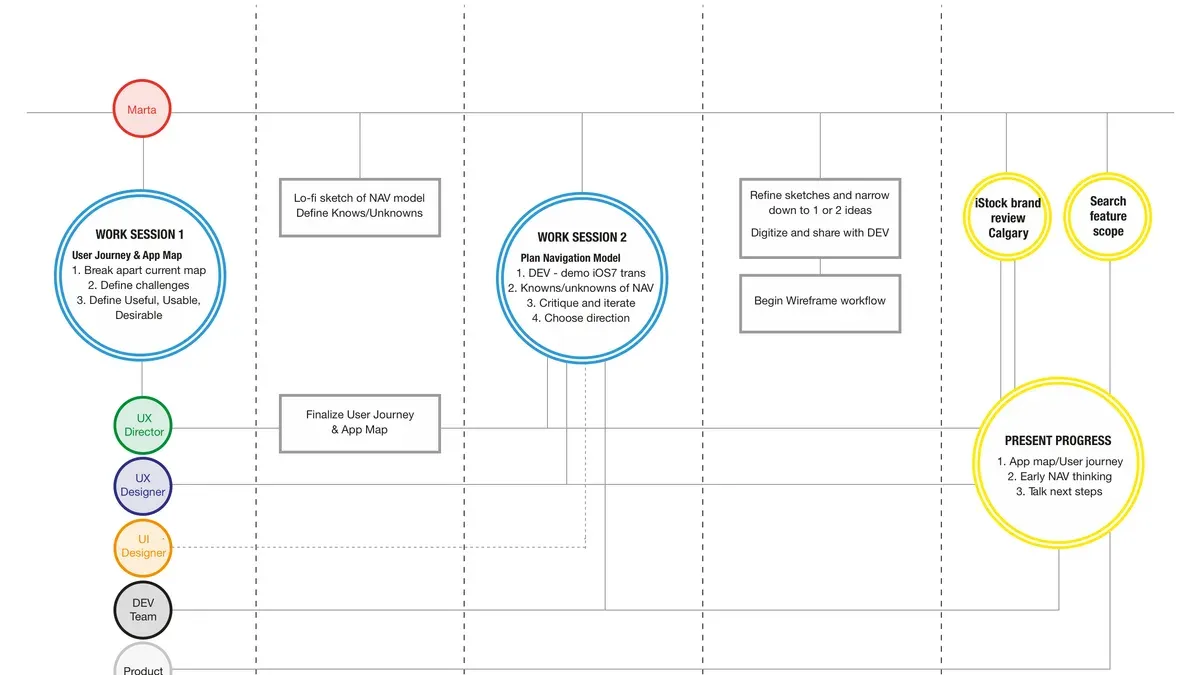
Plan your app development or customization around the iOS version that will be current when the devices enter active use. For example, if you deploy iPads that launch with iOS 16, but a major iOS 17 update is expected soon after deployment, schedule testing and compatibility checks for iOS 17 before full rollout. This prevents app failures and reduces downtime.
Testing should include a staged rollout where a small user group verifies app performance and system stability on the targeted iOS version. This approach minimizes disruptions during the broader deployment. For instance, a school district experienced frequent app crashes because their educational software was optimized only for iOS 15, while new devices came preloaded with iOS 16. Coordinating update schedules avoided such issues in subsequent deployments.
Maintaining close communication with your app vendors or development team about Apple’s update timeline helps you anticipate changes and schedule timely updates. This synchronization keeps your iPads functional and secure throughout their operational life.
- Track Apple’s iOS release and support timelines for your target iPad models.
- Schedule app development and testing around upcoming iOS versions.
- Conduct phased rollouts with pilot user groups to identify issues early.
- Coordinate with vendors for timely app updates aligned to iOS changes.
Avoid common mistakes when planning your iPads implementation timeline
One frequent pitfall is underestimating the time needed for training and user adoption. For example, a school district rushed deployment without scheduling adequate staff training sessions on device management and classroom integration. As a result, teachers struggled with basic functions like configuring Wi-Fi and using Apple Classroom, leading to frustration and delayed full utilization.
Ignoring device compatibility and support windows can also derail your rollout. Deploying older iPad models that no longer receive iOS updates risks app incompatibility and security issues. A business once deployed iPad Air (1st generation) units expecting seamless functionality, only to encounter app crashes when their critical software upgraded beyond iOS 13, which those devices could not run.
Failing to factor in software readiness and peripheral support disrupts workflow. Imagine launching a rollout without verifying that your essential apps are updated for the latest iOS or that Bluetooth keyboards and specialized cases are in stock and tested. This oversight can halt productivity and cause costly delays.
- Allocate sufficient time for comprehensive user training and hands-on practice
- Verify device models support current and upcoming iOS updates
- Confirm all critical apps and peripherals are compatible and available before deployment
- Plan contingencies for unexpected software or hardware issues
Use the iPad generations list timeline to inform future upgrades
Apple typically releases new iPad models on an annual or biennial basis, with each generation receiving iOS support for approximately five to six years. By analyzing this pattern, you can forecast when your current devices will approach the end of their software support lifecycle and plan upgrades accordingly.
For example, if your organization deploys a mid-generation iPad model that was released four years ago, you should anticipate support expiration within the next year or two. This helps avoid costly disruptions by ensuring devices remain compatible with essential apps and security updates.
Balancing cost, features, and longevity is key. Upgrading too early may mean paying a premium for features you don’t yet need, while upgrading too late risks unsupported hardware. A practical strategy is to time procurement around a new generation’s release to maximize feature access and software support duration.
Consider this cost-benefit approach: holding a device for its full support span reduces upfront expenses but could increase maintenance and app compatibility risks near the end of its lifecycle. Conversely, refreshing devices every three to four years aligns with typical support windows and keeps your fleet modern.
| iPad Generation | Typical Software Support Duration | Recommended Upgrade Cycle |
|---|---|---|
| Standard iPad | 5–6 years | 3–4 years |
| iPad Air | 5–6 years | 3–4 years |
| iPad Pro | 5–6 years | 3–4 years |
Leveraging the generational timeline ensures your deployment remains sustainable, balancing operational needs with budget constraints.
- Track your current iPad models’ release dates and support timelines
- Plan upgrades around the 3–4 year mark to maintain compatibility and performance
- Align procurement with new model releases to benefit from improved features and support longevity
- Use support expiration as a trigger for budgeting and training planning
Read next
- Moving from Windows Laptops to iPads: Your Complete Checklist
- Switching from Chromebooks to iPads: Your Expert Transition Guide
- Crafting and Using Windows Laptops Implementation Timelines
Frequently asked questions
What is the timeline of iPad releases?
The iPad release timeline begins with the original iPad launch, followed by successive generations introducing improvements such as Retina displays, enhanced processors, and support for Apple Pencil. Key milestones include the introduction of the iPad Pro line with larger screens and advanced features, and the addition of models like the iPad Air and iPad mini to cover different user needs. Understanding these milestones helps align deployment with devices that match your organizational requirements.
How do I create an implementation timeline for iPads?
Start by assessing your operational goals and device needs, then map these against the availability and capabilities of iPad models. Plan procurement, testing, training, and rollout phases with realistic timeframes, allowing buffer periods for software updates and staff adaptation. Incorporate vendor lead times and consider staggered deployment to manage workflow and support resources effectively.
What is the Apple iPad support timeline?
Apple provides iOS updates and security patches for several years after an iPad’s release, typically supporting devices for five to six years. After this period, devices no longer receive major iOS updates but may still function for basic tasks. Tracking support timelines ensures you don’t deploy devices nearing end-of-life, which could pose security or compatibility risks.
How can I manage iOS development timeline alongside hardware rollout?
Coordinate your iOS app development and testing schedules with Apple’s iOS release calendar to ensure compatibility. Allocate time for beta testing on the specific iPad models planned for rollout. Maintain flexibility to adjust your deployment if significant iOS updates introduce changes that affect your apps or device management policies.
Quick checklist
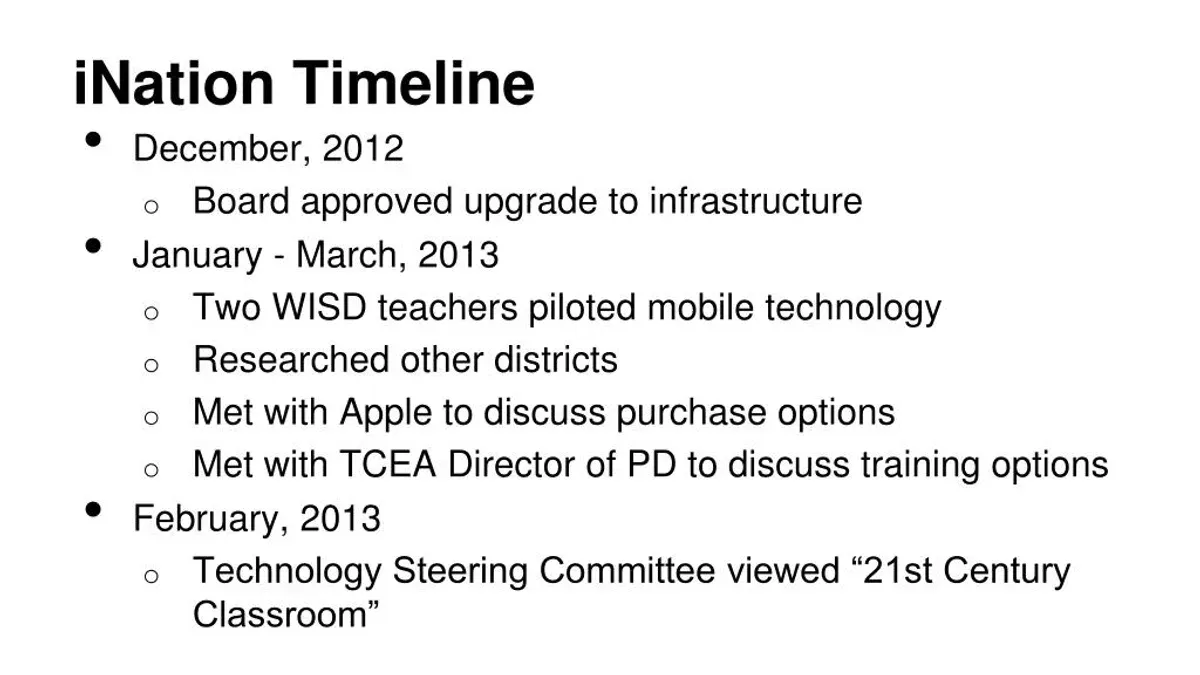
- Review the full history of iPad releases to align hardware capabilities with your needs.
- Map your organizational goals and operational calendar to realistic rollout phases.
- Coordinate iOS development and support schedules with device deployment.
- Identify and mitigate risks related to device compatibility and user training.
- Plan upgrade cycles based on iPad generation timelines to maximize investment.
What this advice does not cover
This guide does not cover detailed technical troubleshooting or deep app development processes, which require specialized expertise. If your implementation involves custom app creation or complex network configurations, consult with dedicated developers or IT specialists to address those needs.
For the next step, focus on creating a detailed project timeline that integrates device delivery dates, staff training sessions, and software update windows. This single coordinated schedule ensures smooth transitions and minimizes downtime during your iPads rollout.