Moving from Gimkit to Edpuzzle Checklist: What You Need to Know
This checklist guides teachers through moving from Gimkit to Edpuzzle, ensuring smooth content transition and sustained student engagement.

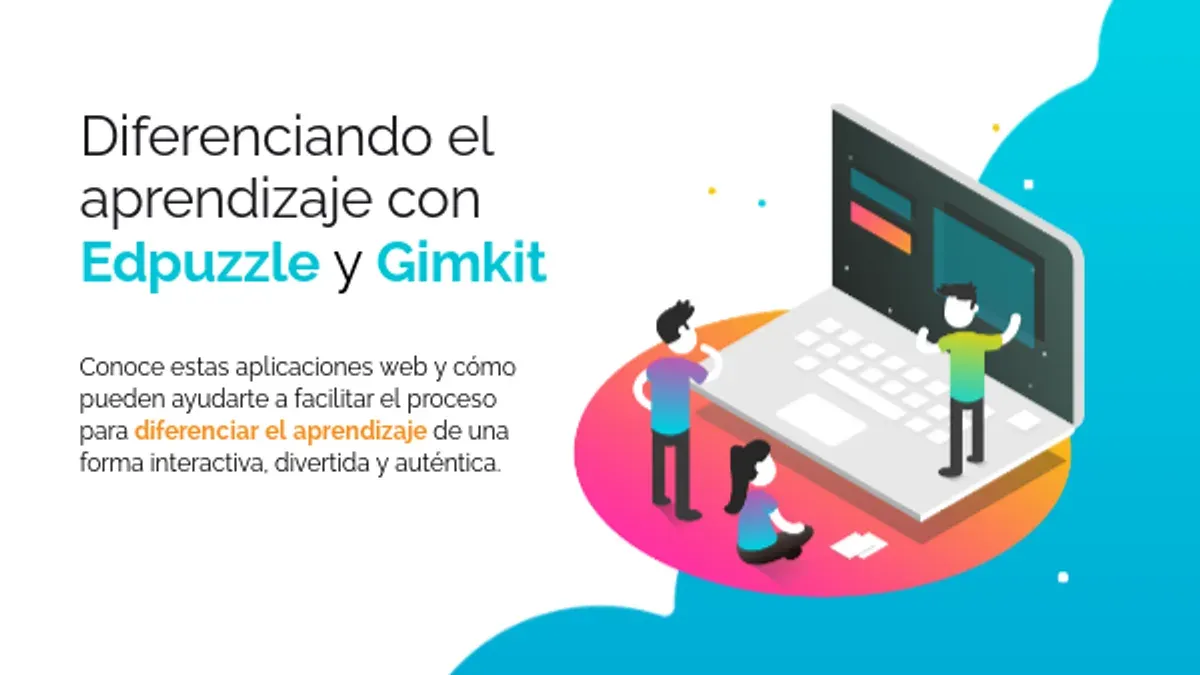
Short answer: Moving from Gimkit to Edpuzzle requires understanding key differences between a quiz-based game platform and an interactive video tool. A focused moving from Gimkit to Edpuzzle checklist helps you transition smoothly by preserving student engagement and maintaining effective assessment strategies.
This article covers the practical challenges you’ll face switching from Gimkit’s game-like quizzes to Edpuzzle’s video-driven lessons. You’ll get clear steps to prepare your existing content, create interactive videos, and avoid common mistakes. It also explains how to keep students motivated and ensure your assessments remain rigorous after the switch.
What is Gimkit and why do teachers use it?
Gimkit is a game-based quiz platform that engages students through competitive and interactive quizzes. It offers real-time feedback and uses virtual currency as incentives, allowing students to earn in-game money for correct answers and spend it on power-ups or upgrades. This approach encourages repeated play and reinforces learning retention by making review sessions feel like a game.
Teachers use Gimkit to boost student participation and quickly assess knowledge during lessons. For example, a teacher might set up a 15-question quiz on vocabulary where students race to answer correctly, earn virtual money, and strategically apply power-ups to improve their chances. The platform’s dynamic features such as timed rounds and leaderboards keep students motivated and focused.
These mechanics drive higher engagement levels compared to traditional quizzes, making Gimkit a popular choice for formative assessment and review. The immediate feedback loop helps students identify gaps in understanding on the spot, supporting timely intervention.
How does Edpuzzle differ from Gimkit?
Edpuzzle centers on interactive videos that embed questions directly within the video timeline, enabling formative assessment as students watch. This contrasts with Gimkit's game-based quizzes, which rely on real-time competition and point accumulation to drive engagement. Edpuzzle supports self-paced learning; students can pause, rewind, or review content, which suits varied learning speeds and reinforces comprehension.
For example, a science teacher using Gimkit might run a competitive quiz on photosynthesis facts. Switching to Edpuzzle, the teacher would assign a video explaining photosynthesis with multiple-choice and open-ended questions embedded at key moments, prompting students to apply knowledge while watching rather than recalling it afterward.
| Feature | Gimkit | Edpuzzle |
|---|---|---|
| Content Delivery | Quiz questions with game elements | Interactive video lessons |
| Assessment Style | Real-time quiz competition | Formative questions during video |
| Engagement Method | Points, power-ups, leaderboards | Video interaction, self-pacing |
| Learning Pace | Live, synchronous | Self-paced, asynchronous options |
How to use Gimkit in the classroom before switching
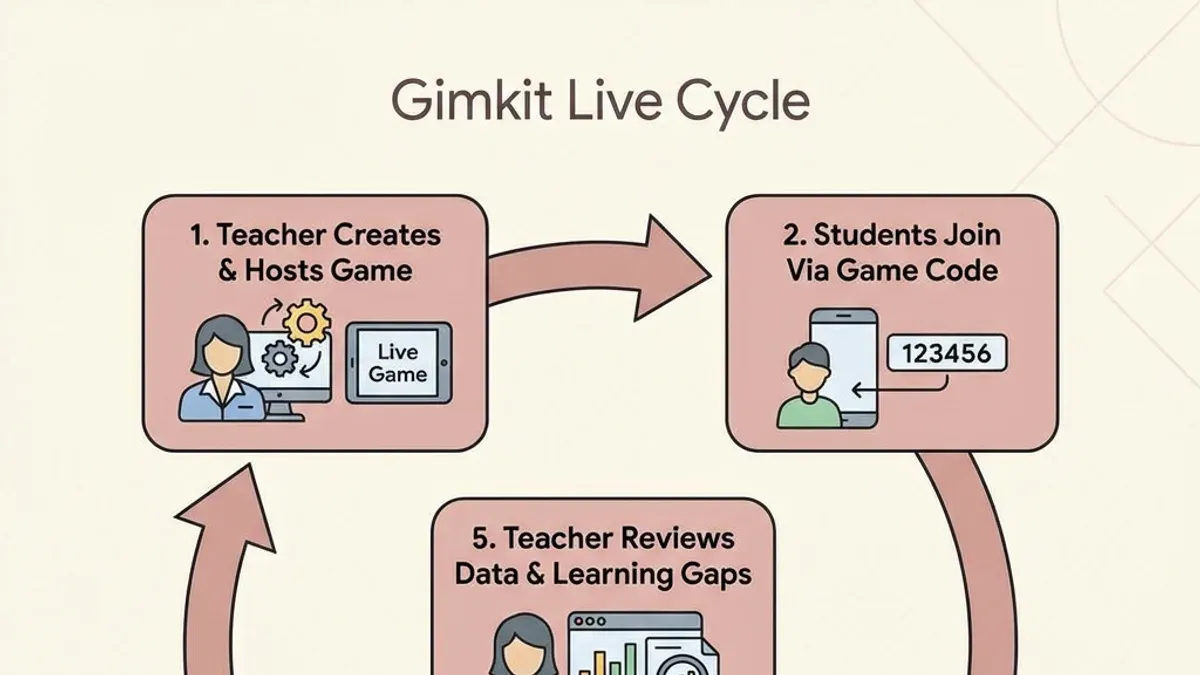
Run Gimkit sessions by first selecting or creating a kit from the "My Kits" tab. Choose game modes like "Standard" for classic quiz play or "Challenge" for team competition to suit your lesson goals. Set a time limit per question (commonly 20-30 seconds) to keep pace steady. Launch the kit and monitor progress live through the instructor dashboard, which shows student scores and answer patterns.
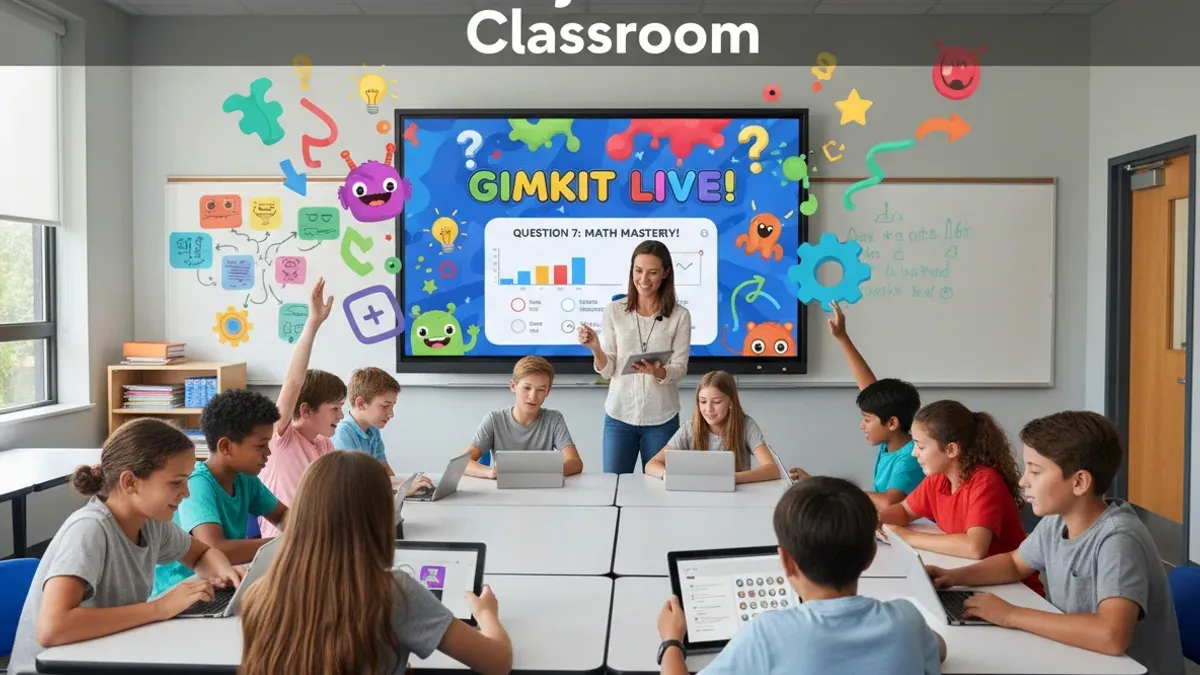
Gimkit answers work by allowing students multiple attempts per question, but only the first correct answer counts for points. This mechanism encourages persistence but requires clear instructions to maintain academic integrity. To prevent answer sharing, activate settings like "Randomize Questions" and "Answer Choices" under the kit settings menu.
Use the "Reports" tab post-session to analyze data on question difficulty and individual student performance. For example, a teacher noticed students struggled with a vocabulary set and assigned targeted review before switching platforms. This data-driven approach ensures you address learning gaps that might not be obvious in real-time play.
- Create or select kits carefully to match content complexity.
- Choose game modes that fit your classroom dynamic.
- Set question timers to balance speed and thoughtfulness.
- Enable randomization to uphold integrity.
- Review reports to adjust instruction before transitioning.
What steps should you follow to move from Gimkit to Edpuzzle?
Start by auditing your Gimkit content. List the key topics and questions you want to carry over. For example, if you have a Gimkit quiz on photosynthesis with 20 questions, note which concepts each question covers and their format. This helps you recreate equivalent interactive questions within Edpuzzle videos.
Next, learn how to create interactive videos in Edpuzzle. Upload or find relevant videos, then embed multiple choice, open-ended, or true/false questions that align with your Gimkit content. For instance, add a multiple choice question on chlorophyll’s role at the 2:15 timestamp. Use Edpuzzle’s preview to ensure smooth flow and question timing.
Communicate the platform change clearly to your students. Provide a brief orientation session or tutorial on Edpuzzle’s interface and how to submit assignments. Set expectations on pacing since Edpuzzle is self-paced, unlike Gimkit’s live competitions.
Finally, configure grading and reporting in Edpuzzle to match or improve your current assessment practices. Enable automatic grading for objective questions and check the "Gradebook" tab for summary reports. Compare these to your Gimkit data to verify assessment quality remains consistent.
- Audit Gimkit quizzes by topic and question type
- Create interactive videos with aligned embedded questions
- Provide student training on Edpuzzle usage and expectations
- Set up grading and reporting features in Edpuzzle
What common mistakes should you avoid when switching platforms?
Failing to align your assessment goals between Gimkit and Edpuzzle can derail your switch. For example, Gimkit’s competitive quizzes measure quick recall, while Edpuzzle focuses on comprehension through embedded questions. If you simply replicate quiz content without adjusting for this, your assessments may not reflect the same learning objectives.
Neglecting to train students on Edpuzzle’s interface causes confusion and disengagement. One educator reported students skipping videos or missing embedded questions because they weren’t familiar with navigation controls. A brief orientation session covering video controls, how to answer questions, and how progress is tracked prevents this problem.
Ignoring differences in pacing and interaction style disrupts lesson flow. Edpuzzle allows self-paced viewing, unlike Gimkit’s timed rounds. Teachers who do not plan for this often find students finish at different times, creating downtime. Scheduling buffer time or grouping students by pace helps maintain order.
Overloading videos with too many questions or excessive content reduces effectiveness. An example is a 15-minute video packed with 20 questions, which overwhelmed students and lowered completion rates. Limit videos to about 5-7 minutes and embed 5-7 questions to keep engagement high and avoid fatigue.
How to maintain student engagement and assessment quality after switching
To keep lessons dynamic, incorporate a variety of videos from different sources and formats within Edpuzzle. Mixing short clips, full-length lessons, and real-world examples prevents monotony and sustains attention. Use Edpuzzle’s analytics dashboard to track student responses to embedded questions, identifying concepts that need reteaching or pacing adjustments.
Since Edpuzzle lacks Gimkit’s competitive game elements, supplement it with tools like Kahoot or Quizizz for gamified review sessions. This hybrid approach preserves engagement while leveraging Edpuzzle’s strengths in self-paced video learning. Regularly gather student feedback through quick surveys or discussion to refine video length, question types, and difficulty.
For example, a high school science teacher noticed that after switching, average quiz scores improved and video completion rates increased by using short, thematic videos combined with Kahoot review games. She used Edpuzzle’s “View Analytics” to spot common errors and readdressed topics during class, maintaining assessment quality and student involvement.
Frequently asked questions
How to get gimkit answers?
Gimkit answers come from the questions the teacher creates or selects within the platform. To review correct answers, you can access the question bank or the kit editor under the "Edit Kit" menu. However, actively seeking or sharing answers during a live game undermines the learning process and is discouraged.
How to get Gimkit answers?
Answers for Gimkit quizzes are embedded in the kit you or your educator have set up. You can view them by opening the kit in the "Edit Kit" section, where each question and its correct answer are displayed. Using answer keys outside the intended context disrupts assessment integrity.
Can Edpuzzle replace Gimkit completely?
Edpuzzle can replace Gimkit for video-based interactive lessons but not for game-style quiz experiences. Gimkit focuses on gamified quizzes with features like power-ups and real-time competition. Edpuzzle excels in embedding questions into videos for formative assessment but lacks game mechanics, so they serve different engagement purposes.
Is Edpuzzle easier to use than Gimkit?
Edpuzzle has a straightforward interface focused on video editing and embedding questions, which many find intuitive if you are comfortable with video content. Gimkit requires managing question banks and game settings, which can feel more complex due to the game elements. Ease of use depends on your familiarity with video tools versus quiz game setups.
What are the cost differences between Gimkit and Edpuzzle?
Both platforms offer free tiers with limited features. Gimkit’s paid plans unlock more game modes and question limits, while Edpuzzle’s premium options provide advanced analytics and more storage for videos. The exact costs vary, so check their official pricing pages to compare current subscription details based on your needs.
What this advice does not cover
This checklist focuses on transitioning from Gimkit’s quiz games to Edpuzzle’s video platform and does not cover switching to other types of educational tools or platforms. It assumes you have basic familiarity with both Gimkit and Edpuzzle; if you are a complete beginner, you should consult detailed tutorials or platform-specific support. Edpuzzle’s video-centric approach may not suit all subjects or teaching methods that rely heavily on game-based learning mechanics.
Quick checklist
- Review current Gimkit content and identify key learning objectives to replicate in Edpuzzle.
- Create or select appropriate videos in Edpuzzle that align with your curriculum.
- Embed interactive questions in Edpuzzle videos, mirroring Gimkit’s quiz style where possible.
- Set up classes and student groups in Edpuzzle to match your existing roster.
- Schedule video assignments with clear deadlines and instructions.
- Communicate the change to students, explaining differences in format and expectations.
- Monitor student progress and adjust interactive content based on engagement and assessment results.
The most useful next step is to start by mapping your current Gimkit quizzes to specific Edpuzzle videos and their interactive questions. This targeted approach ensures you preserve the essential learning goals and makes the transition smoother for both you and your students.
See also: How to Transition from Formative to Edpuzzle: A Step-by-Step Checklist · Edpuzzle Implementation Timeline: A Step-by-Step Guide for Educators · Moving from Formative to Gimkit: A Complete Setup and Usage Checklist · Switching from Edpuzzle to Gimkit: A Practical Guide for Teachers