ParentSquare Implementation Timeline: A Step-by-Step Explainer Guide
Discover how to create and manage a ParentSquare implementation timeline that ensures smooth adoption and maximizes communication with families and staff.

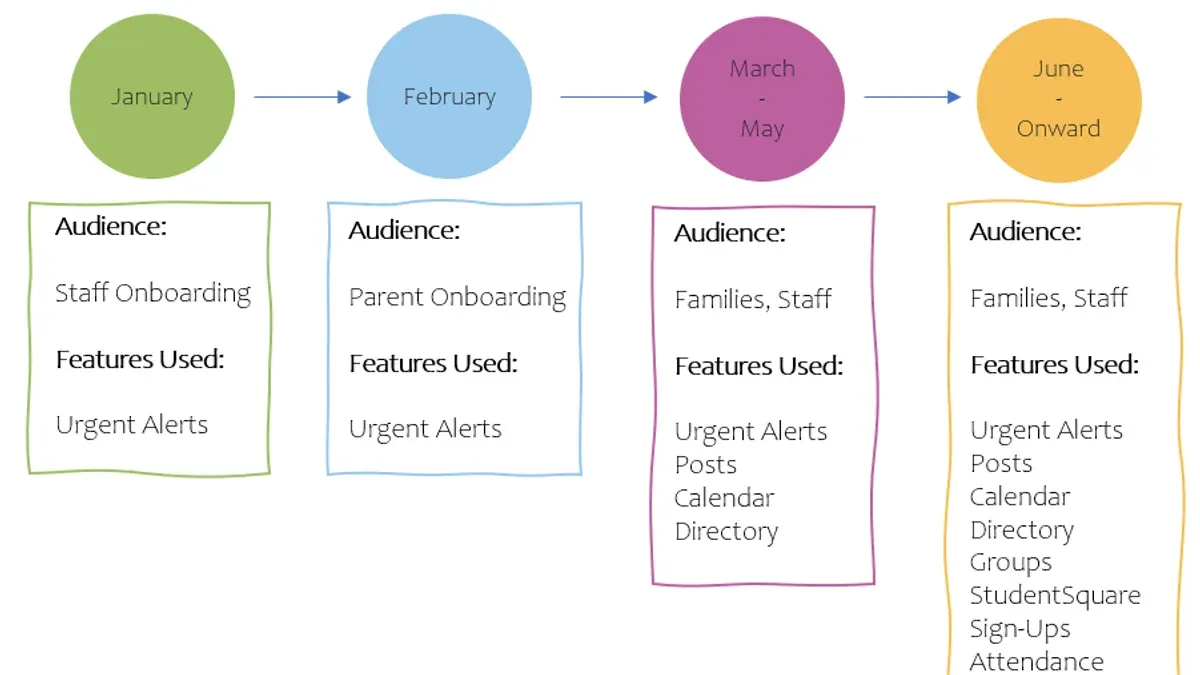
Short answer: A successful ParentSquare implementation timeline balances technical setup with clear communication goals and stakeholder engagement. You should plan phases for preparation, training, rollout, and follow-up to ensure smooth adoption and active participation from families and staff.
This article guides you through the practical steps of creating and managing your ParentSquare implementation timeline. You will learn how to align the rollout with your school’s communication objectives, engage key stakeholders early, and avoid common pitfalls that slow adoption. Each phase includes actionable advice to keep your project on track and maximize the platform’s impact on parent and community communication.
Understand what ParentSquare is and why it matters
ParentSquare is a comprehensive communication platform designed to centralize and enhance school-to-family interactions. It offers messaging capabilities that reach parents via email, text, and app notifications, ensuring critical information is delivered promptly. Beyond messaging, it supports event scheduling, volunteer sign-ups, permission form distribution, and real-time translation, making it easier to engage diverse communities.
Effective communication platforms like ParentSquare improve school engagement by streamlining information flow and increasing parent participation in school activities. They also contribute to safety by delivering timely alerts and emergency notifications directly to families. Compared to traditional methods such as phone trees or paper flyers, ParentSquare’s digital approach reduces delays and missed messages.
ParentSquare integrates with existing school information systems (SIS) such as PowerSchool or Infinite Campus, syncing contact information and calendars. This integration reduces manual data entry and keeps communication accurate and up to date. Timing your rollout to coincide with the start of a school term or a major event maximizes initial engagement and helps establish consistent usage patterns.
For example, a district that implemented ParentSquare before its annual back-to-school night saw a significant increase in parent attendance and volunteer registrations, as families received personalized invitations and reminders through the platform. This practical alignment of communication tools with school events illustrates why understanding the platform’s capabilities and strategic benefits is essential before planning your implementation.
How to use ParentSquare effectively
Start by familiarizing yourself with the ParentSquare dashboard, accessible via the main menu under "Dashboard." Key features include the announcement feed, calendar, messaging center, and volunteer sign-ups. Each function is clearly labeled and designed for intuitive navigation, but spend time exploring settings under "Admin Tools" to customize your experience.
Setting up user roles is critical for security and clarity. Go to "Admin Tools" > "User Management" to assign roles such as Administrator, Teacher, or Parent. Ensure permissions match responsibilities—for example, teachers should have access to class communication but not district-wide announcements.
Encouraging early engagement starts with a well-planned first week. Launch with a welcome announcement, followed by a calendar event for an upcoming school activity to demonstrate event scheduling. Send a simple message inviting questions and feedback. This approach mimics successful pilot programs where engaging content in the first days led to active participation from about half of the users.
For instance, a typical first-week plan might include: Day 1, send a district-wide welcome message; Day 2, teachers post classroom introductions; Day 3, parents RSVP for a parent-teacher meeting; Day 4, share a volunteer opportunity; Day 5, send reminders and gather feedback.
- Explore the Dashboard and key features before rollout
- Assign appropriate user roles and permissions in "User Management"
- Plan a structured first week with varied communication types
- Use announcements, calendar events, and messaging to drive early engagement
Create your implementation plan and timeline
Begin by assessing your current communication workflows to understand how information flows between staff, parents, and students. Identify gaps such as delayed notifications or inconsistent messaging by reviewing recent communication logs and surveying key stakeholders. This baseline allows you to tailor your ParentSquare rollout to address specific needs.
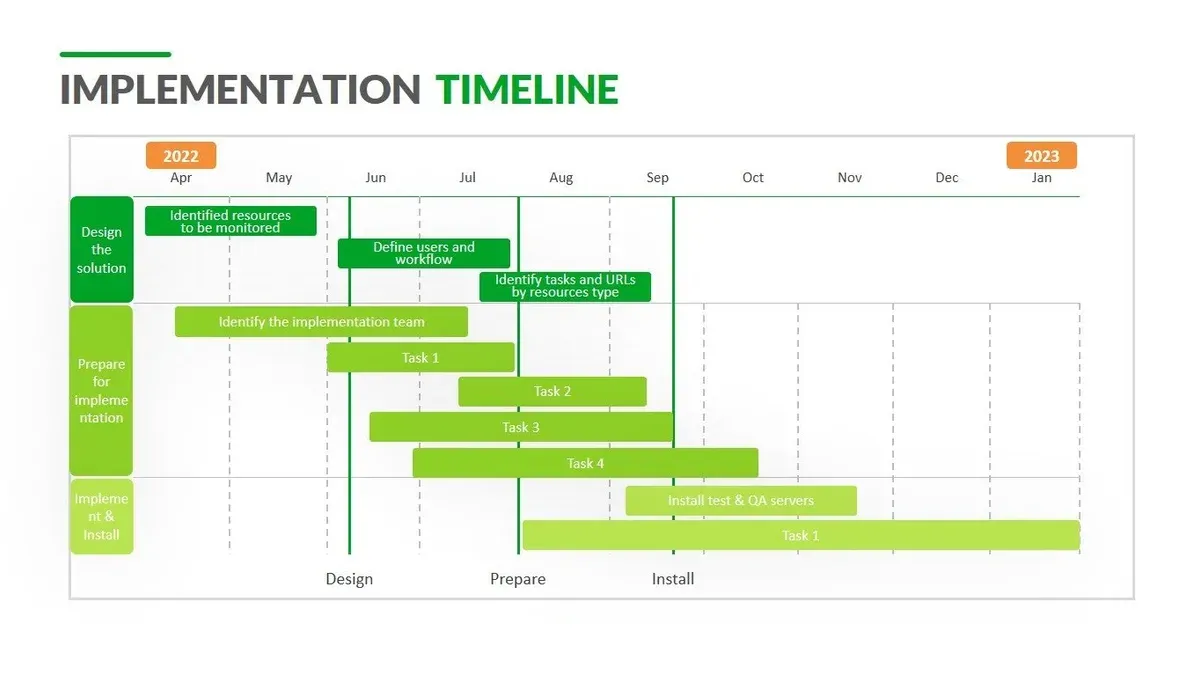
Next, set clear milestones that map out training sessions, pilot testing phases, and full deployment. For example, plan initial staff training in Week 1, followed by a two-week pilot with select grades or schools in Weeks 2-3. Use this pilot to gather real-time feedback and identify technical or user challenges. Schedule a full deployment at the start of the following month after adjustments.
Incorporate feedback loops by scheduling weekly check-ins during the pilot and monthly reviews post-launch. Use ParentSquare’s built-in analytics and direct surveys to monitor engagement and troubleshoot issues quickly. Adjust your timeline as needed to accommodate unforeseen challenges, ensuring the rollout remains smooth and effective.
Consider the example of a mid-sized district that launched staff training in early September, piloted ParentSquare with two elementary schools through mid-September, and completed full deployment by October 1. This phased approach allowed them to refine training materials and communication templates before district-wide use.
- Assess current communication workflows and identify gaps
- Set milestones for training, pilot testing, and full deployment
- Schedule regular feedback loops to monitor and adjust
- Use phased rollout with targeted pilots before full launch
Manage the timeline for your implementation plan
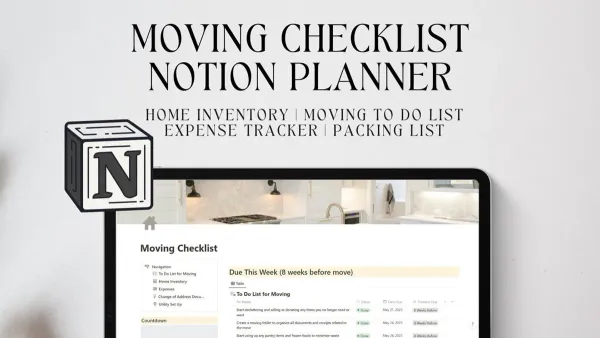
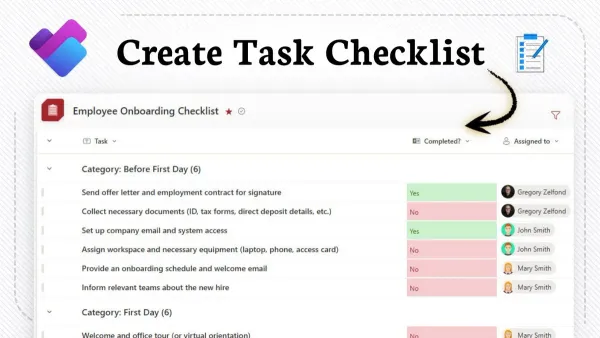
Tracking the progress of your ParentSquare rollout is essential to keep the project on schedule and stakeholders informed. Use project management tools like Microsoft Planner or Trello to create a visual dashboard that lists each milestone with assigned owners and deadlines. This centralized view helps identify delays early and facilitates timely interventions.
Regular communication is critical. Set up weekly email updates or brief virtual meetings summarizing completed tasks, upcoming steps, and any adjustments to the timeline. Use ParentSquare itself to send tailored updates to staff and parents, ensuring transparency and maintaining engagement.
Contingency planning prepares you for common delays such as slower-than-expected staff training or technical glitches. For example, if training sessions fall behind, have backup dates ready and consider asynchronous video tutorials to keep momentum. A realistic buffer of one to two weeks within your timeline reduces pressure and accommodates unforeseen issues.
Picture a school district using a Trello board segmented by phases: setup, training, and launch. Each card includes due dates and links to resources. When a training module is delayed, the coordinator immediately flags it, triggering an email update through ParentSquare to staff and an extended training schedule. This proactive approach minimizes disruption and keeps everyone aligned.
- Create a visual timeline dashboard with clear milestones and owners.
- Communicate updates weekly via email and ParentSquare messages.
- Build contingency buffers and backup plans for training and technical delays.
- Use your tracking tool to flag delays and trigger stakeholder notifications promptly.
Avoid common mistakes during ParentSquare rollout
One frequent error is underestimating the training and support required for staff and parents. A district that launched ParentSquare with minimal training sessions and no dedicated support saw frustration rise sharply, leading to a 40% drop in engagement during the first month. Ensure you allocate sufficient time for hands-on workshops and establish a clear support channel, such as a dedicated helpdesk or an FAQ section within the ParentSquare platform.
Ignoring parent and staff feedback early in the process can also cripple adoption. For example, a school that delayed gathering feedback until after full rollout missed critical issues around notification settings and language preferences, causing confusion and disengagement. Use ParentSquare’s built-in survey tools or quick polls within the platform during the pilot phase to capture real-time input.
Rushing the rollout without adequate pilot testing often backfires. A mid-sized district that skipped a pilot phase experienced widespread technical issues and inconsistent messaging, forcing a costly rollback and timeline extension. Pilot testing with a small group lets you identify setup misconfigurations, test communication workflows, and refine training materials before scaling up.
- Plan comprehensive training sessions for all user groups.
- Collect and act on feedback during the pilot phase.
- Run a controlled pilot before full deployment.
Read next
- Moving from ClassDojo to ParentSquare: Your Complete Checklist
- ClassDojo Implementation Timeline: Your Complete Explainer Guide
Frequently asked questions
How do I set up ParentSquare for my school?
Begin by creating your district or school account on the ParentSquare admin portal. Next, upload your student and staff data through the Data Management section, ensuring accurate email and phone contacts. Configure communication preferences under Settings > Communication Settings, including notification types and language options. Finally, invite parents by sending activation emails or texts via the Invitations tab.
What is a realistic timeline for implementing ParentSquare?
A realistic timeline typically spans 8 to 12 weeks, starting with data setup and account configuration in weeks 1–2. Follow with staff training and pilot testing during weeks 3–6, then launch parent invitations and engagement initiatives between weeks 7–10. Reserve the final weeks for monitoring usage and addressing feedback to ensure smooth adoption.
How can I encourage parents to use ParentSquare?
Encourage parents by communicating clear benefits such as streamlined communication and easy event sign-ups. Use multiple channels: school newsletters, social media, and direct messages through ParentSquare itself. Offer quick start guides or short video tutorials, and consider hosting live Q&A sessions to address concerns and demonstrate features.
What should I do if the implementation timeline slips?
If your timeline slips, reassess your milestones and identify bottlenecks, such as data issues or training delays. Communicate transparently with stakeholders about revised dates and reasons for changes. Adjust resources as needed, possibly extending pilot phases or adding additional training sessions, to maintain engagement without compromising quality.
Quick checklist
- Define clear communication objectives aligned with your school or district goals before starting setup.
- Engage key stakeholders early, including teachers, parents, and IT staff, to ensure buy-in.
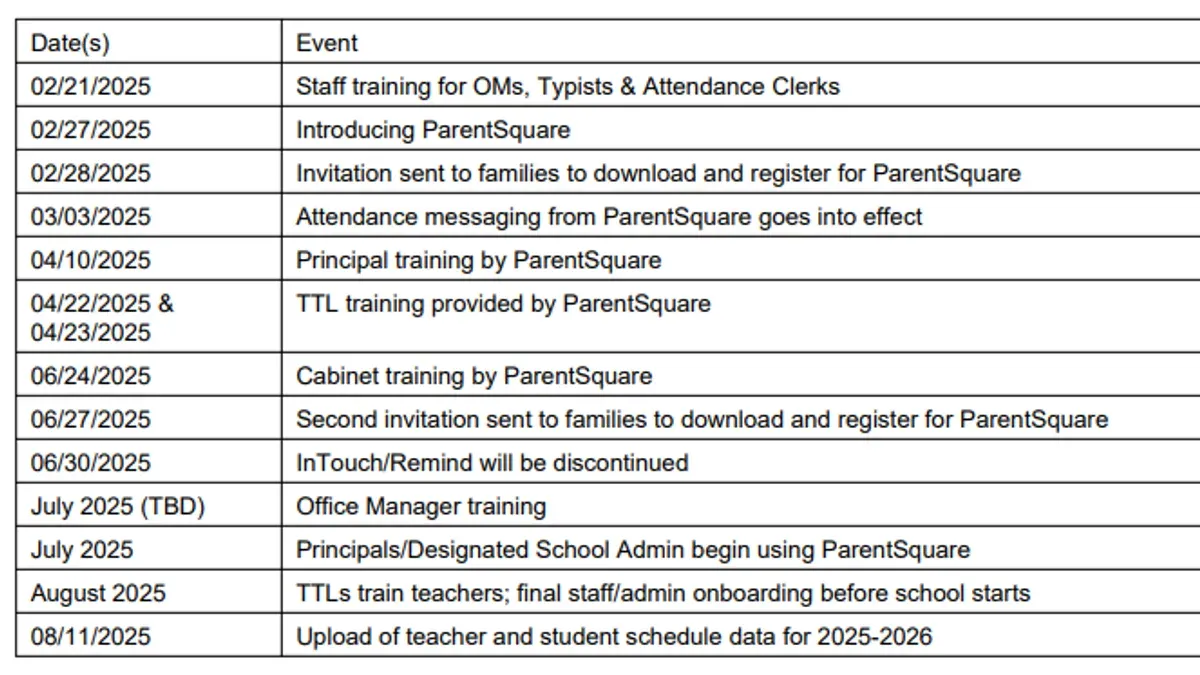
- Create a phased rollout timeline prioritizing critical features like emergency alerts and event notifications first.
- Provide targeted training sessions and quick reference guides tailored to each user group.
- Monitor usage metrics weekly during rollout to identify adoption barriers and adjust communication strategies accordingly.
- Establish a feedback loop through surveys or focus groups to gather real-time input and improve messaging.
- Have contingency plans ready for common pitfalls such as low engagement or technical glitches.
What this advice does not cover
This article does not cover detailed technical setup or integration with specific Student Information Systems (SIS), which require vendor-specific guidance. If your implementation involves complex SIS integrations or custom API configurations, consult your SIS provider or ParentSquare technical support for tailored instructions.
Additionally, this guide assumes you have a basic understanding of ParentSquare’s platform features; for comprehensive onboarding or troubleshooting, refer to ParentSquare’s official support resources.
To keep your implementation on track, focus on establishing a realistic timeline that balances strategic communication goals with manageable technical milestones.