iPads Rollout Plan for Teachers with Low Tech Confidence: A Clear Expert Guide
Learn how to create a supportive iPads rollout plan that builds confidence step-by-step for teachers with low tech skills.

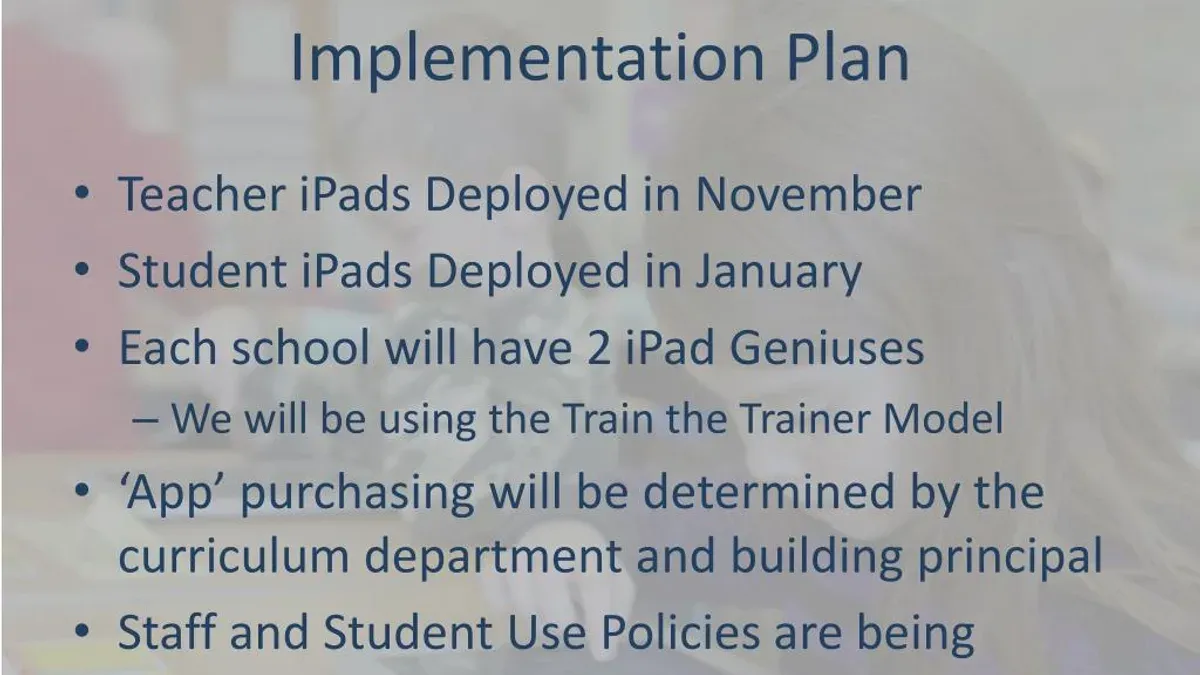
Short answer: An effective iPads rollout plan for teachers with low tech confidence prioritizes gradual introduction, hands-on training, and ongoing support tailored to their comfort levels. Building confidence step-by-step ensures educators feel equipped and motivated to integrate iPads into their classrooms.
This article guides you through the essential stages of creating a supportive rollout plan focused specifically on teachers who feel intimidated by technology. You will learn how to assess current skills, design incremental deployment strategies, provide practical and confidence-building training, and avoid common pitfalls that can hinder adoption. The goal is to empower every teacher to use iPads confidently, transforming hesitation into capability without overwhelming them.
Understand Why Tailored iPad Rollouts Matter for Low Tech Confidence
Teachers with low tech confidence often hesitate to fully adopt new tools, leading to inconsistent use that limits the iPads’ potential impact in the classroom. Standard rollout plans usually focus on logistics—device distribution, basic training—but overlook the emotional and skill barriers that teachers face when technology feels intimidating.
Research consistently links teacher confidence with technology adoption rates; when educators feel unprepared or anxious, they are less likely to integrate devices effectively. For example, a middle school where iPads were distributed without targeted support saw many teachers revert to traditional methods, leaving devices unused or underused. This created frustration for both staff and students, stalling progress.
Addressing confidence early builds psychological safety, encouraging teachers to experiment and ask questions without fear of judgment. Early buy-in is critical: when teachers feel supported and competent from the start, adoption grows naturally, yielding smoother integration and better learning outcomes.
Assess Teacher Needs and Current Tech Comfort Levels
Begin by gathering clear data on teachers’ current technology skills and attitudes to tailor your rollout effectively. Use anonymous surveys with focused questions such as: "How comfortable are you using touchscreen devices?", "What challenges do you face with current classroom technology?", and "What specific concerns do you have about using iPads?" Follow up with one-on-one interviews to uncover deeper issues like fear of making mistakes or misconceptions that iPads are only for younger students.
Segment your teachers into tiers based on confidence: low (limited or anxious users), moderate (some experience but hesitant), and high (comfortable and willing). This allows you to customize training intensity and peer support. For example, a school that implemented this approach saw a marked improvement in adoption rates after creating targeted workshops addressing low-confidence teachers’ fears.
Concrete example: After surveying a group of middle school educators, one principal identified that 40% expressed worry about losing control of the classroom when using iPads. This insight guided the development of classroom management sessions integrated into the rollout, directly easing that concern.
- Design a clear survey with specific, simple questions
- Conduct brief interviews to explore attitudes and fears
- Group teachers by confidence levels for tailored support
- Use findings to address common misconceptions in training
Design a Gradual, Confidence-Building Rollout Approach
Implementing a phased iPad rollout allows teachers to build skills and confidence step-by-step. Begin by focusing on essential functions like turning the device on and off, navigating the home screen, opening and closing apps such as Notes and Safari, and using the keyboard. Once these basics are comfortable, gradually introduce more advanced features like AirDrop, multitasking gestures, and classroom management apps.
Incorporate hands-on, low-pressure practice sessions where teachers can explore features without time constraints or formal assessments. For example, schedule weekly 30-minute workshops dedicated to experimenting with specific apps or settings, allowing mistakes and questions in a supportive environment.
Peer coaching is vital here: pairing less confident teachers with tech-savvy colleagues fosters ongoing support and learning reinforcement. A realistic rollout timeline might span 6 to 8 weeks, with the first 3 weeks focused on basics, the next 3 on intermediate skills, and the final weeks on integrating iPads into lesson planning.
Compared to a full rollout where all features are introduced at once, this phased approach reduces overwhelm and increases adoption. Teachers report feeling more capable and less intimidated when progression feels manageable.
- Start with basic iPad functions for initial training
- Schedule regular, hands-on practice sessions
- Establish peer coaching or mentoring partnerships
- Plan a multi-week phased timeline, allowing gradual skill building
Provide Practical Training and Ongoing Support Focused on Confidence
Training teachers with low tech confidence should prioritize formats that reduce overwhelm and encourage active participation. Small group sessions of 4-6 participants or one-on-one coaching create safe spaces for questions and hands-on practice. On-demand video tutorials covering basic tasks allow teachers to learn at their own pace and revisit material as needed, improving retention.
Begin training with key topics that deliver quick, visible wins—such as navigating the Home screen, using the Camera app, and launching educational apps from the Dock. These foundational skills empower teachers, making further learning less intimidating.
Establish ongoing support through help desks staffed by knowledgeable peers or tech specialists who can provide immediate, friendly assistance. Pair less confident teachers with tech buddies who offer encouragement and real-time problem solving. Follow-up sessions scheduled after initial training reinforce skills and address new challenges.
For example, a school implemented weekly 45-minute small group workshops combined with a dedicated tech buddy system. Teachers reported feeling more confident and used iPads more frequently in lessons within weeks. This layered approach ensures training is not a one-off event but a continuous confidence-building process.
- Use small groups or one-on-one coaching for training
- Provide on-demand videos for flexible review
- Start with simple, high-impact skills
- Set up help desks and tech buddy programs
- Schedule regular follow-up sessions
Integrate iPads into Classroom Routines with Simple, Clear Use Cases
Choose a few core apps that directly support your curriculum goals, such as Notability for note-taking, Seesaw for student portfolios, or Kahoot! for quick formative assessments. Limiting the number of apps prevents overwhelm and allows teachers to become proficient with tools that have clear classroom benefits.
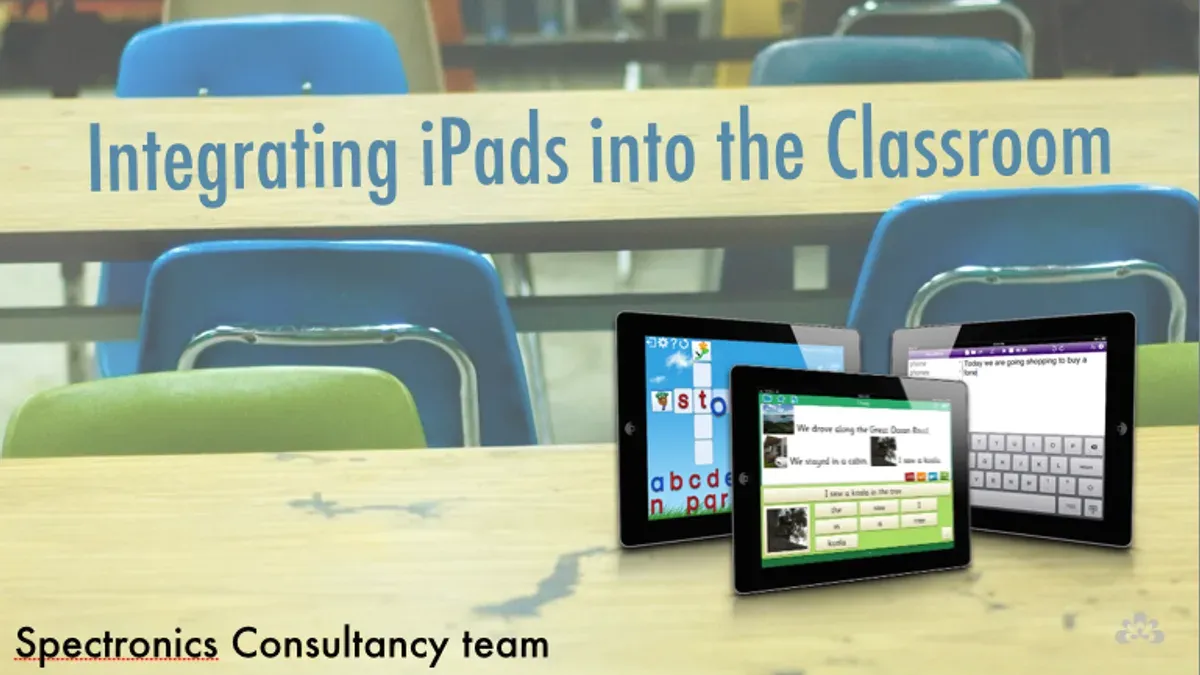
Adapt lesson plans by incorporating straightforward iPad activities. For example, in a middle school science class, students can use the camera app to document plant growth weekly, then organize photos in the Notes app to track changes. This simple integration requires minimal tech skill but adds value to the lesson.
Encourage teachers to share their small successes during staff meetings or through informal channels. Hearing from peers who have successfully used iPads in manageable ways builds confidence and sparks ideas without pressure.
Teachers with limited tech experience reported that starting with photo documentation and note-taking was accessible and effective—helping them establish routine use before exploring more complex apps.
- Select 3-5 curriculum-aligned apps only
- Integrate simple iPad tasks into existing lesson plans
- Create opportunities for teachers to share practical successes
Avoid Common Mistakes That Undermine Confidence and Adoption
Introducing iPads to teachers with low tech confidence requires careful pacing and clear communication. Avoid overwhelming them with technical jargon or a flood of advanced features early on. For example, launching all iPad apps at once, including complex tools like Swift Playgrounds or GarageBand, can confuse and frustrate teachers still mastering basic functions like navigating the Home Screen or using the Camera app.
Rushed rollouts without reliable support often lead to resistance. One school experienced this when they deployed iPads in a single week with minimal training or follow-up, leaving teachers feeling abandoned. The result was many devices unused and negative feedback.
Recognize when personalized help is needed. Some teachers benefit from one-on-one coaching or alternative resources, such as printed step-by-step guides or short video tutorials. Ignoring these needs risks widening the confidence gap rather than closing it.
- Use simple language and introduce features gradually
- Schedule realistic timelines with ongoing support
- Offer personalized assistance and alternative learning materials
Read next
- Moving from Windows Laptops to iPads: Your Complete Checklist
- Switching from Chromebooks to iPads: Your Expert Transition Guide
Frequently asked questions
How can I motivate teachers who are resistant to using iPads?
Focus on demonstrating clear benefits that align with their teaching goals, such as saving time on grading or engaging students more effectively. Highlight small, manageable tasks rather than overwhelming features, and create opportunities for peer support and sharing success stories. Recognizing their concerns and providing a safe space for questions builds trust and reduces resistance.
What are the best beginner-friendly iPad apps for classroom use?
Start with apps that have intuitive interfaces and straightforward functions, such as Apple’s Notes for quick annotations, Seesaw for student portfolios, and Kahoot! for interactive quizzes. These apps require minimal setup and encourage engagement without steep learning curves. Avoid apps with complex menus or settings that might intimidate new users.
How much time should I allocate for training teachers with low tech confidence?
Plan multiple short sessions, each lasting 30 to 45 minutes, instead of lengthy workshops. This pacing allows teachers to absorb information gradually and practice between sessions. Supplement sessions with easily accessible resources like step-by-step guides and video tutorials for ongoing reference.
What indicators show that a teacher is ready to progress to more advanced iPad features?
Look for consistent independent use of basic functions like email, note-taking, and app navigation without assistance. Teachers who start integrating iPads into lesson plans and troubleshoot minor issues confidently are ready. Positive feedback from students on iPad activities can also signal readiness to explore more advanced tools.
Quick checklist
- Identify specific technology fears or gaps among teachers through surveys or interviews.
- Create a phased rollout schedule that starts with basic, essential iPad functions.
- Offer hands-on training sessions focusing on simple tasks teachers will use daily.
- Set up a peer support network or mentoring system for ongoing help.
- Integrate iPads into existing lesson plans with clear, manageable activities.
- Monitor progress and adjust training based on teacher feedback.
- Avoid overwhelming teachers with too many apps or advanced features at once.
- Communicate realistic expectations and celebrate small successes to build confidence.
This guide’s limits
This guide focuses on teachers with low tech confidence and does not cover advanced iPad management, device security policies, or complex IT infrastructure setup. For network configuration, device enrollment programs (DEP), or mass app deployment, consult your school’s IT department or an Apple-certified technical specialist.
The most effective next step is to schedule a simple pilot session where teachers use iPads for one familiar task, such as taking attendance or accessing a shared calendar. Starting small allows you to build trust and demonstrate immediate value without overwhelming anyone.