Education Technology
Moving from ClassLink to Clever Checklist: A Practical Guide
This guide provides a practical moving from ClassLink to Clever checklist to help educators and IT admins transition smoothly without losing access or data.

Education Technology
This guide provides a practical moving from ClassLink to Clever checklist to help educators and IT admins transition smoothly without losing access or data.
Blackboard
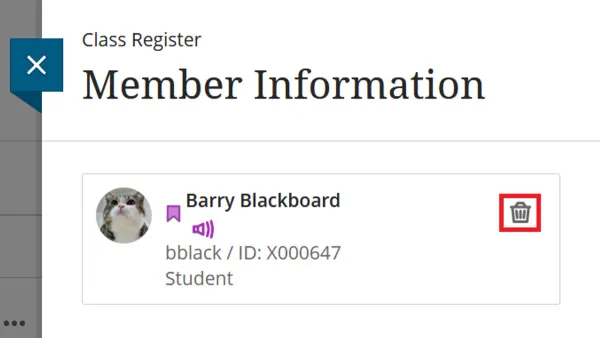
Step-by-step guide to adding students to a class in Blackboard, covering enrollment methods and role assignments for instructors.
Education Technology
Ensure your feedback is clear and personalized with our Canvas feedback comments checklist designed for private school teachers.
Education Technology
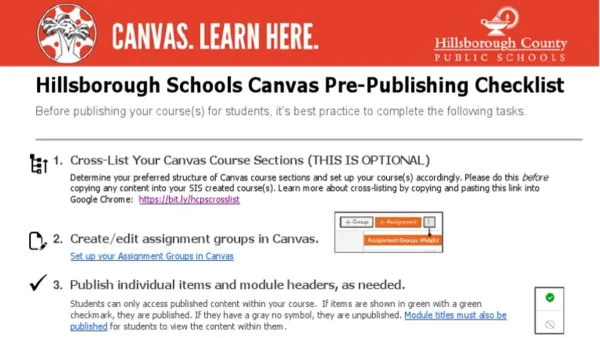
This checklist helps high school teachers copy Canvas courses accurately, ensuring all content and settings transfer correctly for smooth course setup.
Education Technology
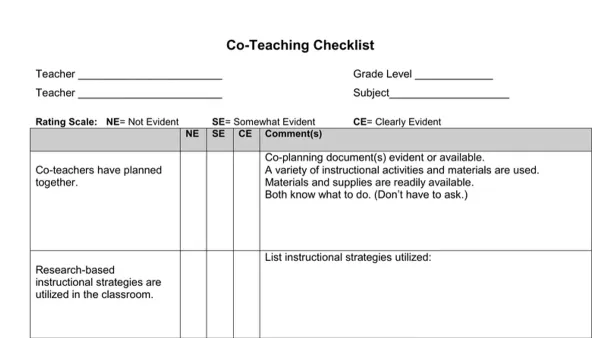
This checklist helps teachers with low tech confidence set up and use Canvas co-teacher access for smooth course collaboration and management.
Education Technology
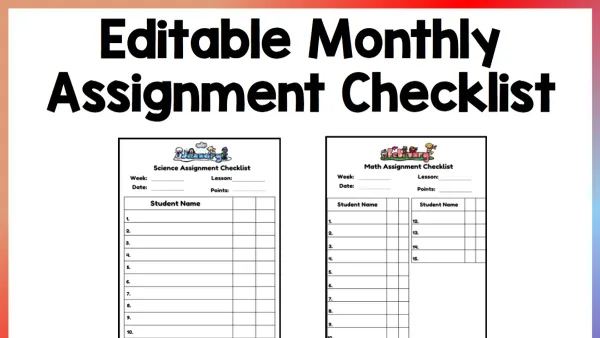
This checklist guides elementary teachers through setting up clear, age-appropriate assignments in Canvas to engage students and streamline grading.
Education Technology
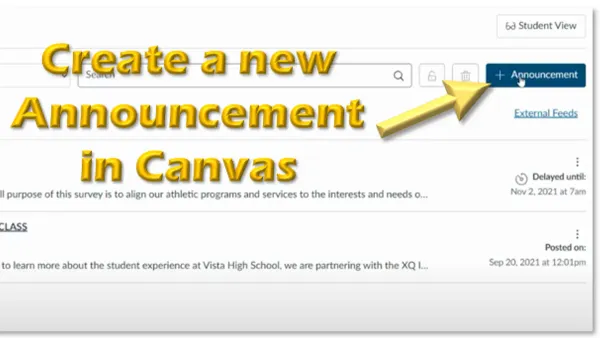
This checklist helps teachers with low tech confidence post clear, effective Canvas announcements to keep students informed and engaged.
Education Technology
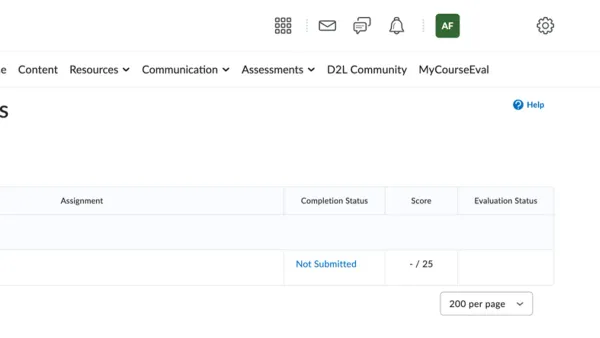
This guide explains how to track missing assignments in Brightspace using tools like Assignments, Grades, and Notifications for effective management.
Education Technology
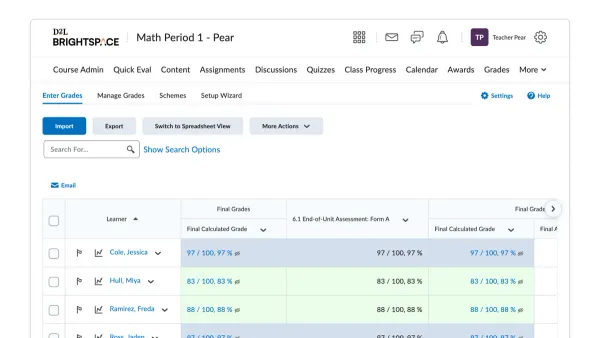
This article explains how to configure and use the Grade Sync tool in Brightspace to reliably sync grades with your student information system.
Education Technology
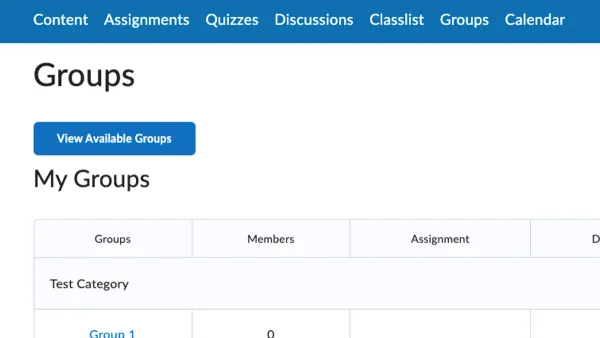
Step-by-step guide to setting up student groups for projects in Brightspace to enhance collaboration and simplify group assignment management.
E-Learning
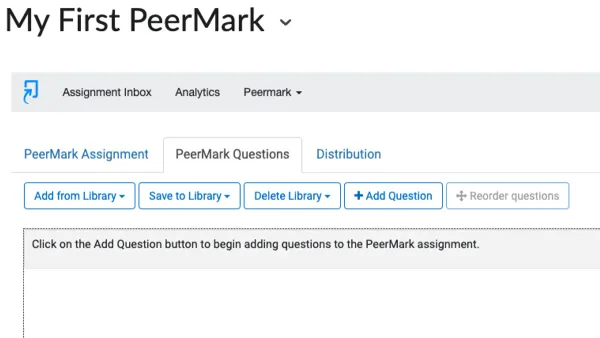
Discover practical steps to set up peer review in Brightspace, enabling effective student collaboration and feedback in your courses.
Education Technology
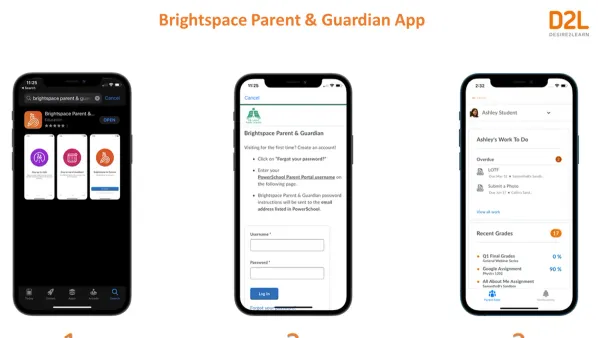
This guide explains how to link parents or guardians to student profiles and configure updates in Brightspace for timely family communication.