How to Manage OkCupid Privacy Settings for Safe and Effective Dating
This guide shows how to manage OkCupid privacy settings to protect your personal data and improve your dating experience safely.

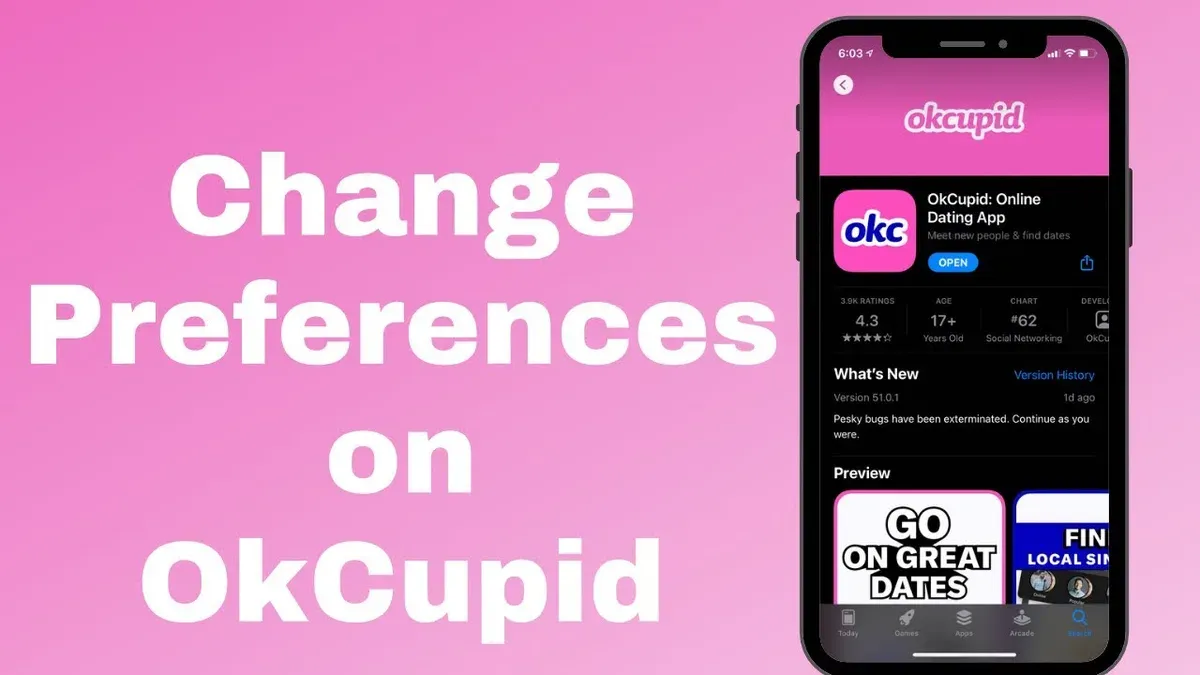
This article explains how to manage OkCupid privacy settings to protect personal data and enhance the dating experience. OkCupid privacy settings allow users to control who sees their profile, photos, and personal information, reducing unwanted exposure. Navigating these options helps prevent common frustrations such as unwanted messages, profile visibility issues, and confusion over data sharing.
Understanding account access is essential. Signing in smoothly and resolving login problems ensures continuous control over privacy. The guide also covers phone number requirements, messaging privacy, photo visibility, profile hiding, and managing likes and bans—all crucial for maintaining control in the dating environment.
Each section focuses on practical steps within the OkCupid app or website menus, clarifying settings like "Profile Visibility," "Photo Privacy," and "Message Preferences." This approach addresses common user pain points directly, offering clear solutions without unnecessary complexity.
What are OkCupid privacy settings and why do they matter?
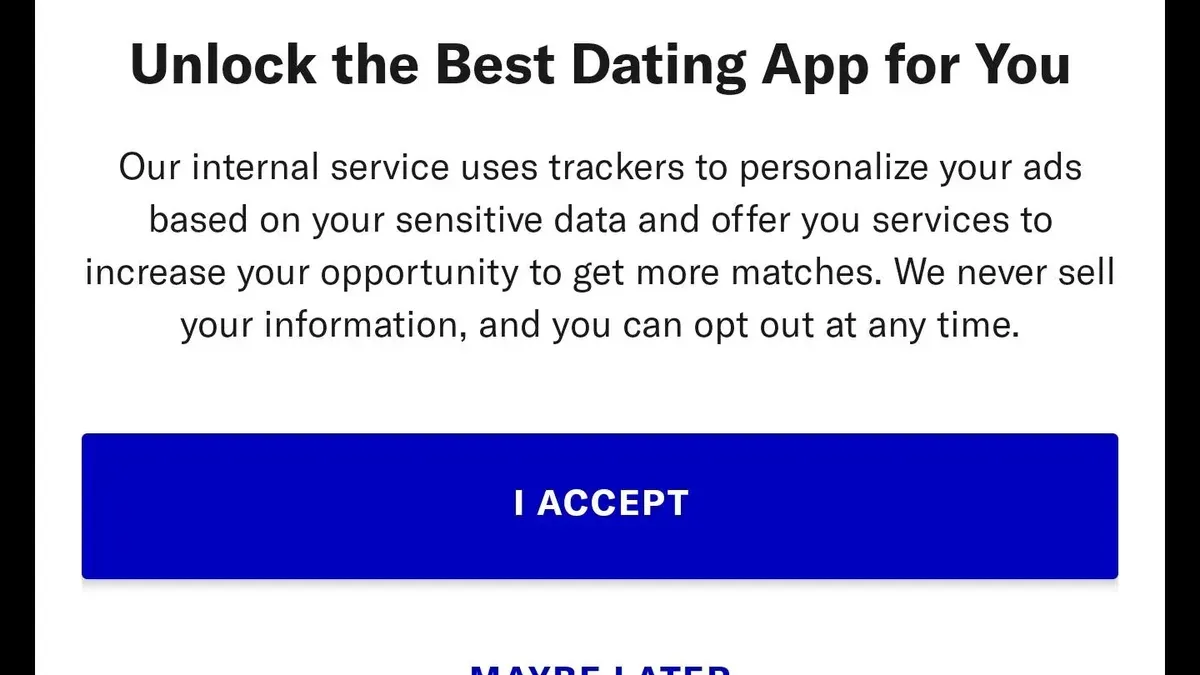
OkCupid privacy settings are controls within the app that let users manage who can see their profile, how messages are received, and what personal data is shared. Key areas include profile visibility options, message filtering, and data sharing preferences found under the 'Privacy & Safety' menu. These settings give users the ability to limit exposure to unwanted contacts and determine how much information the platform or other users can access.
Managing privacy on OkCupid is crucial because online dating exposes personal details to strangers, increasing the risk of harassment, stalking, or misuse of data. Many users report concerns about unsolicited messages or having their photos visible to unknown parties. Without careful control, personal information can be exploited or shared beyond intended boundaries.
Privacy settings also shape the user experience and trust in the app. For example, enabling 'Incognito Mode' allows users to browse profiles anonymously but may limit who can interact with them. A user who disables public profile visibility might avoid unwanted attention but reduce match opportunities. Balancing privacy and accessibility is essential to maintain safety without sacrificing effective dating.
Example: A user enables 'Hide My Profile' from the 'Privacy & Safety' section to avoid being seen by people outside their preferred age range. This prevents random users from viewing their profile, reducing unwanted messages but also narrowing potential matches.
How to sign into OkCupid and troubleshoot common login problems
Signing into OkCupid can be done using an email address, Facebook account, or phone number. To log in with email, enter the registered email and password on the login screen. For Facebook, select the Facebook login option and authorize access. Phone number login requires entering the linked number and the verification code sent via SMS.
Common login errors include "Incorrect email or password," "Account not found," and "Too many login attempts." An "Incorrect email or password" message typically means the credentials entered do not match the account. Reset the password through the "Forgot Password" link by providing the email or phone number associated with the account. If "Account not found" appears, verify that the email or phone number is correct or consider account deletion or inactivity.
Using Facebook login can speed access but ties the dating profile to the social account, which some users prefer to avoid for privacy. Email login is straightforward but requires remembering the password. Phone number login adds a layer of verification but depends on SMS delivery reliability.
For example, a user trying to sign in with email might see "Incorrect email or password" after multiple attempts. The straightforward fix is to use the "Forgot Password" option, receive a reset link, and create a new password. If that fails, confirm the email is correct or try logging in via phone number or Facebook if those methods were previously set up.
Tip: Regularly update passwords and link a phone number as a backup login method to avoid lockouts.
Does OkCupid require a phone number and what are the privacy implications?
OkCupid does not strictly require a phone number for every user during account creation. While phone number verification is offered as an option, especially to enhance account security and reduce fake profiles, users can also sign up using an email address or linked social media accounts like Facebook. However, some users report that phone verification becomes mandatory during certain actions, such as recovering an account after suspicious activity or when additional verification is needed to prevent spam.
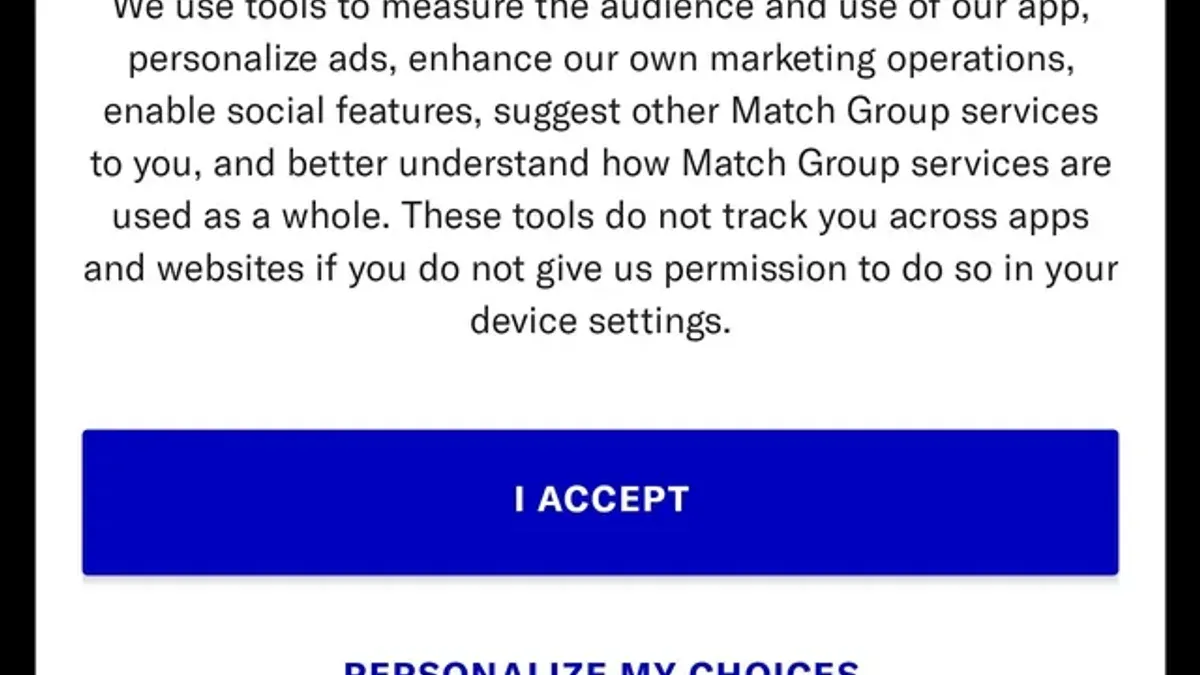
Sharing a phone number with OkCupid involves privacy trade-offs. Phone numbers are personally identifiable information that can be used for targeted ads or potentially exposed in data breaches. Additionally, linking a phone number might make it easier for others to find the dating profile through reverse lookup services if privacy settings are not tightly managed.
For users wary of providing a phone number, using email sign-up remains an alternative, but it may limit access to some verification benefits. For example, without phone verification, the account might be more susceptible to being flagged or restricted during security checks. One common scenario is when a user tries to log in from a new device and OkCupid requests phone verification to confirm identity.
Tip: To balance privacy and functionality, add a phone number only if prompted by OkCupid’s security measures rather than during initial sign-up.
How to use OkCupid messaging features while maintaining privacy
OkCupid messaging allows users to send and receive texts once a mutual match is established. Messages appear in the Inbox tab, accessible from the main menu. Privacy settings control who can initiate conversations; under Settings > Messaging, the option "Who Can Message Me" lets users restrict contact to matches only or open it to others, balancing exposure and privacy.
Users can block unwanted contacts by opening the conversation, tapping the menu icon, and selecting "Block" or "Report." Blocking prevents the user from sending messages or viewing the profile, while reporting flags suspicious or abusive behavior for review. OkCupid's support resources note that messaging abuse reports, while relatively low, are taken seriously to maintain a safe dating environment.
For example, if a user receives inappropriate messages from a non-match, they can immediately block the sender to stop further contact and report the message to OkCupid. This action preserves privacy by cutting off unwanted communication and helps the platform monitor abuse patterns.
Tip: Regularly review messaging privacy settings to ensure only desired contacts can initiate conversations, reducing exposure to unwanted messages.
Why can’t some users see pictures on OkCupid and how to fix it
Some OkCupid users report that profile pictures do not load or appear blurred. This often results from privacy filters that limit image visibility to only matched users or those who meet certain criteria. For example, if the "Hide My Photos" setting is enabled under Settings > Profile, pictures remain hidden from non-matches, causing others to see placeholder images instead.
Account restrictions also play a role. Users with new or unverified accounts may have limited access to view photos until they verify their phone number or complete their profile. Additionally, accounts flagged for suspicious activity might have images temporarily blocked pending review.
Troubleshooting technical issues helps when images fail to load due to app glitches or connection problems. Clearing the app cache, updating to the latest version, or reinstalling OkCupid often resolves display failures. Checking internet connectivity and disabling VPNs or ad blockers that interfere with content loading is also recommended.
For example, a user who cannot see pictures might find that their "Hide My Photos" option is on by default. Turning it off under Settings > Profile > Photo Privacy immediately allows matches and other users to view the images, restoring normal visibility.
Tip: Regularly review photo privacy settings to balance safety with profile appeal, ensuring desired users can see pictures without exposing them broadly.
Can you hide your profile on OkCupid and control who sees it?
OkCupid offers several options to control profile visibility beyond simply deleting an account. The “Incognito Mode” feature allows users to browse and interact on the app while remaining invisible to others unless they have already liked the profile. This mode is accessible under Settings > Discovery Preferences > Incognito Mode and requires a paid subscription. It’s a popular choice for users who want privacy without fully disappearing from the dating pool.
For a free option, OkCupid lets users pause their profile by deactivating it temporarily. This option is found under Settings > Account > Pause Account. Pausing hides the profile from searches, matches, and messaging but preserves all data and preferences. When reactivated, the profile resumes exactly where it left off. A user who paused their account while traveling reported no new matches or messages during the break, showing the feature’s effectiveness.
Another privacy control is limiting who sees the profile through Discovery Preferences, where filters restrict visibility to certain age ranges, locations, or users with specific attributes. While this doesn’t make the profile invisible, it narrows the audience significantly. However, hiding or pausing a profile cuts off new matches and incoming messages, so users should weigh privacy needs against potential engagement.
How to see OkCupid likes for free and what privacy settings affect this
OkCupid allows users to see some likes without a paid subscription via the "Likes You" section, accessible from the main menu. However, the free version only shows a limited number of profiles that have liked the user, often just a small sample rather than the full list. To view all likes, an upgrade to a paid plan like A-List is required. This tier provides full access to everyone who has liked the profile, plus additional filters for easier browsing.
Privacy settings influence whether likes are visible to others. For example, enabling "Show My Likes" in the Discovery Preferences allows mutual visibility of likes, increasing match potential but reducing anonymity. Conversely, if "Hide My Profile" or Incognito Mode is active, likes sent or received may not be visible or may be limited, as these settings restrict who can view the profile and interactions.
Consider a user named Alex who receives likes from 50 profiles. With free access, Alex sees only about 5 of these likes, missing potential matches. If Alex switches on "Show My Likes," some users who liked Alex can see that their interest is known, encouraging communication. Yet, if privacy is prioritized, Alex might keep likes hidden but sacrifice full visibility of interested profiles.
Tip: Regularly review Discovery Preferences to balance privacy and visibility of likes according to current dating goals.
Compared to competitors, OkCupid offers a moderate free peek at likes; apps like Tinder restrict likes heavily without payment, while others like Bumble show likes more openly but with different matching mechanics.
How can users get unbanned from OkCupid and avoid future bans
OkCupid bans often arise from violations of community guidelines or privacy rules, including harassment, sharing explicit content, using fake photos, or attempting to circumvent previous suspensions. A typical case involves a user sending unsolicited explicit messages, resulting in a ban that restricts access to the account and all its data.
To appeal a ban, users should visit the OkCupid Help Center and submit a request through the “Contact Us” form, clearly stating the username, associated email, and a concise explanation of the situation. OkCupid’s policy allows appeals but emphasizes that repeated violations lead to permanent bans. Responses may take several days, and reinstatement is not guaranteed.
Preventing future bans requires strict adherence to OkCupid’s Terms of Service and Community Guidelines, which include respecting other users’ privacy, avoiding offensive language, and not sharing personal information publicly. Using features like blocking unwanted contacts and adjusting profile visibility can help maintain a safe experience without violating rules.
Example: A user banned for sending repeated unsolicited messages successfully appealed by acknowledging the misconduct, deleting offending content, and committing to follow guidelines. After reinstatement, the user enabled stricter messaging filters and limited profile visibility to reduce risks.
Tip: Regularly review OkCupid’s community standards and update privacy settings to stay compliant and avoid unintentional breaches.
How to unlike on OkCupid and manage your preferences
To remove a previously liked profile on OkCupid, open the Likes section from the main menu. Locate the profile to unlike, then tap the "Unlike" or "Remove" button typically represented by an X or broken heart icon. This action immediately withdraws the like, preventing the other user from seeing it and reducing chances of a future match based on that interaction.
Unliking impacts privacy by stopping further notifications or visibility between users in that context. For example, if a user accidentally liked a profile they don’t want to engage with, unliking ensures their interest is no longer registered, which can prevent unwanted messages or matches.
Managing preferences is crucial to avoid unwanted interactions. Within Settings > Discovery Preferences, users can adjust filters like age range, distance, and match criteria, controlling who appears in their feed. Additionally, turning off features such as "Show me on OkCupid" helps reduce visibility to others.
Compared to other dating apps, OkCupid offers straightforward unlike actions combined with detailed preference controls. This combination allows users to actively curate their experience by removing unwanted connections and refining who they see, maintaining a balance between privacy and engagement.
Frequently asked questions
Does okcupid require phone number?
OkCupid does not always require a phone number to create an account, but it may ask for one to verify identity or recover access. Providing a phone number can enhance account security but also shares personal data that users should consider carefully. Users can skip this step initially but might encounter limits without verification.
How to message on okcupid?
To message on OkCupid, open a match’s profile and tap the message icon. Writing and sending messages is straightforward, but messaging may be limited by privacy settings or subscription status. Users can control who can message them via the “Discovery Preferences” and “Messaging” settings to maintain privacy.
Why can't i see pictures on okcupid?
Pictures may not be visible due to privacy preferences, connection issues, or account restrictions. Some users hide photos from non-matches or limit visibility to verified members. Clearing the app cache, checking network settings, or adjusting photo visibility under profile settings can resolve this.
How can you get unbanned from okcupid?
Getting unbanned requires contacting OkCupid support through their help center and providing relevant account details. Appeals often depend on the violation nature and evidence provided. Avoiding future bans involves adhering strictly to community guidelines and terms of service.
Is okcupid worth it?
OkCupid’s value depends on individual dating goals and preferences. Its extensive profile customization and matching algorithms offer a tailored experience, but some features require paid subscriptions. Privacy-conscious users appreciate the granular control over personal data and visibility.
What this advice does not cover and when to seek specialized help
This article does not cover account recovery after hacking or security breaches, which require specialized guides and direct support from OkCupid. Some privacy features vary depending on subscription status and may not be fully accessible to free users, affecting control over data visibility and messaging options. OkCupid’s privacy policies and app features can change without notice, so regularly reviewing the latest settings is essential to maintain control.
The most effective next step is to access the Privacy & Safety section under Settings and review each option carefully. Adjust who can see the profile, control message permissions, and manage connected accounts to align with personal comfort levels. Regularly revisiting these settings ensures ongoing protection as app features evolve.
See also: How to Control and Protect Your LinkedIn Privacy Settings · How to Manage Kik Privacy Settings and Use Kik on PC Effectively · How to Turn On Two-Factor Authentication on Hinge: A Step-by-Step Guide