How to Secure and Manage a Nextdoor Account After a Hack
This guide shows how to secure and manage your Nextdoor account after a hack to protect your personal info and community trust.

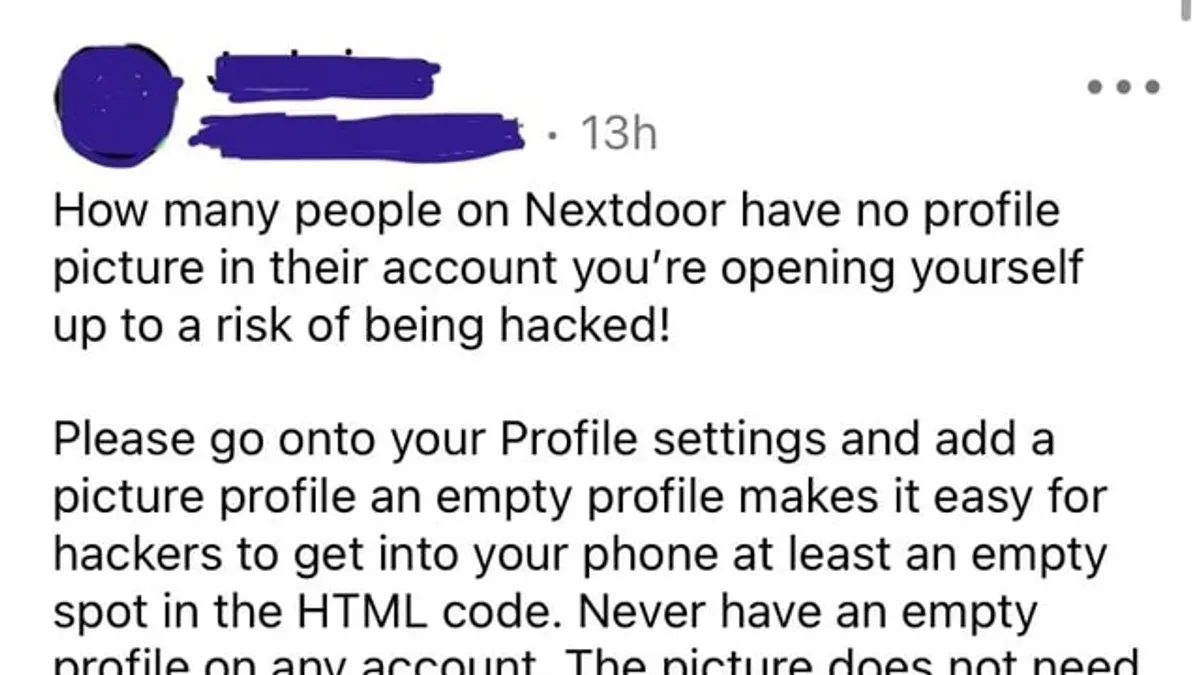
This article explains how to secure and manage a Nextdoor account after a hack, addressing the unique challenges of its community-focused platform. If a Nextdoor account hacked situation arises, immediate action is necessary to protect personal information and neighborhood connections. Nextdoor differs from typical social networks as it connects verified neighbors, making security breaches potentially more sensitive due to location-based data.
Steps include verifying account recovery options, changing passwords via Settings > Account, and reviewing connected devices under Settings > Security. Users should also check privacy settings to control who sees their posts and personal details. Understanding how to safely delete or deactivate an account is crucial if recovery is not possible or desired.
What is Nextdoor and why does account security matter?
Nextdoor is a private social networking platform designed specifically for neighborhoods. It connects local residents to share information, organize events, and support one another within a trusted community environment. Unlike broader social networks, Nextdoor limits interactions to verified neighbors, making its user base more localized and focused on community issues.
Account security on Nextdoor is critical because a compromised account can expose sensitive personal information tied to a home address and local activities. A hacked account could be used to spread misinformation within a neighborhood, eroding trust among residents. For example, a fraudulent post warning neighbors about fake emergencies or scams can cause unnecessary panic.
Compromised accounts also pose privacy risks such as unauthorized access to contact details or private messages. In some cases, attackers have exploited hacked accounts for targeted fraud or identity theft, taking advantage of the detailed local data available. Although exact numbers on account breaches are not widely published, community reports and safety forums indicate that security incidents do occur and have tangible consequences.
Given the platform’s emphasis on hyperlocal interactions, securing a Nextdoor account protects not only individual privacy but also the integrity of the entire neighborhood network.
How to create a Nextdoor account safely
Begin by navigating to Nextdoor.com and selecting the "Sign Up" option. Enter a valid email address and create a strong, unique password. A strong password typically contains at least 12 characters, combining uppercase and lowercase letters, numbers, and symbols. Avoid common words or sequences; using a reputable password strength checker before finalizing the password can help ensure robustness.
Next, provide verified contact information. This includes a valid home address within the neighborhood to confirm eligibility. Nextdoor uses this address to send a verification code via mail or phone call. Enter the received code promptly to complete address verification, which is critical for neighborhood authenticity and preventing unauthorized access.
During sign-up, users must also verify their phone number or email, which adds a security layer through two-factor authentication (2FA). Activating 2FA in account settings is recommended immediately after registration. For example, after entering a strong password and verifying the address, the system prompts for a code sent to the registered phone number.
Tip: Use a password manager to generate and store complex passwords securely, reducing the risk of reuse or forgetfulness.
How to regain a Nextdoor account after a hack
Signs of a hacked Nextdoor account include unrecognized posts or messages, sudden logout issues, or receiving alerts about changes not made by the user. If login attempts fail despite correct credentials, account compromise is likely. Immediate action is necessary to prevent further unauthorized activity.
Start recovery by selecting "Forgot Password?" on the Nextdoor login page. Enter the registered email or phone number to receive a password reset link or code. Complete the reset promptly, choosing a strong new password that differs from previous ones. This method restores access in most cases.
If password reset fails or recovery options are outdated, contact Nextdoor support directly. Use the Help Center’s "Contact Us" feature to submit an account recovery request. Provide proof of identity such as the verified address or original signup details. Response times vary but typically occur within a few business days.
For example, a user noticing strange posts attempted a password reset via email but had changed their address and phone number since signup. They submitted a support ticket with a recent utility bill verifying their address. Nextdoor support responded in three days, restored access, and secured the account with additional verification.
Tip: Act immediately on suspicious activity and keep recovery contact info updated to avoid delays.
How to remove or delete a Nextdoor account
Nextdoor offers options to deactivate or permanently delete an account, but the terms carry different consequences. Deactivation temporarily disables the account, hiding activity from other users without erasing personal data. Permanent deletion removes the account and much of the associated data, but some information, such as posts in community discussions, may remain visible to preserve neighborhood context.
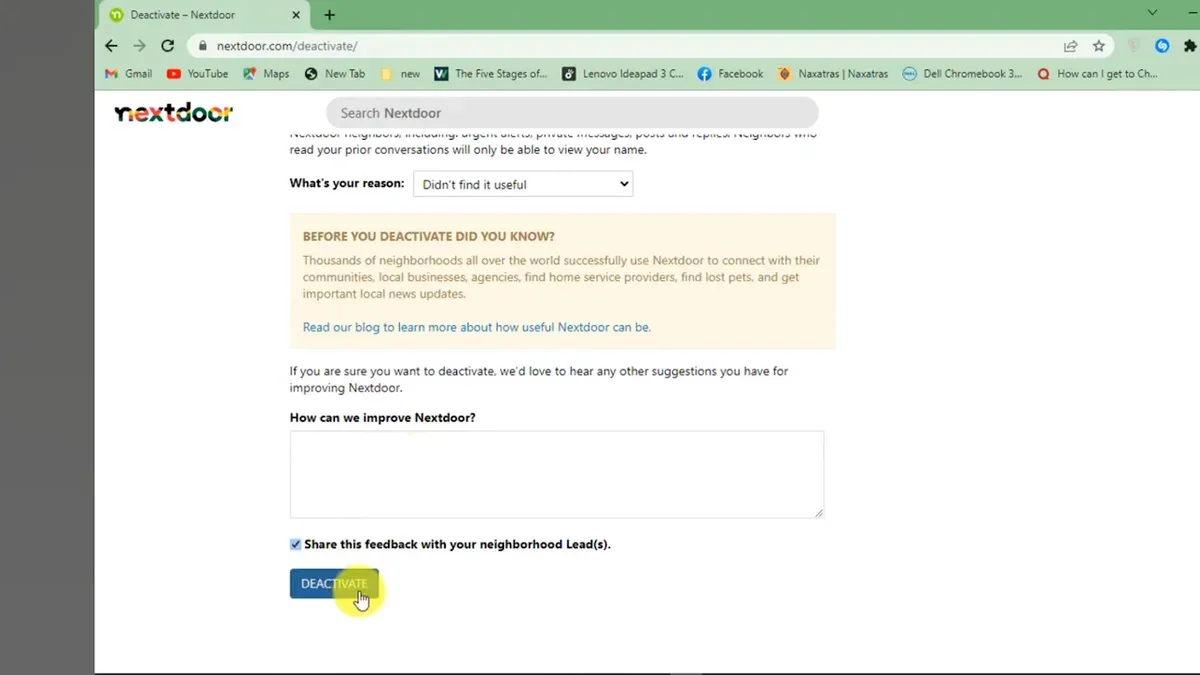
To delete an account, sign in and go to Account Settings via the profile dropdown. Select "Close Account" at the bottom of the page. Nextdoor prompts to confirm the action and explains that deletion is irreversible. After confirmation, it may take several days for the account and most data to be removed from the platform.
Unlike some social networks that instantly erase all user data upon deletion, Nextdoor retains certain user-generated content, such as comments or recommendations, to maintain the integrity of neighborhood conversations. This is a trade-off unique to community-driven platforms where conversations are interconnected.
For example, closing a Nextdoor account is like moving away from a neighborhood: the house is no longer in use (account deleted), but the memories in community records (posts, replies) remain part of the neighborhood’s shared history. Users who want all traces gone should consider carefully before deletion.
Tip: Before deleting, download any important data or photos, as recovery after closure is not possible.
Does Nextdoor have privacy issues and is it safe?
Nextdoor’s privacy policies emphasize user control and neighborhood-based sharing, but the platform’s design inherently involves sharing personal details like addresses and neighborhood affiliations. This proximity-based model raises privacy concerns as it can expose sensitive information to nearby users, increasing risks if account security is compromised. Nextdoor states it does not sell personal data to third parties, but it does use data for targeted advertising within the platform and shares aggregated insights with partners.
Privacy watchdogs have flagged issues including the potential for doxxing due to visible addresses and criticism over the platform’s handling of user reports and moderation transparency. For example, some users report that location verification steps can unintentionally reveal precise home addresses publicly in neighborhood posts or profiles, which is a unique risk compared to other social networks.
Maintaining privacy on Nextdoor requires proactive settings management. Users should routinely review the Privacy Settings under the account menu and limit profile visibility by disabling features like Show my full address. Avoid sharing sensitive information in posts or messages, and monitor neighborhood membership carefully. Using strong passwords and two-factor authentication further mitigates risks linked to account compromise.
Tip: Regularly check Notification Settings to control what personal activity is shared with neighbors and reduce unwanted exposure.
How to verify a Nextdoor account
Nextdoor verifies accounts primarily to confirm users live within the claimed neighborhood, which sustains trust and safety on the platform. Verification methods include address confirmation via mailed postcard with a unique code, phone number verification through SMS, and in some cases, credit card billing address checks. The postcard option is the most common and reliable, with users entering the code received by mail into their account settings under "Verify Your Address." This step confirms residency and prevents outsiders from joining local discussions.
Successful verification unlocks full access to community features, such as posting and messaging neighbors. Failure to verify limits account functionality and can trigger additional security prompts. Common issues arise from incorrect address entry, delays in mail delivery, or lost postcards. In such cases, Nextdoor allows requesting a new postcard or switching to phone verification if eligible.
For example, a user who moved recently might enter an old address and not receive the verification postcard, leading to stalled account verification. Updating the address accurately in the "Account Settings" > "Edit Address" section before requesting the postcard is essential. If multiple attempts fail, contacting Nextdoor support with proof of residence like a utility bill can resolve verification blocks.
Tip: Always double-check the entered address for typos before submitting verification requests to avoid delays.
How to set up and secure a Nextdoor account to avoid hacks
Nextdoor currently does not offer built-in two-factor authentication (2FA) like many major platforms, so securing an account requires alternative vigilance. Regularly updating passwords is critical: choose strong, unique passwords and change them every few months via Account Settings > Password. Monitoring account activity can catch unauthorized access early; check recent login history if available and review posted content for unfamiliar activity.
Recognizing phishing attempts is essential on Nextdoor’s community-driven platform. Users often receive messages or posts with suspicious links masquerading as neighborhood alerts or official communications. Always verify links by hovering before clicking and avoid sharing login credentials or personal information in any message. Unlike platforms with dedicated security alerts, Nextdoor’s features rely heavily on user awareness to spot scams.
For example, a user might receive a private message claiming to be from a neighbor warning about a local scam, including a link to “verify” account details. This is a common phishing tactic. Instead of clicking, the user should navigate directly to Nextdoor.com and access their account settings to check notifications and messages.
Tip: Use a reputable password manager to generate and store complex passwords, reducing the risk of reuse and weak credentials.
What to do if Nextdoor login is not working
Login failures on Nextdoor often stem from common issues unrelated to hacking. Forgotten passwords are the top cause; users should first use the “Forgot password?” link on the login page to reset credentials via their registered email or phone number. Browser problems, such as outdated versions, disabled cookies, or excessive cached data, can also block access. Clearing the browser cache, enabling cookies, or switching to a different browser often resolves these issues.
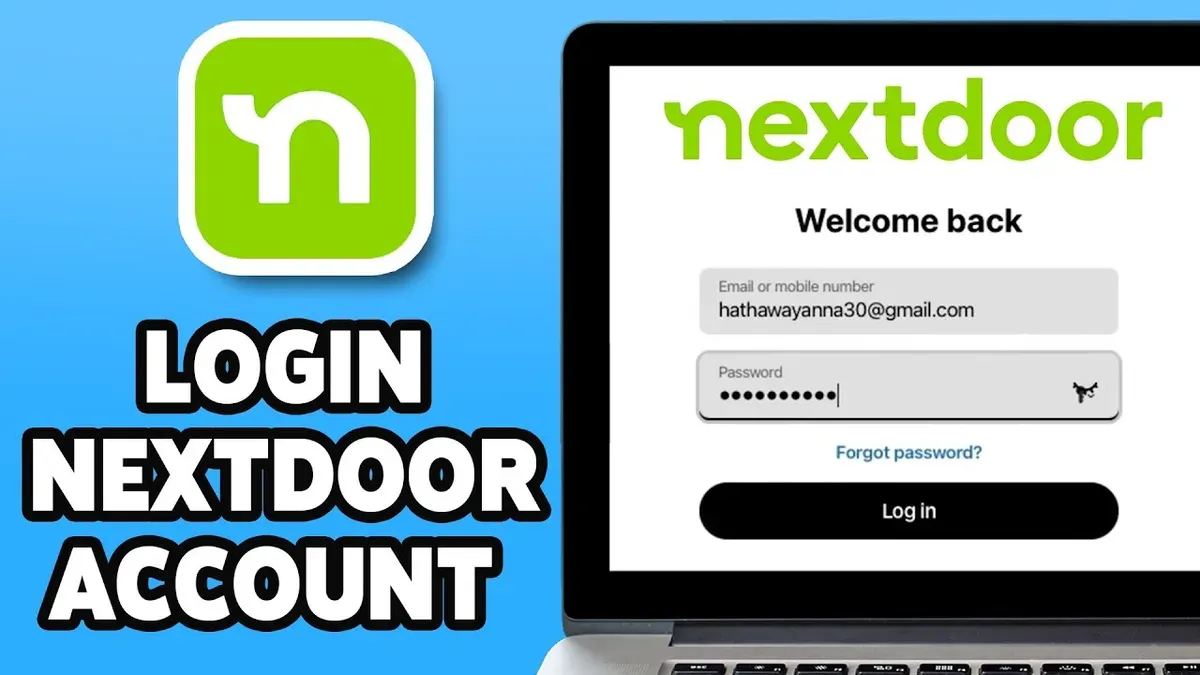
Account suspensions or temporary locks due to multiple failed login attempts or policy violations may prevent access. These typically trigger an email notification from Nextdoor explaining the reason and possible next steps. If no email is found, checking spam folders is advised.
A typical troubleshooting sequence starts with password reset, followed by browser checks: clearing cache (found under browser settings > privacy), enabling cookies, and disabling extensions that interfere with scripts. An example: a user unable to log in despite correct credentials resolved the issue by switching from an outdated Internet Explorer browser to Chrome. If login problems persist after these steps, contacting Nextdoor support via the Help Center is necessary. Response times vary but usually occur within a few business days.
Tip: Always verify that the email address entered for password resets is the one linked to the Nextdoor account to avoid delays.
Frequently asked questions
How to get rid of nextdoor account?
To get rid of a Nextdoor account, the user must delete it through account settings. Navigate to Settings > Account > Delete Account, then follow the prompts to confirm. This process permanently removes the profile and all associated data from the network.
How to remove nextdoor account?
Removing a Nextdoor account involves signing in, accessing Settings, then selecting Account. Under Account, choose the option to delete or deactivate the account. Confirmation is required to complete removal, which disables access and erases content linked to the profile.
How to close nextdoor account?
Closing a Nextdoor account means permanently deleting it. This can be done by logging in, clicking on Settings, then Account, and selecting Delete Account. After confirming the decision, the account is closed and no longer accessible.
How to regain nextdoor account after hack?
If a Nextdoor account is hacked, immediately use the password reset feature on the login page. If access is lost, contact Nextdoor support with proof of identity. Once access is restored, update the password, enable two-factor authentication, and review connected devices and settings for unauthorized changes.
How to delete a nextdoor account?
Deleting a Nextdoor account requires logging in and going to Settings > Account > Delete Account. Follow the confirmation steps to remove the profile permanently. This action cannot be undone, and all neighborhood connections and posts will be deleted.
What This Advice Does Not Cover
This article does not cover advanced hacking scenarios involving data breaches beyond user control, such as large-scale database leaks or sophisticated targeted attacks. It also does not replace official legal counsel or dedicated cybersecurity support for users facing persistent or criminal account compromises. Users experiencing repeated unauthorized access or suspicious activity beyond basic recovery steps should contact Nextdoor support directly and consider professional cybersecurity assistance.
The most effective next step after securing or recovering a Nextdoor account is to enable two-factor authentication (2FA) under Settings > Account > Security. This adds a critical layer of protection by requiring a time-sensitive code from a mobile device or authenticator app, significantly reducing the risk of future unauthorized access. Regularly reviewing authorized devices and active sessions can also catch suspicious activity early and maintain control over the account.
See also: How to Recover and Secure a Hacked Match.com Account · Line Account Hacked: How to Identify, Report, and Secure It · How to Handle a Lemon8 Account Hacked Situation and Related Questions · How to Recover and Protect a Minecraft Account Hacked or Compromised