Switching from ChatGPT to Google Gemini: What You Need to Know
Discover key differences and smooth workflow tips when switching from ChatGPT to Google Gemini for smarter AI assistance.

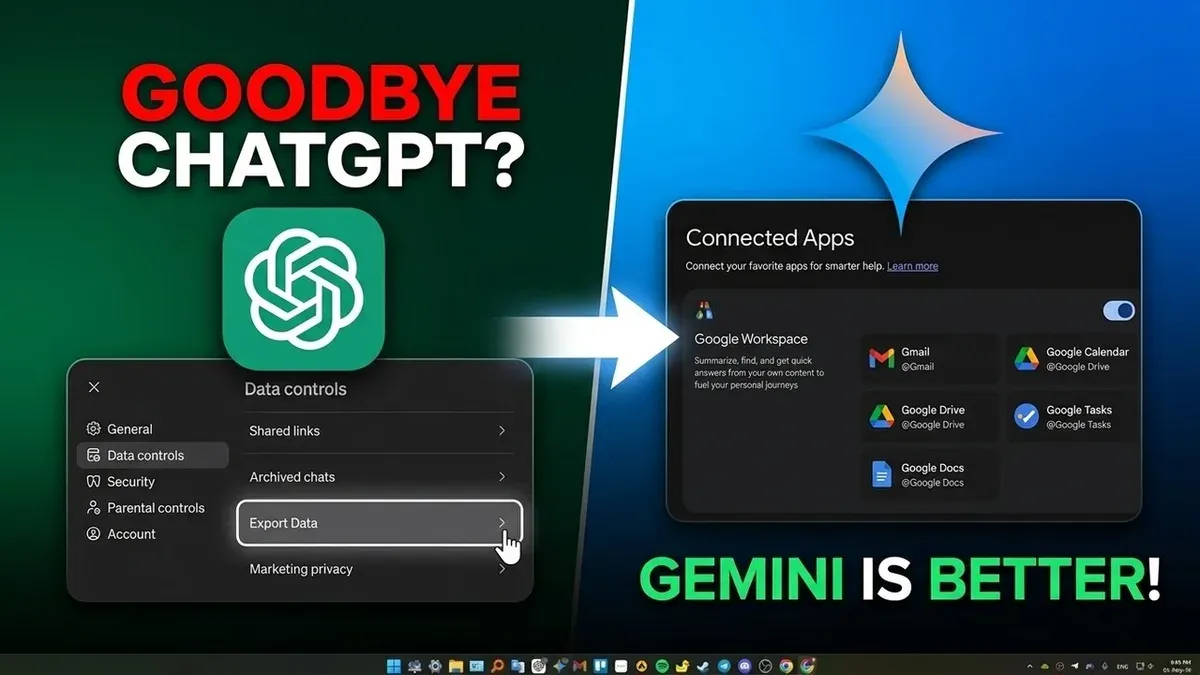
Short answer: Switching from ChatGPT to Google Gemini means moving from a widely adopted conversational AI to a newer, integrated AI assistant with different strengths in search and multimodal tasks. Google Gemini offers tighter integration with Google services and potentially richer contextual understanding, but it behaves differently enough that you’ll notice workflow changes.
This article covers the practical differences between ChatGPT and Google Gemini, how Gemini’s performance stacks up in real-world scenarios, when switching makes sense, and how to migrate your workflows smoothly without losing productivity. You get a clear, no-nonsense guide focused on what actually changes day-to-day and what to watch out for when switching AI assistants.
How is Google Gemini different from ChatGPT?
Google Gemini and ChatGPT differ fundamentally in architecture and ecosystem integration. Gemini is built on Google's latest multimodal architecture, designed to handle text, images, and other data types seamlessly, while ChatGPT relies primarily on OpenAI’s GPT series focused on text-based inputs and outputs. Gemini integrates deeply with Google services like Search, Maps, and Workspace, enabling real-time access to live data and personalized context, whereas ChatGPT operates independently, relying on a static knowledge base updated periodically.
Conversation style also varies: Gemini tends to generate responses grounded in current facts, often referencing live information, while ChatGPT offers more generalized knowledge with a consistent tone shaped by extensive fine-tuning. For example, asking about today’s weather, Gemini can pull real-time data, but ChatGPT cannot.
| Feature | Google Gemini | ChatGPT |
|---|---|---|
| Architecture | Multimodal, latest Google models | Text-focused GPT series |
| Update Frequency | Continuous, live data integration | Periodic, static knowledge cutoffs |
| Platform Integration | Google ecosystem (Search, Maps, Workspace) | Platform independent |
| Capabilities | Handles images, text, and more; real-time data | Text generation and understanding |
In practice, if you ask both assistants for a summary of a recent news event, Gemini can provide details from the latest headlines linked to Google News, while ChatGPT will generate a summary based on data available up to its last update. This distinction illustrates the trade-off between Gemini's real-time connectivity and ChatGPT’s stable, consistent knowledge base.
Does Google Gemini work like ChatGPT?
Both Google Gemini and ChatGPT use chat-based interfaces that feel familiar to users transitioning between them. Gemini’s response time is comparable to ChatGPT’s, typically delivering answers within seconds, maintaining a smooth conversational flow. However, Gemini’s real-time integration with Google services means it can pull in live data or multimodal content, which ChatGPT does not do natively.
When you submit identical prompts—such as "Explain the causes of the 2008 financial crisis"—ChatGPT provides a concise, text-based summary grounded in its training data up to its knowledge cutoff. Gemini, by contrast, may augment its reply with up-to-date figures or linked visuals if configured to do so. Both handle follow-up questions well, but Gemini’s memory adapts dynamically within a session, often retaining context longer and supporting more nuanced multi-turn interactions.
In terms of integrations, ChatGPT supports a wide range of third-party plugins via its Plugin Store, enabling tasks like booking flights or code generation. Gemini, meanwhile, is beginning to roll out its own extensions tied tightly to Google’s ecosystem, such as Google Drive or Maps access, though its third-party plugin ecosystem remains less mature. The switch involves getting used to these subtle differences in prompt handling and integration availability.
How does Google Gemini compare to ChatGPT in practical use cases?
For coding assistance, Google Gemini often delivers faster responses with more accurate syntax suggestions, especially when integrated with Google Cloud tools. ChatGPT remains strong in explaining complex algorithms clearly but may lag slightly in real-time code debugging. In content creation, Gemini excels at incorporating multimedia elements and real-time data, enhancing creative outputs, while ChatGPT provides more polished, editorial-style text with fewer factual updates.
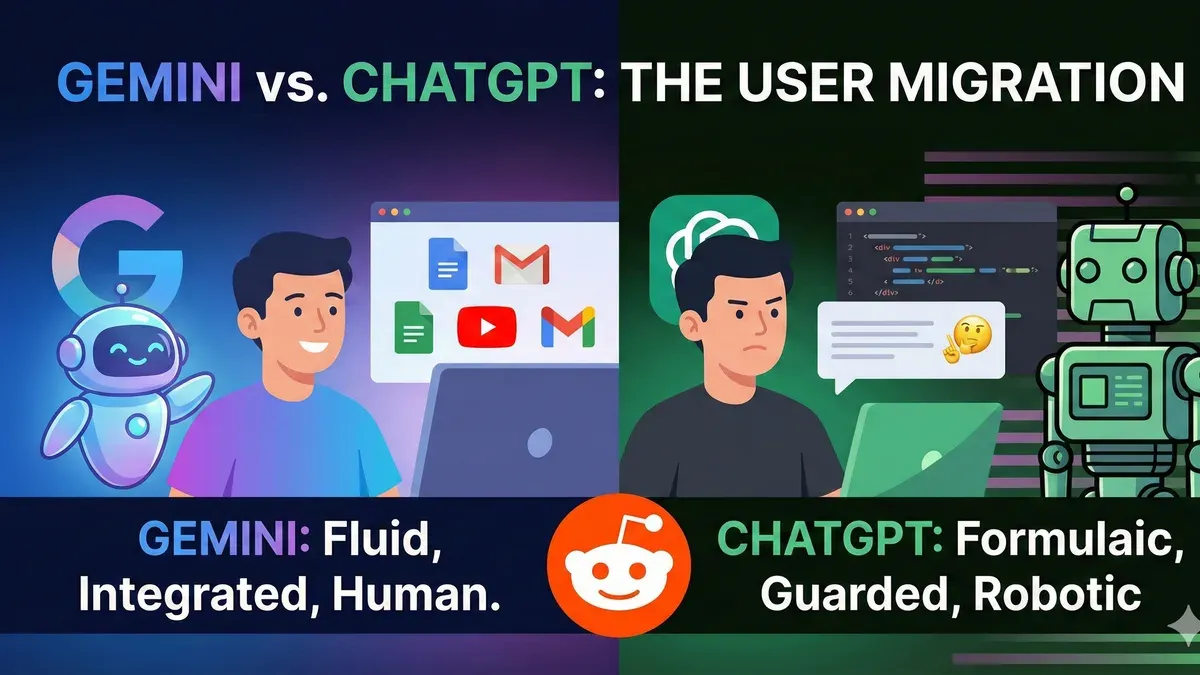
When it comes to research and brainstorming, Gemini’s dynamic memory and access to up-to-date information give it a slight edge in generating relevant, context-aware ideas. ChatGPT’s responses tend to be more consistent in tone and style but rely on static knowledge. In technical domains, Gemini shows improved accuracy due to real-time data access; in creative writing, ChatGPT often produces richer narrative detail.
Regarding speed and cost, Gemini’s integrated ecosystem can reduce latency and API costs for high-volume users but may require more setup. ChatGPT offers straightforward pay-as-you-go plans with predictable performance. Language support and accessibility are robust in both, but Gemini’s integration with Google Translate and voice recognition tools provides broader accessibility options.
For example, if you’re generating a multi-language marketing campaign with embedded images and need quick iteration, Gemini streamlines the process. If you prioritize consistent editorial tone and simple setup, ChatGPT remains reliable.
Should I switch from ChatGPT to Google Gemini?
Deciding whether to switch depends on your priorities and workflow. If you rely heavily on Google services like Docs, Drive, and Calendar, Google Gemini’s seamless integration can streamline your tasks. However, if you value consistent text generation and have established workflows built around ChatGPT’s API and plugins, switching may disrupt your routine.
Cost and privacy are key factors. Google Gemini’s pricing and data policies differ from ChatGPT’s, so review your current usage and compliance needs. For example, a marketing analyst who uses ChatGPT for polished copywriting and custom plugins might lose efficiency if Gemini’s multimedia features don’t align with their focus.
Switching risks include potential data migration issues and the need to retrain team members on new interfaces and features. Existing integrations with ChatGPT may not have direct equivalents in Gemini, requiring workaround solutions or dual usage during transition.
Use this checklist to decide:
- You use multiple Google Workspace apps daily: consider switching.
- Your workflow depends on stable, text-focused outputs: stay with ChatGPT.
- Privacy policies and data control are non-negotiable: compare terms closely.
- You want richer multimedia and real-time data: Gemini may be worth trying.
- Switching costs or downtime would hurt productivity: evaluate phased migration.
How to migrate from ChatGPT to Google Gemini effectively
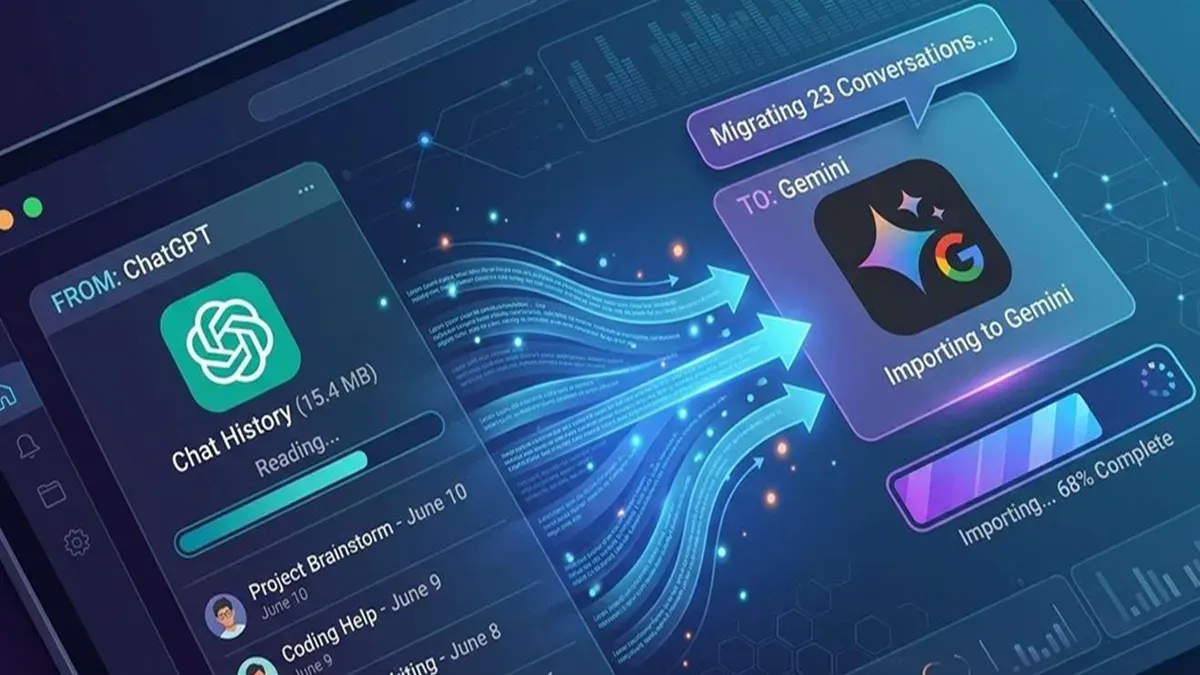
Start by analyzing your ChatGPT usage: identify frequently used prompts, integrations, and saved chats. Export any data you can from ChatGPT’s settings, especially conversation histories and custom instructions. This step prevents loss of valuable context during transition.
Next, set up Google Gemini by creating an account or logging in through your Google account. In the Gemini interface, configure preferences under Settings > Personalization, including language, accessibility, and privacy controls to match your prior setup as closely as possible.
Transfer saved prompts and chats by manually recreating them in Gemini, as automated import options are limited. Focus on high-priority prompts first to maintain workflow continuity. For integrations, check Gemini’s Plugins section to enable equivalent tools or find alternatives.
Before fully switching, run parallel tests on typical tasks to spot workflow gaps or performance issues. Address common problems like plugin incompatibility or response format differences early. This trial phase can last from a few hours to a couple of days depending on your usage complexity.
- Export ChatGPT data and review key prompts (30-60 minutes)
- Create/configure Google Gemini account and preferences (15-30 minutes)
- Manually recreate high-priority prompts and chats (varies by volume; start with top 5-10)
- Enable or replace integrations in Gemini’s Plugins menu (30-60 minutes)
- Test workflows with typical tasks, troubleshoot issues (1-2 days recommended)
For example, if you rely on ChatGPT for multilingual content drafts and calendar integrations, prioritize recreating language prompts and find Gemini-compatible calendar plugins early. This prevents workflow disruption and leverages Gemini’s strengths while avoiding common pitfalls like plugin gaps or forgotten saved prompts.
Common mistakes to avoid when switching AI assistants
Assuming Google Gemini matches ChatGPT feature for feature leads to frustration. For example, Gemini's dynamic memory may feel inconsistent if you expect ChatGPT's straightforward session handling. Users have reported losing context when relying on Gemini's real-time updates without verifying behavior first.
Ignoring privacy settings and data export/import limitations is another pitfall. ChatGPT allows exporting chat histories easily, but Gemini’s data migration tools are still evolving. One user lost months of saved prompts by skipping manual backup before switching.
Rushing the switch without thorough testing can disrupt your workflow. Jumping straight into critical projects without trial runs risks costly errors. Testing Gemini’s plugin setup and integration with your tools beforehand avoids downtime.
Overlooking cost and subscription differences causes unexpected charges or feature loss. Gemini’s premium tiers and Google account requirements differ from ChatGPT’s plans. Users have reported surprises when functionality changed after switching accounts or plans.
- Verify feature parity in your key use cases before switching
- Export and backup ChatGPT data manually before migrating
- Test Google Gemini workflows on non-critical tasks first
- Check subscription terms and pricing differences carefully
Frequently asked questions
Does google gemini use chatgpt?
No, Google Gemini does not use ChatGPT. It is built on Google's own AI architecture and models, separate from OpenAI's technology. While both are large language models, their underlying frameworks and training data differ.
Does Google Gemini use ChatGPT technology?
Google Gemini does not incorporate ChatGPT technology. It operates independently using Google's proprietary AI systems designed to compete with or complement models like ChatGPT rather than relying on them.
Can I transfer my chat history from ChatGPT to Google Gemini?
There is no built-in feature to transfer chat history directly from ChatGPT to Google Gemini. These platforms use different backend systems and data formats, so you will need to manually export any important information or notes before switching.
Is Google Gemini a better alternative to ChatGPT?
Whether Google Gemini is better depends on your specific needs. Gemini may offer advantages in integration with Google services and certain language tasks, but ChatGPT remains strong in versatility and third-party plugin support. Evaluate your workflows and priorities before deciding.
How do Google Gemini and ChatGPT handle updates and new information?
Both Google Gemini and ChatGPT receive periodic model updates from their developers. However, neither updates in real time with current events; new information is incorporated through retraining cycles. The frequency and scope of these updates differ based on each company’s release schedule.
What this advice does not cover
This article does not cover enterprise-grade deployment or API-level integration differences, which may require specialized evaluation. If you rely on custom API workflows or need comprehensive compliance and security audits, consult your IT or development teams before switching. Also, this guide does not address cost comparison details for large-scale usage or volume licensing, which can significantly affect decision-making.
Quick checklist
- Review your most frequent ChatGPT use cases and identify any unique Gemini features that improve those workflows.
- Test Google Gemini’s response style and accuracy on your typical queries to spot potential gaps.
- Export ChatGPT conversations or data you want to keep using the OpenAI platform’s export feature.
- Set up your Google account, enable Gemini access, and customize settings for your preferences.
- Start with Gemini on low-stakes tasks before fully switching to reduce disruption.
Switching AI assistants is about matching tool strengths to your workflow. The clearest next step is to run side-by-side comparisons on key tasks you perform daily. That hands-on testing reveals real differences beyond marketing and helps you decide if Gemini’s benefits justify the switch.
See also: How to Roll Out ChatGPT for Older Employees Effectively · ChatGPT Implementation Timeline: How It Evolved and What You Need to Know