Switching from Promethean Board to Interactive Flat Panel: A Practical Expert Guide
Switching from Promethean board to interactive flat panel upgrades your classroom with superior touch response, higher resolution, and versatile software support.

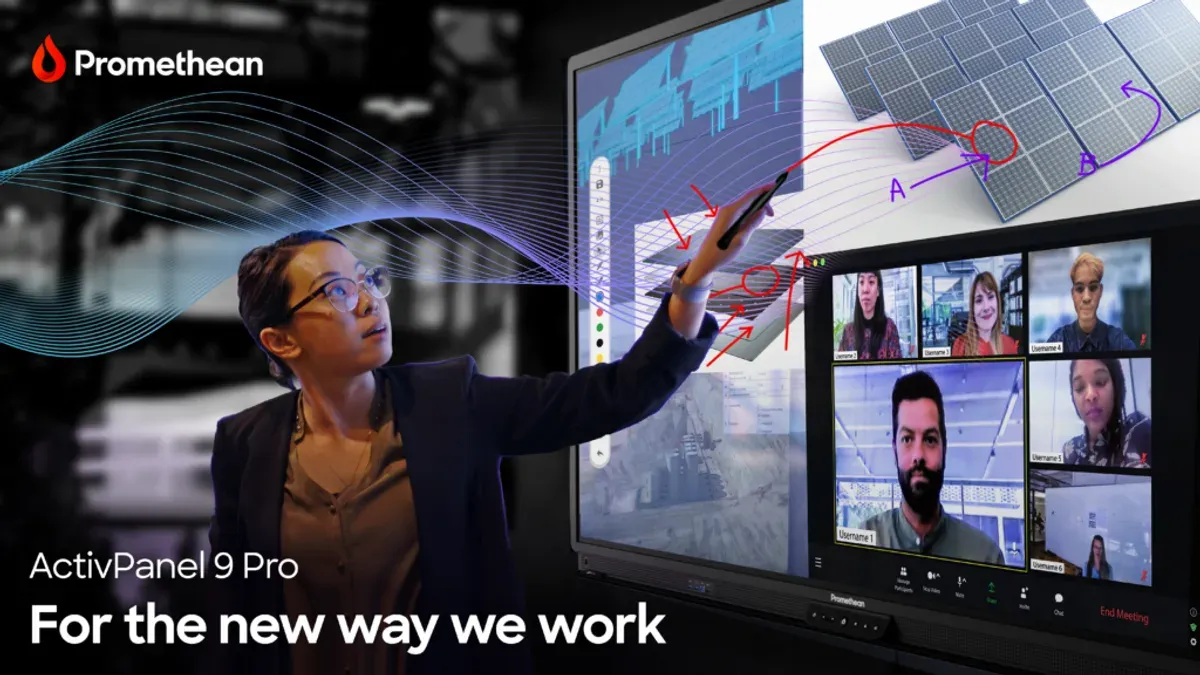
Short answer: Switching from Promethean board to interactive flat panel means moving to a more versatile, integrated touchscreen display that supports higher resolution, better multi-touch responsiveness, and broader software compatibility. This transition is more than swapping hardware; it involves adapting your classroom technology setup and instructional methods to leverage the new panel’s capabilities fully.
This guide covers the key technological differences you must understand, the benefits that interactive flat panels bring to teaching and learning, and the practical steps for planning your technical transition. You’ll also find strategies to maximize classroom impact through enhanced features and advice on avoiding common pitfalls that can slow down or complicate your upgrade process.
Understand What Sets Interactive Flat Panels Apart from Promethean Boards
Promethean boards are interactive whiteboards that rely on a projector to display images on a touch-sensitive surface, combining traditional whiteboard functions with digital interaction. Interactive flat panels (IFPs), by contrast, integrate a high-resolution LED or LCD screen with built-in touch capabilities, eliminating the need for external projectors.
Display quality is a key differentiator. Promethean boards often show lower resolution images due to projector constraints, typically capped around 1080p with potential glare and shadow issues. Interactive flat panels provide crisp 4K resolution with uniform brightness, improving visual clarity and reducing eye strain. Touch technology also differs: Promethean boards use resistive or infrared touch with slight latency, whereas IFPs employ advanced capacitive or optical touch systems with minimal latency, supporting multiple simultaneous touch points with higher precision.
Software ecosystems vary significantly. Promethean boards depend heavily on proprietary software and projector calibration, which can complicate updates and limit app choices. Interactive flat panels run on versatile operating systems like Android or Windows, enabling access to a broader range of educational apps and seamless integration with existing IT infrastructure.
For example, when writing a math equation, the slight touch delay on a Promethean board can disrupt flow, while an interactive flat panel registers strokes instantly, allowing for smoother instruction and student participation. These technological and functional differences mean switching to an interactive flat panel impacts not just hardware but how you plan lessons, engage students, and manage classroom tech.
| Feature | Promethean Board | Interactive Flat Panel |
|---|---|---|
| Display Type | Projector + Touch Surface | Integrated LED/LCD Screen |
| Resolution | Up to 1080p, variable with projector | 4K Ultra HD |
| Touch Technology | Resistive or Infrared, slight latency | Capacitive/Optical, low latency, multi-touch |
| Software Ecosystem | Proprietary, projector-dependent | Android/Windows OS, broad app support |
| Setup Complexity | Requires projector alignment and calibration | Plug-and-play with minimal setup |
Assess Why Upgrading to an Interactive Flat Panel Benefits Your Classroom
Upgrading to an interactive flat panel improves image clarity significantly, making text and visuals crisp even at wide viewing angles. This clarity supports detailed work such as graph analysis or high-resolution videos, which are often less defined on older Promethean boards. Multi-touch capabilities allow multiple students to engage simultaneously, fostering collaborative learning without delay or touch conflicts.
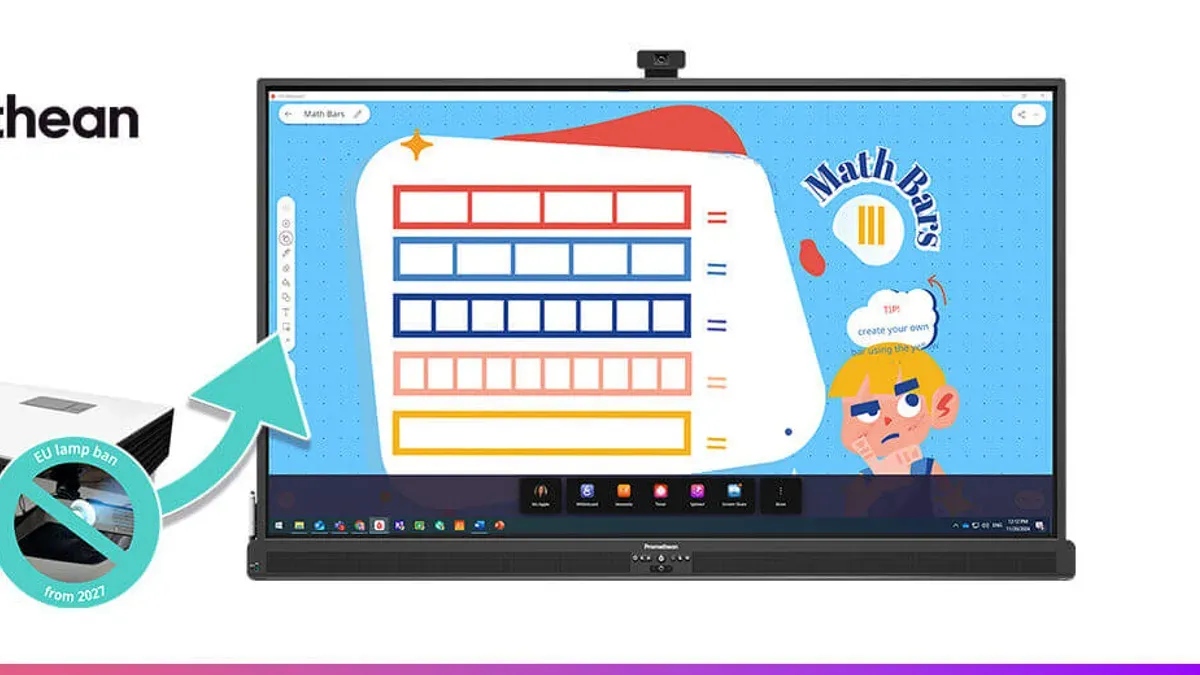
Software integration on interactive flat panels extends beyond legacy systems, offering seamless compatibility with a broad range of modern educational applications like Google Classroom, Microsoft Teams, and specialized STEM tools. This flexibility reduces friction when introducing new digital resources and supports diverse teaching styles.
Durability is another key benefit. Interactive flat panels typically feature robust glass and sealed components that resist scratches and dust infiltration, lowering maintenance needs. When factoring in reduced downtime and longer lifespans, the total cost of ownership often balances out higher upfront costs.
For example, a mid-sized school replacing Promethean boards with interactive flat panels reported higher user satisfaction due to reduced tech support calls and improved student engagement. Over three years, maintenance savings and software compatibility outweighed the initial investment, making the upgrade financially sensible as well as pedagogically advantageous.
Plan the Technical Transition: From Setup to Software Migration
Begin by scheduling the physical installation during off-hours to minimize classroom disruption. Interactive flat panels typically require a secure wall mount compatible with VESA standards, stable power outlets, and reliable network connections via Ethernet or Wi-Fi. Confirm that the room’s infrastructure supports these requirements before removal of the Promethean board.
Next, prepare for software migration by exporting lesson plans and resources from Promethean’s ActivInspire software. Use the export function to save files in common formats like PDF or SMART Notebook if compatible with your new panel’s software. Import these files into the new platform, such as SMART Board or ViewBoard software, adjusting layouts where necessary to fit different screen resolutions and touch functionalities.
Training educators is critical. Organize hands-on sessions focusing on the new interface navigation, annotation tools, and multi-user features. Highlight differences like gesture controls and cloud integration, which often require a learning curve. Allocate time for practice and Q&A to ensure comfort with the new technology.
Sample Migration Checklist
- Schedule installation outside teaching hours
- Verify wall mount and power specifications
- Export lesson plans from ActivInspire as PDFs
- Import and adjust lesson files in new software
- Conduct educator training sessions on new features
- Test all connections and software functions before full use
Maximize Classroom Impact with Interactive Flat Panel Features
Interactive flat panels offer collaborative tools that enhance engagement beyond traditional Promethean boards. For example, the multi-user annotation feature allows up to 20 students to write or draw simultaneously on the screen, fostering active group work.
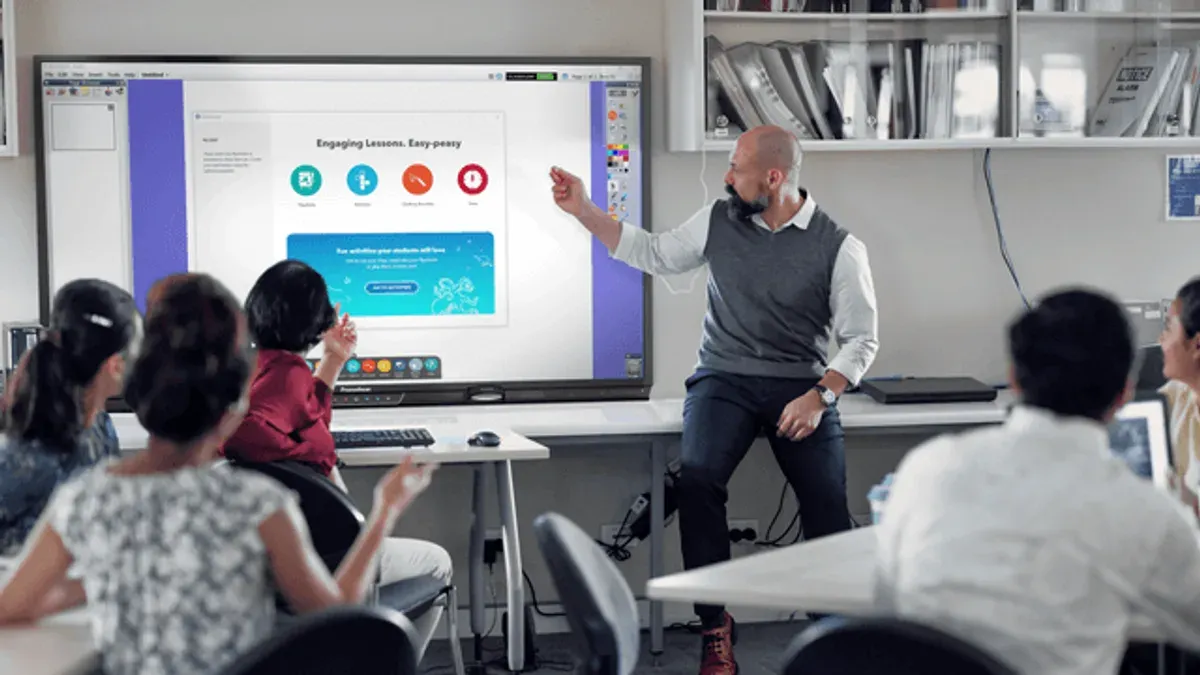
Integrate multimedia by using the built-in content browser to seamlessly display videos, images, and web resources without switching devices. Embedding interactive quizzes within lesson slides keeps students involved and provides immediate feedback.
Customize the user interface via the settings menu under Accessibility to adjust touch sensitivity and enable features such as text-to-speech or high-contrast modes for diverse learners. This flexibility supports an inclusive classroom environment.
Consider a science lesson on ecosystems: while discussing habitat images, students use the panel’s split-screen mode to compare two environments side by side, annotate key differences in real time, then launch a short interactive quiz embedded via the panel’s native software. Such integration often leads to higher participation and better concept retention.
- Enable multi-user annotation through the 'Pen Settings' menu
- Use the content browser for multimedia integration
- Adjust accessibility options under 'Settings > Accessibility'
- Leverage split-screen mode for comparative lessons
- Embed quizzes using the panel’s interactive software tools
Avoid Common Mistakes When Switching to Interactive Flat Panels
One critical mistake is neglecting thorough staff training and ongoing technical support. For example, a school district recently faced a failed rollout after installing interactive flat panels but provided minimal training. Teachers struggled with new software features, leading to frustration and underutilization of the technology.
Another common pitfall is assuming legacy content and software will seamlessly transfer. Many older lesson files are incompatible with the new system’s formats or software versions, requiring conversion or recreation to function properly.
Finally, underestimating infrastructure demands such as power supply and network capacity can cripple performance. Interactive flat panels need dedicated power outlets and stable high-speed internet, especially when using cloud-based educational tools or simultaneous multi-user functionality.
Checklist: Infrastructure Essentials
- Dedicated 15-20 amp power circuits near each panel
- High-speed wired Ethernet connections with at least 100 Mbps bandwidth
- Reliable Wi-Fi coverage for mobile device integration
- Surge protectors and UPS backup for power stability
- Updated firewall and network configurations to allow panel software access
Read next
- Switching from Promethean Board to Document Camera: A Clear Expert Guide
- Switching from Promethean Board to Classroom Projector: A Practical Guide
Frequently asked questions
What are the key differences between Promethean boards and interactive flat panels?
Promethean boards typically rely on a projector and touch-sensitive surface, while interactive flat panels are self-contained, all-in-one touchscreen displays with built-in computing power. Flat panels offer higher resolution, better brightness, and multiple touch points, enhancing responsiveness and image clarity. Additionally, flat panels generally have longer lifespans and require less maintenance due to the absence of bulbs and calibration needs.
How difficult is it to migrate existing lesson content to new interactive flat panel software?
Migrating lesson content depends on the software ecosystems involved. Many flat panel systems support common file formats like PDF, PowerPoint, and SMART Notebook files, but proprietary Promethean ActivInspire files may need conversion or recreation. Some vendors offer import tools or plugins, but expect some manual adjustments for interactive elements and annotations to function properly.
What training do educators typically need when switching to interactive flat panels?
Educators usually require training on the flat panel’s operating system, annotation tools, and any new lesson software. This includes learning how to navigate menus, use multi-touch gestures, and integrate built-in apps like screen sharing or video conferencing. Hands-on workshops focusing on creating interactive lessons and troubleshooting common issues help build confidence with the new technology.
Are interactive flat panels compatible with all existing classroom technology?
Interactive flat panels generally support HDMI, USB, and wireless connectivity, making them compatible with most laptops, tablets, and document cameras. However, compatibility with older peripherals or software may require adapters or updates. It’s advisable to verify connection standards and software requirements ahead of installation to ensure seamless integration with your current setup.
What this guide does not cover
This guide does not cover every brand or model of interactive flat panel, so you should verify specific features and compatibility with your chosen devices. If your school requires integration with legacy systems or specialized software, consult your IT vendor or a technology integration specialist to ensure smooth interoperability.
Quick checklist
- Confirm compatibility of interactive flat panel with existing classroom software and hardware.
- Plan and test data migration from Promethean software to the new platform.
- Train educators on new touch gestures and annotation tools unique to the flat panel.
- Configure network and security settings before full classroom deployment.
- Schedule regular firmware updates to maintain performance and security.
- Establish a technical support plan to address potential user issues promptly.
To move forward effectively, start by assessing your current classroom technology environment and create a detailed transition roadmap. This ensures you address technical, instructional, and logistical challenges early, making the switch from Promethean boards to interactive flat panels seamless and beneficial for your teaching and learning goals.