ClassDojo Rollout Plan for Substitute Teachers: A Practical Guide
Learn a practical ClassDojo rollout plan for substitute teachers to ensure quick adaptation, effective training, and smooth classroom management.

Short answer: A successful ClassDojo rollout plan for substitute teachers involves targeted preparation and training that addresses their unique needs. You ensure substitutes have quick access to class codes, understand key features like behavior tracking and messaging, and are supported with clear, concise instructions tailored for their temporary role.
This guide covers the specific challenges substitutes face with ClassDojo and offers a step-by-step approach to prepare, train, and implement the platform effectively in classrooms they lead. You will learn how to tailor your rollout strategy, avoid common pitfalls, and empower substitutes to confidently use ClassDojo from the first day on the job.
Understand ClassDojo’s Role for Substitute Teachers
ClassDojo is a classroom management platform designed to streamline behavior tracking, enhance communication with parents, and provide real-time class updates. For substitute teachers, these features are vital because they enable quick adaptation to unfamiliar classrooms and facilitate consistent communication despite being temporary staff.
Substitutes benefit from ClassDojo’s easy-to-use interface, which allows them to record behavior incidents or positive reinforcements under preset categories with minimal setup. The platform’s messaging system connects substitutes directly with parents, ensuring transparency and fostering trust. Additionally, the class feed and attendance tools help substitutes maintain continuity by keeping track of daily activities and student participation.
Consider a substitute stepping into a third-grade classroom mid-week: by accessing the teacher’s ClassDojo class profile, they can instantly see previous behavior notes, follow established routines, and send updates to parents about the day’s progress. Schools using ClassDojo report smoother substitute transitions and improved parent engagement during absences.
Identify Challenges Substitute Teachers Face with ClassDojo
Substitute teachers often encounter limited access to the full ClassDojo teacher accounts, restricting their ability to manage class setups or customize settings. Typically, substitutes receive guest or limited permissions, preventing them from adding new students or adjusting behavior points, which can hinder classroom management.
Time constraints between assignments add pressure to quickly learn ClassDojo’s interface. Substitute teachers may have only minutes or hours to familiarize themselves before stepping into a new classroom, making in-depth onboarding unrealistic.
Inconsistent usage of ClassDojo by permanent staff also creates confusion. If regular teachers differ in how they track behavior or communicate with parents through the platform, substitutes struggle to maintain continuity and follow existing routines.
Privacy and permission concerns unique to substitutes further complicate access. Schools must balance protecting student data with enabling substitutes to effectively use ClassDojo, often resulting in restricted functionalities or delays in account provisioning.
For example, a substitute stepping into a fifth-grade classroom may only have view-only access, unable to award points or send messages to parents. This limitation leaves the substitute unable to fully engage with the platform’s tools, reducing its value during their assignment.
Prepare Your Rollout Strategy Tailored for Substitutes
Designing a rollout plan for substitutes means addressing their limited time and need for straightforward access. Start by setting up substitute-specific ClassDojo accounts or enabling guest access through the ClassDojo dashboard under Settings > Staff Accounts. This ensures substitutes can join classes quickly without compromising data privacy.
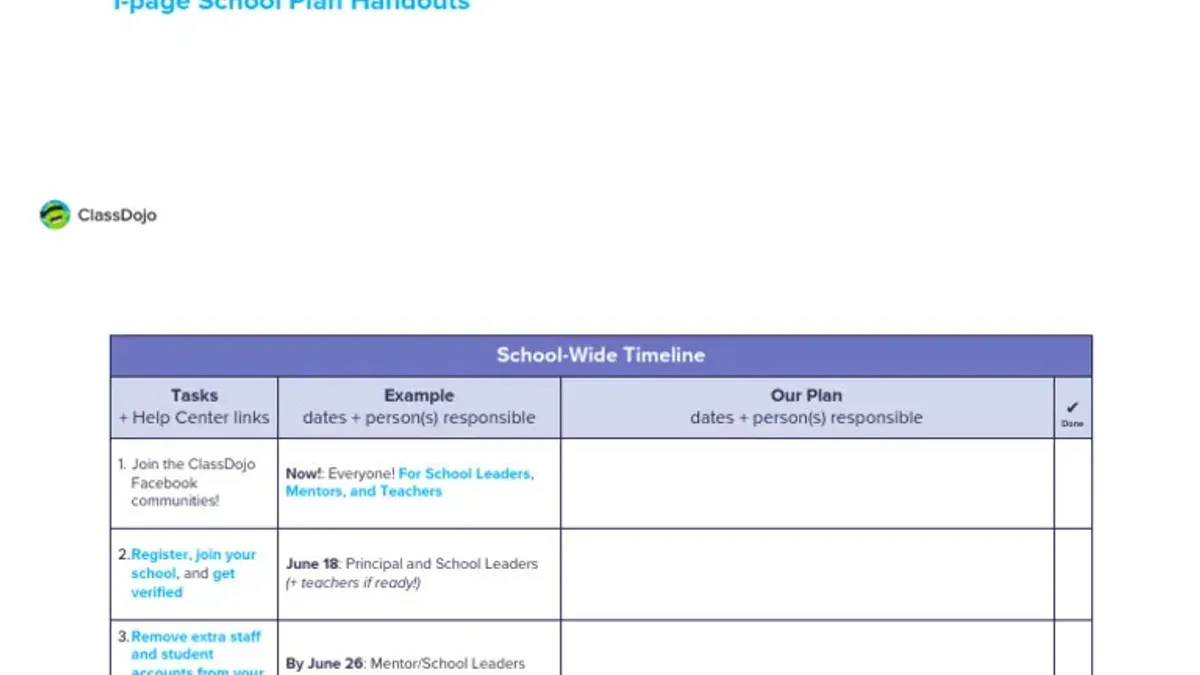
Coordinate with permanent teachers to pre-configure classes with clear behavior expectations and routines documented in the class setup. For example, ask teachers to prepare a “Substitute Class Overview” within ClassDojo’s Class Story feature or attach a quick reference PDF outlining key points.
Provide substitutes with concise, focused training materials that cover essential tasks like awarding points, sending messages, and using the Class Story. Host these as downloadable PDFs or short videos accessible via the staff portal.
Establish clear communication protocols: designate a point person substitutes can contact for technical support or classroom guidance, and set expectations for check-ins before and after class using ClassDojo messaging.
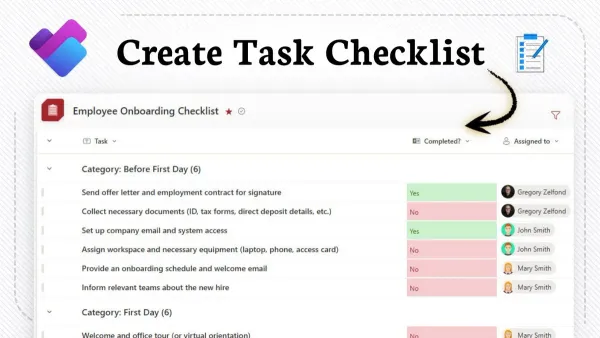
Example rollout checklist for substitute onboarding:
- Create substitute-specific accounts or guest access
- Coordinate with permanent teachers to upload class overviews
- Distribute quick-start guides and training links
- Assign a support contact for substitutes
- Set communication schedule around substitute days
Train Substitute Teachers Effectively on ClassDojo Use
Design training that respects substitutes’ limited availability by offering brief, focused sessions or short videos covering essential tasks like awarding points, sending messages, and accessing class reports. For example, a 15-minute video demonstrating how to navigate the "Class Story" and "Points" features helps substitutes quickly grasp core functions without overload.
Include hands-on practice scenarios reflecting common substitute situations, such as marking behavior or posting a class update. These exercises build confidence and reveal practical navigation tips, like quickly switching between classes if covering multiple grades.
Leverage peer support by pairing new substitutes with experienced ones who can answer questions and model effective use, fostering a mentoring culture. This ongoing help complements formal training and addresses diverse tech skill levels.
Ensure training covers both mobile apps and desktop platforms familiar to substitutes, emphasizing that ClassDojo's core features are consistent across devices. This flexibility supports substitutes who may prefer one interface over another.
Feedback from substitutes often shows higher comfort levels with training formats that combine brief videos and hands-on practice compared to long, lecture-style sessions, enabling quicker adoption and reducing frustration.
- Create 10-15 minute focused video tutorials on key ClassDojo functions
- Develop hands-on exercises simulating typical substitute tasks
- Establish a mentor system pairing new and experienced substitutes
- Train on both mobile and desktop ClassDojo platforms
Implement ClassDojo in Substitute-Led Classrooms
When you arrive for your substitute assignment, start by logging into ClassDojo using the credentials provided by the school. Navigate directly to the "Classes" tab on the main dashboard and select your assigned class, ensuring you access the correct roster with pre-loaded student profiles.
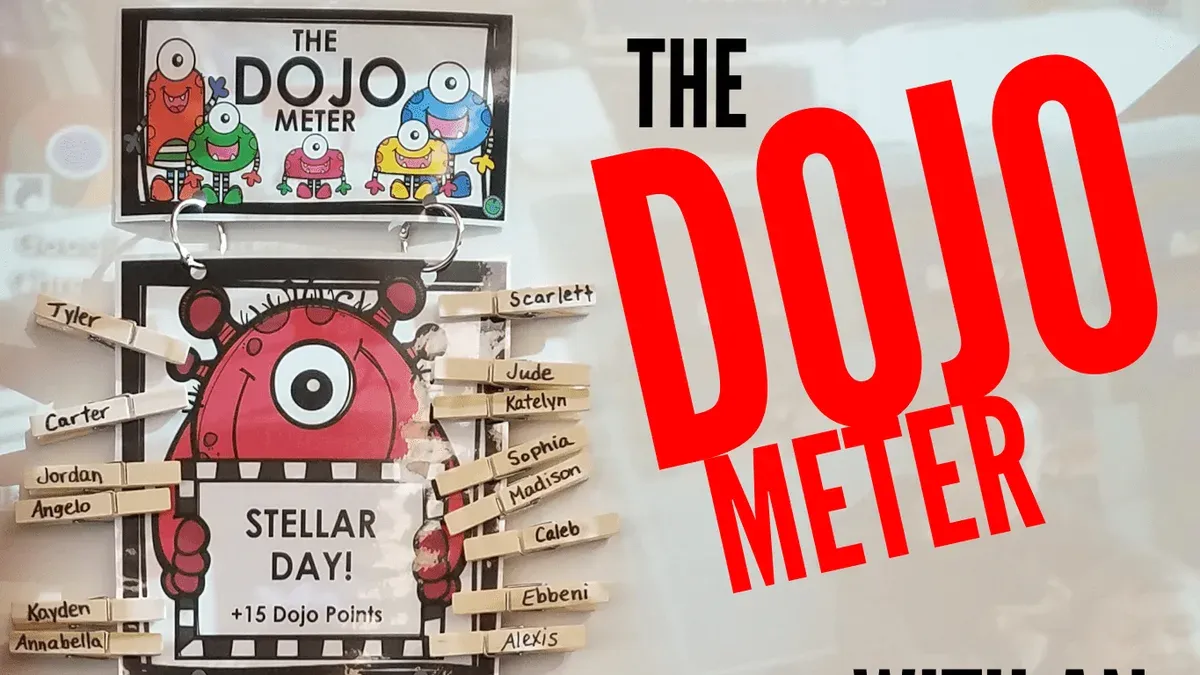
During the lesson, consistently record behavior and participation by clicking the student’s avatar and choosing the appropriate positive or negative point from the behavior menu. Maintain fairness by applying the same standards used by the permanent teacher, which you can verify in the class notes or training materials.
Use the "Messages" feature to update permanent teachers with summaries of the day’s classroom behavior or any incidents requiring attention. When appropriate, send brief, professional notes to parents through the platform to foster transparency and positive engagement.
If you encounter technical issues—such as slow loading or login problems—first refresh the page or switch devices if possible. Contact the designated school tech support promptly using the contact information in the app’s "Help" section. Document any disruptions in your communication to the permanent teacher to ensure a clear record.
For example, a substitute arrives, logs in, opens the “Room 204” class, quickly checks the behavior norms in the class overview, records points during activities, sends a midday message to the teacher noting good student participation, and reports a brief Wi-Fi dropout in the notes at day’s end.
- Log in and select the assigned class from the "Classes" tab
- Record behavior points consistently using the student avatars
- Communicate with permanent teachers and parents via the "Messages" feature
- Address technical issues by refreshing, switching devices, and contacting support
- Document any disruptions or unusual events in the class notes
Avoid Common Mistakes When Using ClassDojo as a Substitute
One frequent error is failing to verify your access to the correct ClassDojo class before the school day begins. For instance, a substitute once arrived without confirming login credentials and class assignment, resulting in wasted time troubleshooting instead of teaching. This delay disrupted the classroom flow and caused frustration.
Inconsistent behavior tracking is another pitfall. Substitutes sometimes record behavior incidents sporadically or only for certain students, leading to confusion among permanent staff reviewing ClassDojo reports. Consistent use ensures clear communication about student conduct.
Neglecting to communicate updates or technical issues to permanent teachers can create information gaps. For example, a substitute who encountered a messaging failure on ClassDojo did not notify the regular teacher, leaving parents unaware of important announcements.
Finally, overwhelming substitutes with too many features or extensive information at once hinders effective use. Focus on essential functions like behavior logging and messaging to keep the process manageable and efficient.
- Confirm ClassDojo login and class assignment before school starts
- Track behavior consistently for all students
- Report technical issues or updates promptly to permanent staff
- Limit training and usage to key features to avoid overload
Read next
- Google Workspace Rollout Plan Tailored for Substitute Teachers
- OneDrive Rollout Plan for Corporate Trainers: A Practical Guide
Frequently asked questions
Can substitute teachers have their own ClassDojo accounts?
Yes, substitute teachers can have their own ClassDojo accounts, but these are typically set up by school administrators to maintain control and ensure proper access. Substitutes often receive temporary or limited accounts linked to specific classrooms, allowing them to use ClassDojo without affecting permanent teacher settings.
How can substitutes quickly learn to use ClassDojo without formal training?
Substitutes can quickly learn ClassDojo by accessing the platform’s built-in tutorials and the “Help” section, which offers step-by-step guides on essential functions like giving points and messaging parents. Additionally, reviewing a brief, school-provided cheat sheet or quick-start guide tailored for substitutes helps them focus on key features relevant to their role.
What privacy considerations should substitutes be aware of when using ClassDojo?
Substitutes must handle student information with strict confidentiality, avoiding sharing login details and ensuring they only access classrooms assigned to them. They should follow school policies on data protection, refrain from posting sensitive information on student profiles, and log out after each session to prevent unauthorized access.
How do permanent teachers support substitutes with ClassDojo during their absence?
Permanent teachers support substitutes by preparing clear ClassDojo instructions, including login credentials and class behavior expectations, often through a substitute folder or digital note. They may also assign specific ClassDojo roles or permissions before their absence to ensure substitutes can manage points and communicate effectively without disrupting classroom management.
Quick checklist
- Clarify ClassDojo’s specific features substitutes will use, focusing on behavior tracking and messaging.
- Anticipate common substitute challenges like limited access to class rosters and unfamiliarity with platform navigation.
- Develop a simple, substitute-focused rollout plan that includes account setup and access protocols.
- Conduct concise, hands-on training sessions emphasizing core tasks substitutes must perform.
- Ensure substitutes have immediate access to ClassDojo via school-provided devices or secure login credentials.
- Regularly gather feedback from substitutes to refine support and resources.
- Monitor substitute use to prevent common errors such as incorrect student selection or incomplete attendance recording.
This guide’s limits
This guide does not cover full school-wide ClassDojo implementation strategies or advanced customization features that require permanent teacher involvement. For comprehensive district-level rollouts or deep integration with other school systems, administrators should consult dedicated ClassDojo implementation specialists or their school technology coordinators.
Focus here remains on enabling substitutes to effectively use the essential ClassDojo functions needed for day-to-day classroom management without overwhelming them with unnecessary complexity.
Start by establishing a clear substitute onboarding process tailored around ClassDojo basics, which will minimize confusion and maximize classroom continuity on days when you are not the regular teacher.