Microsoft Teams Account Hacked: How to Respond and Stay Secure
Learn how to respond effectively to a Microsoft Teams account hacked incident and maintain strong security to protect your data.

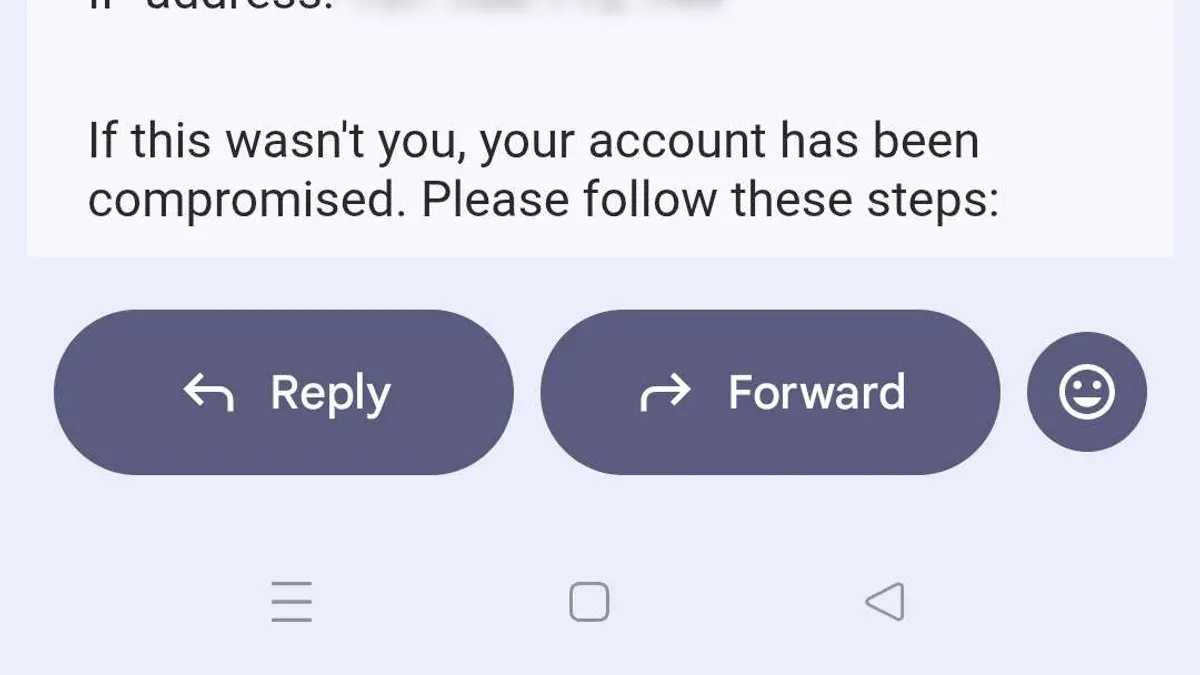
This article explains how to respond effectively when a Microsoft Teams account hacked incident occurs and how to maintain strong security to prevent it. Microsoft Teams accounts are valuable targets because they often contain access to sensitive business communications and files. Understanding common attack methods and how Microsoft Teams security works clarifies why accounts are vulnerable despite built-in protections. Clear, actionable steps to recover access and secure the account minimize downtime and damage. This article also highlights how to distinguish legitimate Microsoft support from scams that exploit compromised accounts.
Why would someone hack a Microsoft account?
Microsoft accounts serve as gateways to a wide range of valuable digital assets, including email, cloud storage, business applications, and communication platforms like Teams. Attackers target these accounts primarily for monetary gain, leveraging stolen credentials to access financial data or to sell account access on dark web marketplaces. Phishing remains a common tactic to harvest login information, while credential stuffing takes advantage of reused passwords across services.
Beyond financial motives, corporate espionage and disruption are significant drivers for hacking Teams accounts. Compromised Teams credentials can grant attackers entry to internal communications, sensitive documents, and collaboration channels. This access enables them to deploy malware, conduct reconnaissance, or impersonate employees to spread malicious links, amplifying the breach's impact.
For example, a documented breach involved hackers gaining entry to a company’s Microsoft Teams environment through stolen credentials. They used this access to distribute ransomware via shared chat links, causing operational downtime and financial loss. This illustrates how Teams accounts are attractive targets due to their integration with broader business ecosystems.
Cybersecurity reports consistently highlight that account takeover attacks against Microsoft services are among the most frequent, driven by the high value of these accounts. The combination of personal and professional data housed within a single Microsoft account makes it a rich target for attackers.
Is Microsoft Teams secure and what’s wrong with Microsoft Teams security?
Microsoft Teams employs strong security measures including encryption of data both in transit and at rest. Communications between clients and Microsoft’s data centers use TLS 1.2 or higher, ensuring that messages and files are protected from interception. Data stored on Microsoft servers is encrypted using service-side encryption protocols, supported by Azure’s secure infrastructure. Microsoft’s security architecture leverages identity and access management via Azure Active Directory, enforcing multi-factor authentication (MFA) and conditional access policies to restrict unauthorized entry.
Despite these protections, Teams security depends heavily on user behavior and organizational configuration. Common vulnerabilities arise from weak or reused passwords, lack of MFA enforcement, and susceptibility to phishing attacks that harvest credentials. For example, a user clicking a malicious link in a Teams chat can inadvertently install malware or expose login details. A recent advisory highlighted targeted phishing campaigns impersonating IT support within Teams, exploiting trust in internal communications.
Compared to other collaboration tools, Teams ranks well in security features but shares the same limitations: it cannot prevent user errors or social engineering. Unlike some platforms with end-to-end encryption by default, Teams encrypts data but retains access keys to enable compliance and eDiscovery, which could be a target if Microsoft’s systems were compromised. Users must remain vigilant by enabling MFA, monitoring sign-in activity, and educating themselves about phishing tactics.
How to contact Microsoft about a hacked Microsoft Teams account
To report a hacked Microsoft Teams account, start by visiting the official Microsoft account recovery page at https://account.live.com/acsr. This portal guides users through verifying their identity using backup email addresses, phone numbers, or security questions. Users will need to provide recent account activity details and codes sent to their registered contact methods to prove ownership.
If the account is locked or cannot be recovered via the self-service portal, contact Microsoft Support directly through https://support.microsoft.com/contactus. Choose the "Account & Billing" category, then "Microsoft account" and select "Compromised account" as the issue type. This will connect users to chat or phone support where a Microsoft agent can assist further.
For escalation, use the Microsoft 365 admin center if the account is part of an organization. Admins can submit a support ticket with detailed incident information and request priority handling. Individual users without admin rights should persist politely with support or seek help from their organization's IT department.
Warning: Many scam attempts impersonate Microsoft support, often via unsolicited phone calls or emails claiming urgent account issues. Microsoft never requests full passwords, payment information, or remote access to devices. Always verify URLs begin with "https://support.microsoft.com" and avoid clicking links in unexpected messages.
For example, a user receiving a call from someone claiming to be Microsoft Support asking to install remote desktop software should hang up immediately and report the number to Microsoft. Official support will always direct users to verified online portals for account recovery.
My Microsoft Teams account is hacked or locked. What should I do?
Begin by changing the Microsoft account password immediately. Navigate to your Microsoft account security page, select "Password security," and follow the prompts to create a strong, unique password. After this, enable multi-factor authentication (MFA) from the "Advanced security options" to add a critical layer of protection.
Next, review recent activity under "Sign-in activity" to identify unfamiliar logins or devices. Remove any suspicious devices or sessions by selecting "Sign out everywhere." This ensures unauthorized access is cut off. Follow this by checking Teams-specific permissions: in the Teams app, go to Settings > Permissions and revoke access for apps or bots that look unfamiliar or untrusted.
If the account is locked due to suspicious activity, use Microsoft's official account recovery page. Provide requested verification details such as backup email or phone number. Avoid multiple failed attempts, as this can extend the lockout period.
Common pitfalls include reusing old passwords, skipping MFA setup, and ignoring suspicious app permissions. For example, a user noticed frequent unauthorized messages sent from Teams; after revoking a third-party app permission found in Teams settings and resetting their password with MFA enabled, the issue stopped.
Tip: Regularly audit connected apps and devices in Microsoft account settings to prevent unnoticed access.
Is there a Microsoft account team scam and how to avoid it?
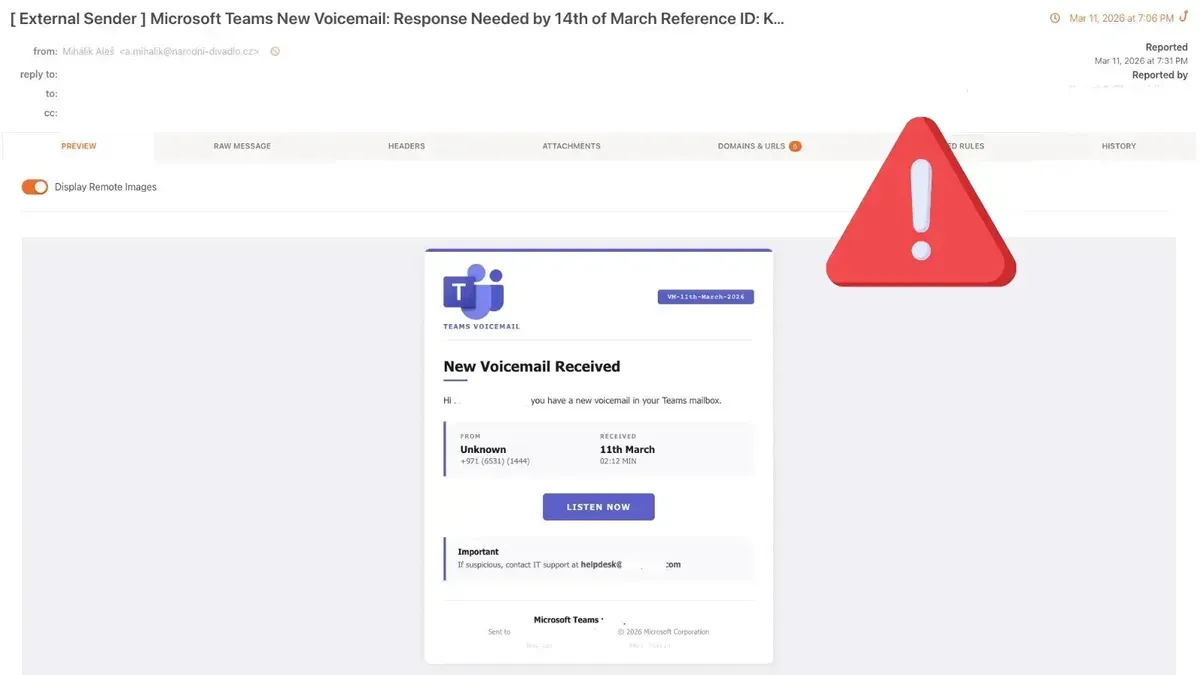
Scammers frequently impersonate Microsoft Teams or Microsoft account support to trick users into revealing credentials or granting remote access. Common tactics include fake phone calls claiming urgent account problems, phishing emails with links to counterfeit Microsoft login pages, and fraudulent websites mimicking official Microsoft portals. These scams often pressure victims to download remote access software or provide verification codes, enabling attackers to seize control of accounts.
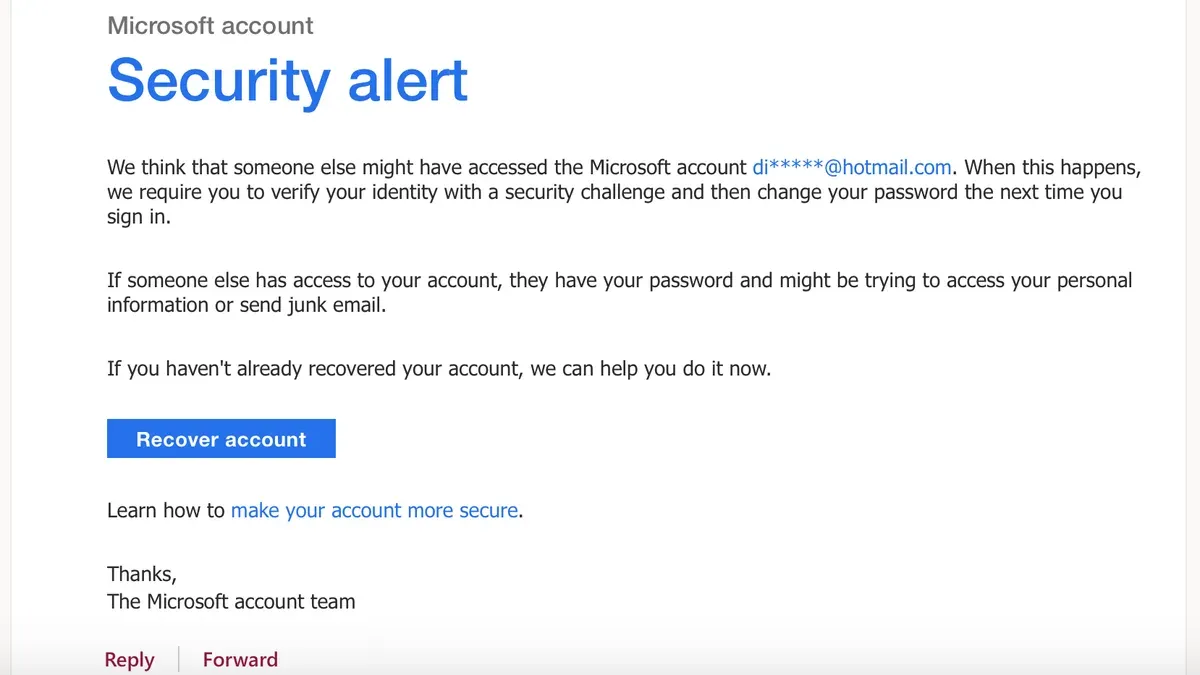
A typical scam scenario: a user receives a call from someone claiming to be a Microsoft support technician who warns of suspicious activity on the Teams account. The caller insists on immediate action, asking the user to install remote desktop software or to disclose multi-factor authentication codes sent via text message. Once granted access, the scammer can steal data or spread malware.
Red flags to watch for include unsolicited contact, requests for passwords or verification codes, poor grammar or unusual email domains, and URLs that do not match official Microsoft sites. Microsoft and cybersecurity agencies advise never to accept calls or emails that demand immediate access or personal information without verifying legitimacy.
Tip: Always access Microsoft support through official channels by typing the URL directly (https://support.microsoft.com) rather than clicking links in emails or messages.
Frequently asked questions
Why do people hack microsoft accounts?
Microsoft accounts often contain valuable personal and corporate information, including emails, contacts, and access to other linked services. Hackers target these accounts to steal data, commit identity theft, or gain unauthorized access to organizational resources. Compromised accounts can also be used to spread malware or phishing attacks within networks.
What's wrong with microsoft teams?
Microsoft Teams is generally secure but can be vulnerable if users reuse weak passwords, fall for phishing scams, or ignore multi-factor authentication settings. Some security concerns stem from improper configuration or delayed updates. User error and social engineering pose greater risks than inherent platform flaws.
Is microsoft teams hacked?
Microsoft Teams itself has not suffered widespread breaches. Most reported compromises involve user accounts being hacked through phishing or credential theft rather than flaws in Teams’ infrastructure. Microsoft continuously updates Teams to patch vulnerabilities and enhance security.
Why do people hack Microsoft accounts?
People hack Microsoft accounts primarily to exploit the extensive access these accounts provide. Attackers aim to harvest sensitive data, infiltrate connected services like Outlook or OneDrive, or use the account for further cyberattacks. The wide adoption of Microsoft accounts makes them attractive targets.
Has Microsoft Teams been hacked before?
There are no well-documented cases of Microsoft Teams itself being hacked through technical vulnerabilities. Most security incidents involve individual account compromises caused by weak security practices or phishing. Microsoft’s security measures help prevent platform-wide breaches.
What this advice does not cover and who should do something else
This article does not cover corporate IT policies or advanced forensic investigation. Microsoft Teams users in enterprise environments should consult their organization's IT security team for tailored incident response and recovery plans. This guide focuses on individual account security and basic recovery steps rather than on network-level attacks or legal actions. For complex breaches involving sensitive data or persistent threats, professional cybersecurity assistance is necessary.
The single most useful next step after suspecting a Microsoft Teams account compromise is to immediately change the Microsoft account password through the official Microsoft account security page. Following this, enable multi-factor authentication if it is not already active, and review recent sign-in activity for any unfamiliar locations or devices. These actions cut off unauthorized access quickly and help prevent further damage.
See also: How to Identify and Recover from a Microsoft Account Hack · How to Recover and Protect a Hacked iCloud Account · Line Account Hacked: How to Identify, Report, and Secure It · How to Set Up a Passkey for Microsoft Account: Step-by-Step Guide