Understanding and Managing Cricket Wireless Port Out Protection
Learn how Cricket Wireless port out protection prevents unauthorized phone number transfers and keeps your account secure.

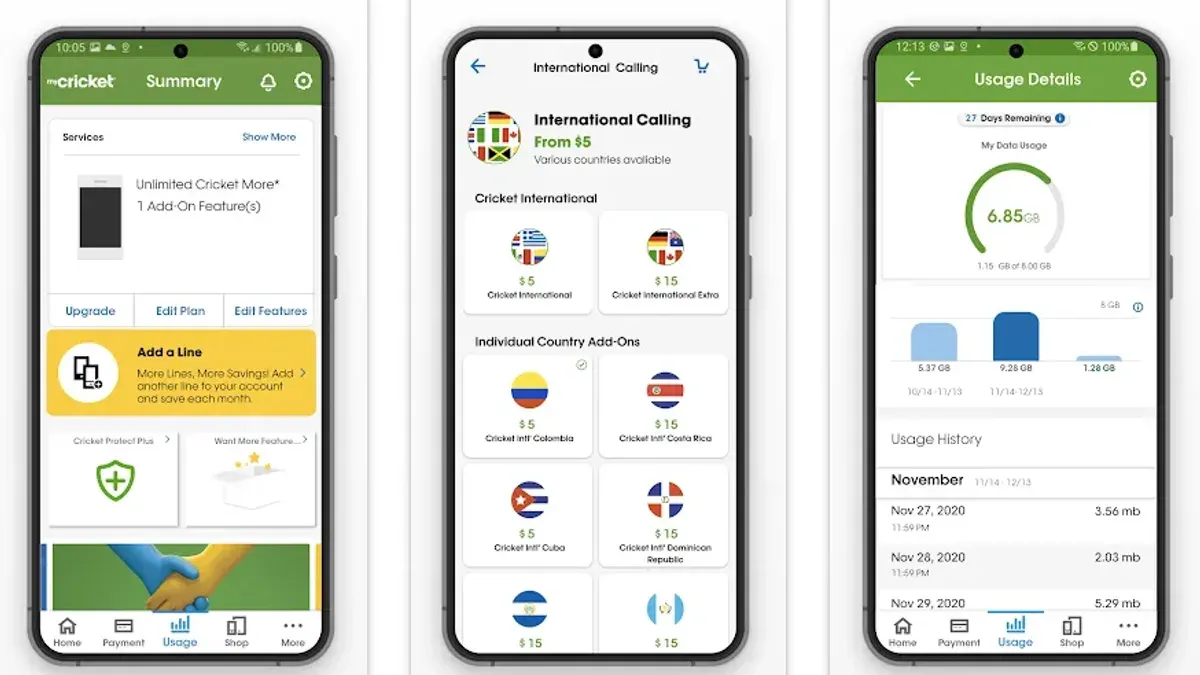
You notice an unexpected message saying your phone number has been moved to another carrier. Concerned about unauthorized access, you wonder how to protect your number from such porting scams. Cricket Wireless port out protection is designed to guard your phone number against unauthorized transfers, but understanding its features and limitations can help you make better choices.
This article explains what Cricket Wireless port out protection covers, how it works, how to enable or disable it, and what to consider when switching carriers. You'll also find common pitfalls and an honest evaluation of whether this protection suits your needs.
Key takeaways
- Cricket Wireless port out protection helps prevent unauthorized porting of your phone number.
- Enabling port out protection adds an extra verification step when transferring your number.
- You can turn the protection on or off via your Cricket account settings or customer service.
- Porting out with protection enabled requires additional verification but is still straightforward when following correct steps.
- Consider the trade-offs between convenience and security before deciding to keep the protection active.
What is Cricket Wireless Port Out Protection and Why It Matters
Cricket Wireless Port Out Protection is a security feature designed to prevent unauthorized transfer of your phone number to another carrier. This process, known as porting out, is how customers move their existing number when switching wireless providers. Without protection, fraudsters can exploit this process to steal your number through SIM swapping or identity theft.
Unauthorized porting incidents have become a significant concern across the wireless industry, leading to serious consequences such as loss of phone service, inability to access personal accounts, and exposure to financial fraud. For example, a customer’s phone number might be ported out fraudulently, allowing criminals to intercept text messages and calls that often contain sensitive two-factor authentication codes.
Port Out Protection acts as a safeguard by adding an additional verification layer before allowing your number to be ported. This might include requiring a PIN or password that only you know. It is part of a broader set of wireless security measures, which also include account passwords, device locks, and alerts for suspicious activity.
Imagine you receive a call from a bank asking for verification codes sent to your phone. If your number was ported without your knowledge, you wouldn’t get these codes, potentially locking you out of your accounts. With Port Out Protection enabled, unauthorized attempts are blocked, giving you time to respond and secure your information.
What Does Cricket Protect Cover and How It Works
Cricket Protect is a comprehensive protection plan that includes coverage for device repairs, replacements, and importantly, port out protection designed to safeguard your phone number from unauthorized transfers. The plan typically covers accidental damage, loss, theft, and mechanical failures, but exact claim details can vary, so reviewing the specific terms when enrolling is essential.
The port out protection feature works by requiring additional verification steps when you request to transfer your phone number to another carrier. This usually involves setting up a unique PIN or password on your Cricket Wireless account, which must be provided to authorize the port. Without this PIN, carriers cannot complete the port-out request, effectively blocking unauthorized or fraudulent attempts.
Technically, this protection activates through your Cricket account settings, where you enable a port validation PIN. When a port-out request is initiated, the system cross-checks the PIN against the input from the new carrier before approving the transfer.
However, there are limitations. For instance, port out protection does not prevent all types of fraud, such as SIM swapping if an attacker gains access to your account credentials. Also, the plan’s device coverage excludes cosmetic damage and software issues, focusing mainly on physical device problems.
| Feature | Cricket Protect | Typical Competitor Plans |
|---|---|---|
| Accidental Damage | Included | Included |
| Theft & Loss | Included | Varies (often excluded) |
| Mechanical Failures | Included | Included |
| Port Out Protection | PIN-based verification | Varies, some offer additional fraud monitoring |
| Account Recovery Help | Limited | Varies |
For example, if you enable port out protection and someone tries to port your number to a new carrier without your consent, the carrier will request the port validation PIN. Without it, the request is denied, preventing the number from being moved. This extra step adds a layer of security but requires you to remember or securely store the PIN to avoid complications when legitimately switching carriers.
How to Turn On and Turn Off Port Out Protection on Cricket Wireless
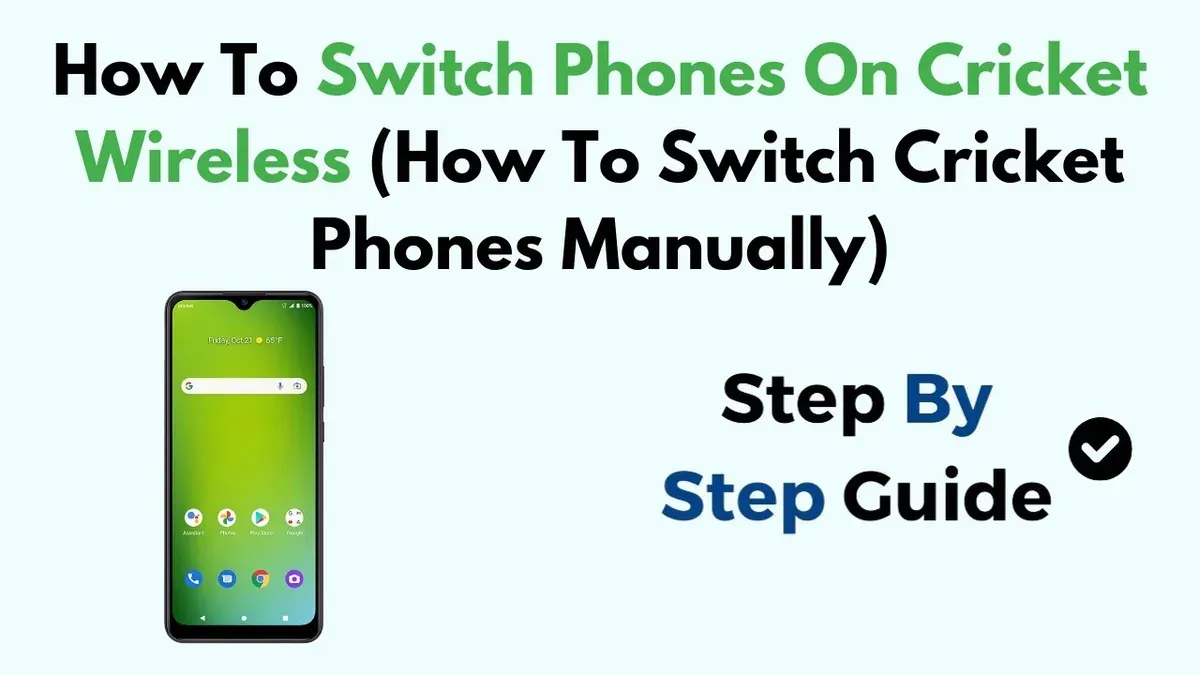
Enabling or disabling port out protection on Cricket Wireless can be done through several convenient methods: the Cricket Wireless app, the official website, or by contacting customer service directly.
Turning On Port Out Protection
- Open the Cricket Wireless app and sign in with your account credentials.
- Navigate to the Account Settings section, then select Security Settings.
- Find the option labeled Port Out Protection or Number Transfer Protection and toggle it On.
- You may be prompted to set or confirm a unique PIN; this PIN will be required to authorize any port out requests, adding an extra layer of security.
- Confirm the change, and you should receive a notification or email confirming that port out protection is active.
Alternatively, you can log in to your account on the Cricket Wireless website, access the security or account protection settings, and follow similar steps to activate port out protection.
If you prefer, calling Cricket Wireless customer service at their official number allows you to request port out protection activation. The representative will verify your identity and enable the feature on your account.
Turning Off Port Out Protection
You might want to disable port out protection temporarily or permanently when switching carriers or troubleshooting account issues.
- Via the app or website, revisit the Port Out Protection setting and toggle it Off.
- To complete the action, you may need to enter your security PIN to confirm the change.
- If you contact customer service, inform the representative you wish to disable port out protection; they will walk you through verification steps before removing the protection.
Before turning off port out protection, ensure you understand the risks: disabling it removes the barrier against unauthorized number transfers, increasing vulnerability to SIM swapping. It is recommended to disable protection only when you are actively porting your number or under trusted circumstances.
For example, when preparing to switch to a new carrier, you could log into the Cricket app, go to Account Settings > Security Settings, toggle port out protection off, and confirm with your PIN. After successful porting, re-enable the protection immediately to maintain security.
How to Port Out of Cricket Wireless When Port Protection Is Enabled
Porting your number from Cricket Wireless while port out protection is active requires additional verification steps compared to a standard port out. The protection mandates providing a unique PIN or password that you set up when enabling the feature.
Typically, your new carrier initiates the port out request using your phone number and account information. With port protection enabled, you must supply the port out PIN to confirm your identity and authorize the transfer.
For example, Sarah decided to switch carriers but had port out protection enabled. She contacted her new carrier and provided her Cricket account number, phone number, and the port out PIN she had created. The new carrier submitted the port request including the PIN, which Cricket Wireless verified before approving the number transfer.
The entire process took about 24 to 48 hours due to the extra verification step. Sarah was informed to keep her Cricket account active and maintain the PIN until the port completed successfully.
If you forget your port out PIN or enter it incorrectly, expect delays or rejection of the port request. In such cases, you need to reset the PIN by contacting Cricket Wireless customer service or through the app before attempting to port out again.
Remember that disabling port out protection temporarily before porting out is an option but should be done cautiously to avoid exposure to unauthorized porting risks.
Common Mistakes and Issues When Managing Cricket Wireless Port Out Protection
One frequent error users make is confusing the port out PIN with their general account PIN. These are separate credentials; the port out PIN specifically authorizes number transfers, while the account PIN secures your overall account access. Trying to use the account PIN to disable port out protection can cause delays and frustration.
Another common issue arises when customers turn off port out protection without fully preparing to switch carriers. Disabling the protection prematurely can leave your phone number vulnerable to unauthorized porting attempts. For example, a user reported disabling port out protection days before initiating a carrier switch, only to face identity verification problems and extended wait times when porting later.
Many also misunderstand what Cricket Protect covers compared to port out protection. Cricket Protect includes device insurance and some security features, but it does not replace the need for port out protection if you want to guard against unauthorized number transfers. Confusing these services can lead to a false sense of security.
Finally, customer service delays and misinformation are common complaints. Some users have encountered inconsistent guidance about how to manage port out protection or struggled with wait times when seeking support. For instance, a customer shared that a support agent incorrectly advised them to disable Cricket Protect to enable porting, which is unnecessary and could expose the account to risk.
Is Cricket Protect Worth It? Weighing the Benefits and Drawbacks
Cricket Protect, which bundles device insurance with port out protection, carries a monthly cost that may range from moderate to somewhat high depending on your plan and device value. For customers seeking comprehensive coverage—including repair or replacement of lost, stolen, or damaged phones—this plan offers clear advantages beyond basic port security.
However, if your primary concern is just preventing unauthorized number transfers, the port out protection feature is also available without the full Cricket Protect plan, either included in some postpaid plans or as a free security measure that you can manage via your account settings. Competitors sometimes offer similar port protection independently or as part of device insurance at competitive prices, so comparing your current carrier’s offerings is advisable.
Consider this example: if you have a high-end smartphone and rely heavily on uninterrupted service, the combined protection plan could save you considerable hassle and expense in case of device loss or fraud. On the other hand, if you use a lower-cost phone or prefer to self-manage your number security through PINs and account vigilance, the added monthly fee may not justify the benefits.
| Plan | Monthly Cost | Includes Port Out Protection | Device Coverage |
|---|---|---|---|
| Cricket Protect | Varies, typically $10–15 | Yes | Yes |
| Basic Port Protection (Free or Included) | $0 | Yes | No |
Customer satisfaction surveys typically show positive feedback from those who have experienced device issues and used the insurance benefits, while users focused solely on port security sometimes find the free options adequate. Ultimately, your decision should weigh how much value you place on comprehensive device protection alongside port out security versus managing port protection independently.
How to Check Your Cricket Wireless Port Status and Port Out Information
To monitor your port status with Cricket Wireless, start by logging into your account on the Cricket Wireless website or mobile app. Navigate to the My Account section, then select Services and look for the Port Status or Number Transfer option. Here, you can view any active port requests and their current progress.

If you prefer direct assistance, contact Cricket Wireless customer service at 1-800-CRICKET (1-800-274-2538). Representatives can provide your port status and help retrieve your port out PIN if needed.
Regarding port out information, Cricket Wireless uses a unique port out PIN to verify your identity when transferring your number to another carrier. You can obtain this PIN from your account online under Security Settings or by requesting it via customer service. Keep in mind this PIN is separate from your account password and should be guarded carefully to prevent unauthorized porting.
For example, after logging in, you might click Services > Manage Number > Port Out PIN to display your PIN. Using this PIN during your new carrier’s porting process ensures your number transfers securely.
To keep your port information secure, do not share your PIN over email or text, and avoid writing it down in easily accessible places. Regularly reviewing your port status can alert you to any unauthorized port attempts early.
- Boost Mobile Port Out Protection: What You Need to Know
- How to Protect and Recover Your Chime Account from Hacks
- How to Protect and Recover Your Cash App Account from Hacks
- How to Protect and Recover Your Costco Account from Hacks
Frequently asked questions
How to turn off port protection cricket?
To turn off port protection on Cricket Wireless, you need to contact Cricket's customer service directly. This feature cannot be disabled through the online account portal or phone settings. Calling their support line and verifying your identity is required to remove the port out protection.
What is cricket protect in cricket wireless?
Cricket Protect is a security feature designed to prevent unauthorized porting of your phone number to another carrier. It acts as a safeguard by requiring additional verification steps before a port-out request can be processed, reducing the risk of phone number theft.
How to remove port protection from cricket?
Removing port protection from Cricket Wireless involves contacting Cricket customer support and requesting the removal. After verifying your account ownership, they will disable the port out protection for you. This step is necessary if you plan to switch carriers and want to port your number out.
What does cricket protection plan cover?
The Cricket Protection Plan primarily covers device-related issues such as accidental damage, loss, theft, and mechanical breakdowns beyond the manufacturer’s warranty. It does not cover port out protection, which is a separate security feature aimed at safeguarding your phone number.
Is cricket wireless having issues?
Cricket Wireless may experience occasional network or service issues, like any carrier, but these are typically localized or temporary. For current status updates or known outages, checking Cricket’s official support channels or third-party outage trackers can provide timely information.
Limits of this advice and when to seek specialized help
This guide focuses specifically on Cricket Wireless port out protection and does not cover broader issues such as account hacking or identity theft beyond porting risks. If you suspect your account has been compromised in other ways, contacting specialized security support is essential. Additionally, some steps and feature availability may vary depending on your specific account type or region. Remember that port out protection cannot guarantee 100% prevention of unauthorized porting since vulnerabilities may exist outside Cricket’s control.
The most important next step is to regularly verify your port out protection status through the Cricket app or website under the “Security” or “Account Settings” section. Keeping this setting enabled whenever you are not actively switching carriers is the simplest and most effective way to safeguard your phone number from unauthorized porting attempts.