Create a Practical Interactive Flat Panel Implementation Timeline
Discover how to create a phased interactive flat panel implementation timeline to guide smooth adoption in educational environments.

Short answer: An interactive flat panel implementation timeline is a structured schedule that guides you through each phase of adopting this technology in your educational setting. It ensures you address both the technical setup and the human factors over a realistic period, avoiding rushed rollouts or overlooked steps.
This article covers how to create a practical, phased interactive flat panel implementation timeline tailored for education technology coordinators, school IT managers, and administrators. You will learn to map key milestones, coordinate technical and human elements, manage risks and delays, and refine your plan using performance metrics. The focus is on strategic project management rather than just technical specifications, helping you integrate interactive flat panels smoothly and effectively into your classrooms.
Understand What an Interactive Flat Panel Is and Why It Matters
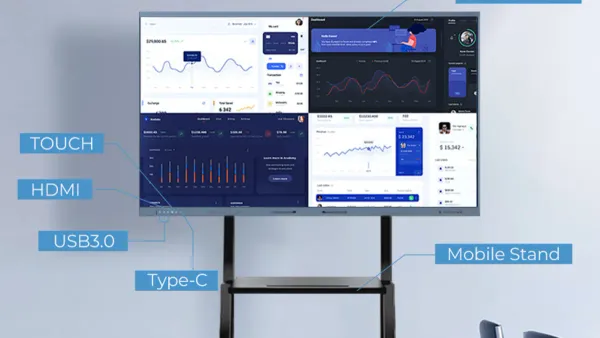
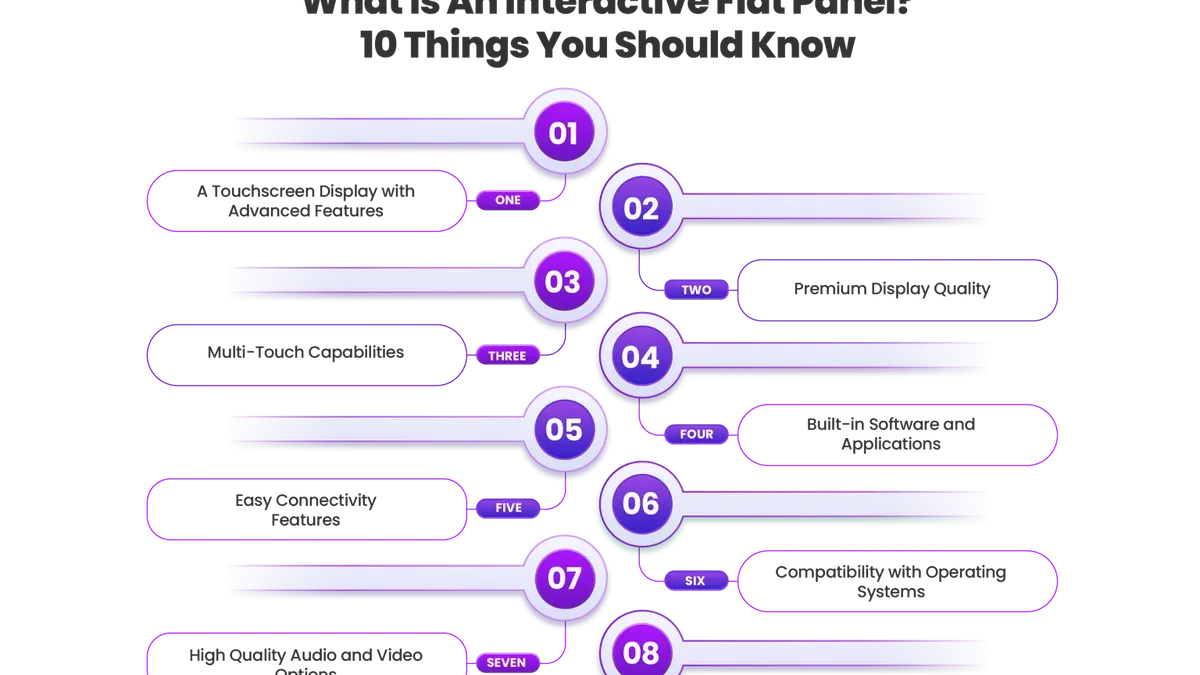
Interactive flat panels (IFPs) are large, touch-sensitive displays that combine high-definition screens with integrated computer capabilities. Unlike traditional projectors or SMART Boards, IFPs offer direct touch interaction with multi-touch technology, allowing multiple users to write, draw, and manipulate content simultaneously.
Key features that differentiate IFPs include built-in software for annotation, wireless screen sharing, and seamless integration with common classroom apps. This technology enhances engagement by making lessons more interactive and collaborative, reducing downtime caused by setup or calibration issues typical of older devices.
For example, in a middle school science class, students can gather around an IFP to explore a digital model of the solar system, annotate observations in real time, and share findings instantly—activities that foster active participation and deepen understanding.
| Feature | Interactive Flat Panel | Traditional Projector | SMART Board |
|---|---|---|---|
| Touch Capability | Multi-touch, direct interaction | No touch; requires separate device | Single-touch or limited multi-touch |
| Image Quality | High resolution, bright display | Dependent on room lighting | Moderate resolution |
| Setup Complexity | Simple, integrated system | Complex alignment and bulb replacement | Calibration needed regularly |
| Collaboration | Multiple users can interact simultaneously | Limited | Limited multi-user support |
Studies have linked interactive flat panels with increased student engagement and improved collaboration, aligning well with pedagogical goals that emphasize digital literacy and active learning. Integrating IFPs supports educators in creating dynamic environments where technology facilitates rather than hinders instruction.
Map Out the Key Phases in Your Implementation Timeline
Start by conducting a thorough needs assessment with input from teachers, IT staff, and administrators to identify priorities and challenges. This phase typically spans 2-4 weeks, allowing you to gather essential stakeholder feedback that shapes technology selection.
Next, move into technology selection and procurement. Allocate 4-6 weeks to evaluate vendors, compare features, and finalize purchases, ensuring alignment with your school's infrastructure and budget constraints.
Once equipment arrives, schedule installation and infrastructure readiness checks over 2-3 weeks. This includes verifying network capacity, power supply, and mounting locations to prevent delays.
Plan training sessions and professional development for educators and support staff. Distribute these over 3-5 weeks to accommodate varying schedules and encourage meaningful skill-building.
Implement a pilot testing phase with a small group of classrooms for 4-6 weeks. Use feedback loops to identify technical glitches and user experience issues before full deployment.
Finally, proceed with full-scale rollout followed by ongoing support and maintenance. This phase is continuous but should include formal check-ins during the first 2-3 months to address emerging challenges effectively.
For example, a district that allocated six weeks for procurement but only two for pilot testing encountered unforeseen installation issues that delayed the full rollout by several weeks. Balancing each phase realistically helps maintain momentum and build confidence.
| Phase | Estimated Duration |
|---|---|
| Needs Assessment & Stakeholder Consultation | 2-4 weeks |
| Technology Selection & Procurement | 4-6 weeks |
| Installation & Infrastructure Checks | 2-3 weeks |
| Training & Professional Development | 3-5 weeks |
| Pilot Testing & Feedback | 4-6 weeks |
| Full Deployment & Ongoing Support | Continuous with 2-3 months focused support |
Detail How to Coordinate Technical and Human Factors
Successful implementation hinges on synchronizing hardware and software setup with user readiness. Start by ensuring your network infrastructure supports the increased bandwidth and device load interactive flat panels require. Verify compatibility with existing systems by checking integration options within your network management console and confirming that the panels can connect seamlessly to your learning management system (LMS) and essential apps.
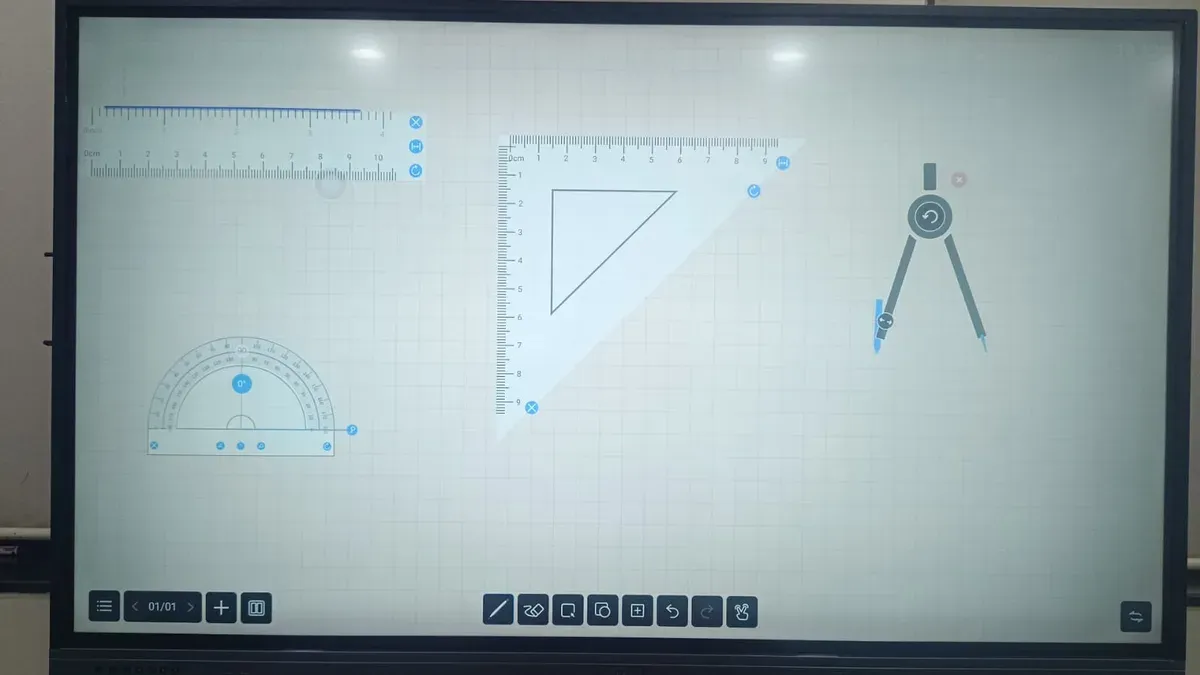
Plan teacher training early, allocating roughly 60% of the implementation timeline to IT preparation and 40% to iterative training sessions. For example, an IT team might spend the first six weeks setting up networks, configuring devices, and integrating software, while teachers engage in ongoing training over the next four weeks. Engaging educators during pilot phases invites valuable feedback that can uncover usability issues before full deployment.
Without sufficient training, technology adoption rates tend to lag, causing delays and frustration. Scheduling multiple short sessions focusing on key features, such as using the annotation tools or managing user profiles, enhances confidence and accelerates adoption.
- Confirm network capacity and device compatibility early
- Integrate interactive panels with LMS and critical apps
- Schedule iterative teacher training starting before rollout
- Engage end-users actively during pilot testing
Apply Practical Tips for Managing Timeline Risks and Delays
Procurement lead times and shipping delays are frequent culprits in pushing back your timeline. For example, a district experienced a six-week delay when their preferred interactive flat panel supplier faced unexpected supply chain issues. They mitigated this by establishing secondary vendor options and ordering critical components early. Buffer periods are essential; adding at least 15% extra time for technical troubleshooting can prevent last-minute crisis management.
Clear, consistent communication among all stakeholders—IT staff, educators, vendors—helps spot issues early. When training schedules slipped due to staff turnover, the project team activated a contingency plan by using recorded sessions and peer-led workshops to maintain momentum.
Warning signs for timeline slippage include:
- Delayed purchase orders or incomplete vendor confirmations
- Repeated technical setup failures during pilot phases
- Low attendance or engagement in training sessions
- Unresolved feedback from early users
By recognizing these signs early and having flexible solutions ready, you maintain control and keep your rollout on track.
Avoid Common Mistakes That Undermine Implementation Success
One frequent error is underestimating the time required for teachers to build confidence and fully adopt the new interactive flat panels. Without sufficient time and support, adoption lags, limiting the technology’s classroom impact.
Skipping pilot phases or conducting inadequate user testing often results in unforeseen issues during full rollout. For example, projects that included thorough pilots report significantly higher user satisfaction and smoother transitions compared to those that moved directly to deployment.
Ignoring infrastructure constraints such as network bandwidth or device compatibility can stall installation and frustrate users. A district once attempted a quick deployment, only to find their wireless network unable to support simultaneous device connections, causing frequent disconnections.
Failing to secure ongoing technical support post-deployment leaves educators without timely help, increasing frustration and risking underuse. Establish clear support channels and schedules before rollout to maintain momentum.
- Allocate ample time for teacher training and gradual adoption
- Conduct comprehensive pilot testing with real classroom scenarios
- Assess and address infrastructure and compatibility issues early
- Plan and communicate ongoing technical support resources
Use Performance Metrics to Refine Your Timeline Post-Implementation
After rollout, establishing a regular review cadence is crucial. Schedule checkpoints at 1 month, 3 months, and 6 months post-deployment to measure progress and identify bottlenecks early. Key performance indicators (KPIs) include average daily usage per classroom, percentage of teachers actively integrating the panels in lessons, and feedback scores collected via structured surveys or focus groups.
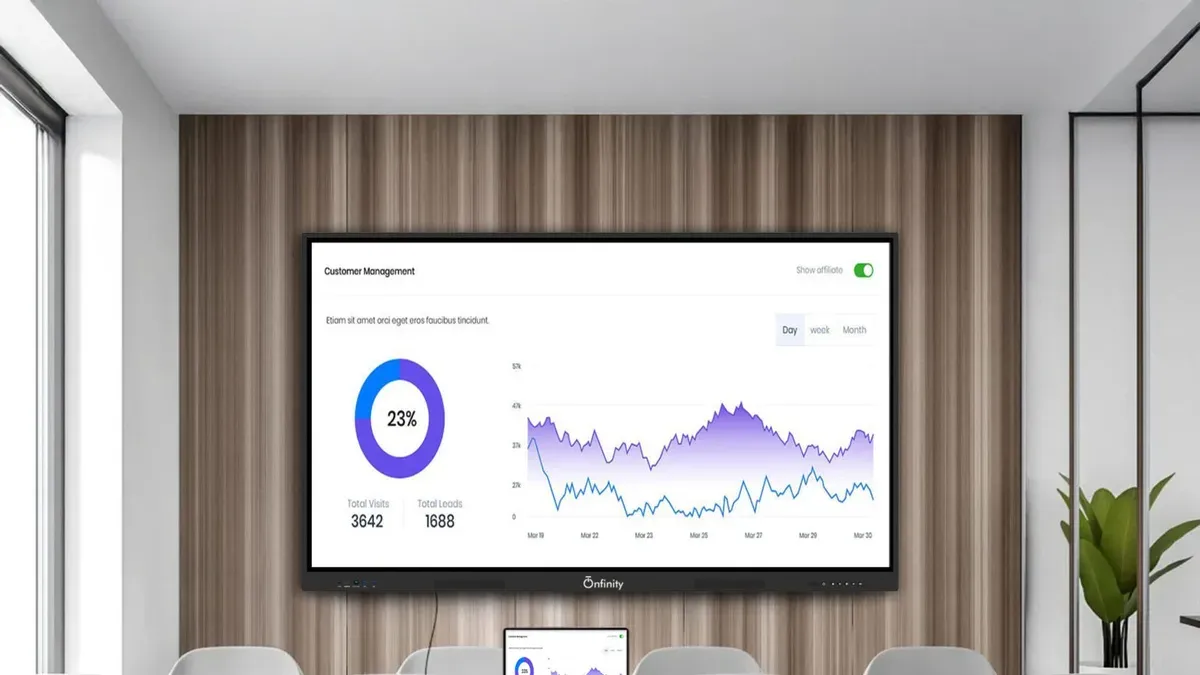
Create a simple metrics dashboard using tools like Google Sheets or your district's data platform. For example, track "Panel Usage Hours" alongside "Teacher Confidence Ratings" on a scale from 1 to 5. If data reveals low usage despite initial training, allocate additional support sessions targeting specific skill gaps.
One district adjusted their timeline by extending the teacher training phase by three weeks after noticing low engagement in the first month, improving overall adoption by the second quarter. Document these lessons learned to refine future technology rollouts, ensuring your timeline adapts dynamically rather than remaining static.
- Define KPIs such as usage rate and teacher feedback scores
- Set review checkpoints at 1, 3, and 6 months
- Use dashboard tools to visualize data trends
- Adjust training and support based on insights
- Record lessons learned for continuous improvement
Read next
- Moving from Document Camera to Interactive Flat Panel: Your Expert Checklist
- Moving from Classroom Projector to Interactive Flat Panel: Your Expert Checklist
- Switching from SMART Board to Interactive Flat Panel: A Confident Expert Guide
- Switching from Promethean Board to Interactive Flat Panel: A Practical Expert Guide
Frequently asked questions
What is the typical duration for implementing interactive flat panels in schools?
Implementation usually spans several months, often between three to six months, depending on the scale of deployment and existing infrastructure. Smaller schools might complete setup and training within a shorter timeframe, while larger districts should expect phased rollouts to ensure thorough integration and adoption.
How do I balance technical setup with teacher training in the timeline?
Schedule technical installation and testing before beginning teacher training to prevent disruptions. Ideally, allocate a few weeks for technicians to finalize hardware and software configurations, followed by targeted training sessions that address common classroom scenarios and troubleshooting.
What are the biggest risks that can delay interactive flat panel rollout?
Common risks include delayed hardware delivery, insufficient network capacity, and underestimating needed teacher training time. Additionally, lack of clear communication between IT staff and educators or inadequate technical support during initial use often slows adoption and complicates scheduling.
How can I measure if the implementation timeline is successful?
Success can be gauged by meeting key milestones such as completed installations, percentage of trained staff, and initial classroom usage rates within planned timeframes. Monitoring user feedback and technical issue resolution times post-deployment also indicates if the timeline allowed sufficient preparation and adoption.
What this advice does not cover
This guide focuses on K-12 education environments and may not fully apply to corporate or higher education settings with different scale and complexity. For large universities or multinational corporations, implementation timelines often involve more extensive infrastructure upgrades, multi-department coordination, and compliance considerations that require specialized project management approaches. Additionally, this advice assumes access to basic IT support and general educator training resources.
Quick checklist
- Outline your phased timeline with realistic time buffers for each stage
- Coordinate technology installation with staff training schedules
- Engage stakeholders early to identify and address adoption challenges
- Monitor progress regularly and adjust timelines based on real-world feedback
- Document common pitfalls and prepare mitigation strategies
- Use performance metrics to evaluate success and inform future rollouts
Start by creating a detailed project timeline that aligns installation, training, and feedback collection. This alignment ensures that technical readiness and user adoption progress together, avoiding bottlenecks that commonly delay implementation. Prioritize communication among your IT team, educators, and administrators to keep everyone informed and engaged from day one.