Effective SharePoint Rollout Plan Designed for Older Employees
Learn how to create a SharePoint rollout plan tailored for older employees to ensure confident adoption and avoid frustration.

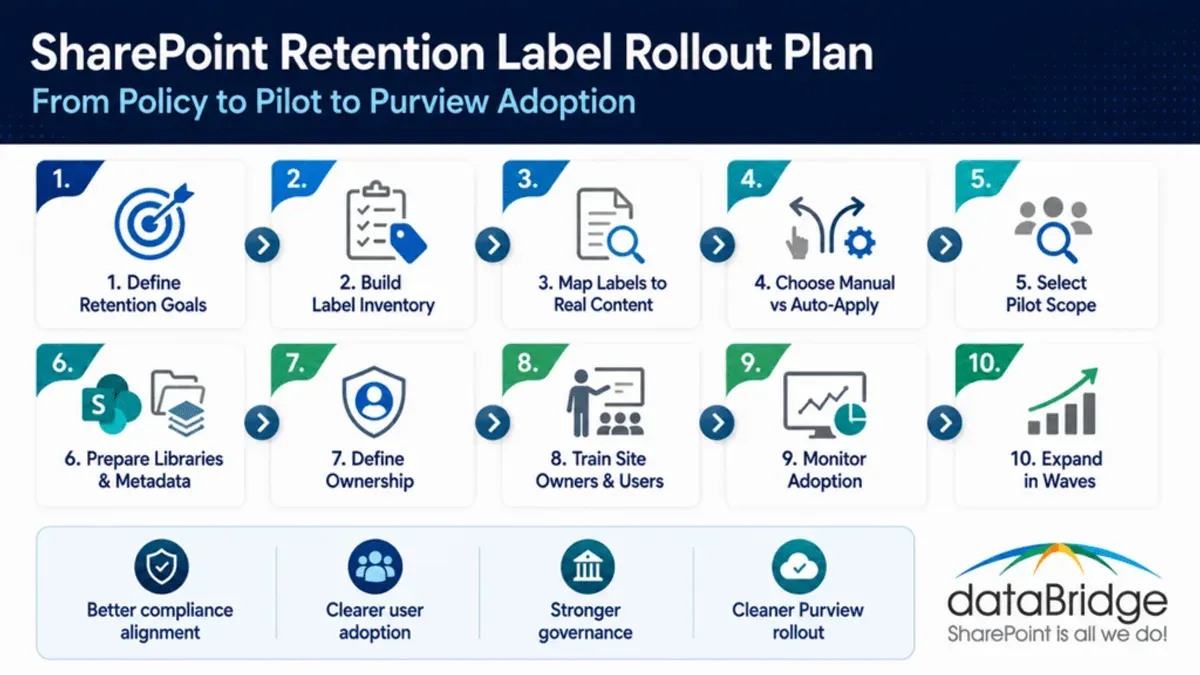
Short answer: A successful SharePoint rollout plan for older employees prioritizes simplicity, clear communication, and empathy-driven training to bridge the digital comfort gap. Tailoring the rollout ensures older staff transition confidently, avoiding frustration and disengagement.
This article guides you through creating and executing a SharePoint rollout plan specifically designed for older employees. You will learn how to design simpler permissions and features, develop supportive training programs, communicate effectively, and implement phased rollouts. Additionally, you will discover common pitfalls to avoid, helping you build trust and boost adoption rates among your older workforce.
Recognize Why Older Employees Need a Tailored SharePoint Rollout
Older employees often face distinct hurdles when adapting to new digital platforms like SharePoint. Many have less experience with cloud-based tools, which can create a gap in understanding basic navigation and functionality. This unfamiliarity frequently leads to anxiety or resistance, impacting their willingness to engage with the system.
Low digital confidence among these employees can reduce overall productivity and harm morale, as they may spend excessive time troubleshooting or avoiding key tasks. For example, an older employee might struggle with locating shared documents in SharePoint’s modern document libraries or understanding permission settings, resulting in missed deadlines or duplicated work.
Surveys on technology adoption consistently show that older age groups adopt new software more slowly and with less confidence than younger users. When organizations deploy generic rollout plans without addressing these challenges, they risk low adoption rates and frustration that could have been avoided.
Inclusive adoption strategies that consider these barriers not only improve individual performance but also reinforce organizational cohesion and knowledge sharing. Recognizing the need for tailored support is the first step toward a successful SharePoint rollout that benefits all employees.
Design SharePoint Features and Permissions with Simplicity in Mind
Start by limiting SharePoint features to essentials such as document libraries, basic calendars, and announcements. Access the SharePoint Admin Center, navigate to “Settings,” and disable advanced features like Power Automate or complex web parts initially to avoid overwhelming users.
Set up permission groups with clear, intuitive names like “Read Only,” “Contribute,” and “Full Control,” avoiding nested or overly granular permissions. Use the “Site Permissions” panel under “Site Settings” to assign users directly to these groups, reducing confusion and minimizing errors caused by unclear access rights.
Customize the interface by pinning frequently used tools to the Quick Launch bar on the left side of the screen. For example, highlight the main document library and team calendar to make navigation straightforward. Before-and-after screenshots often show a stark difference: simplified sites have higher user satisfaction and fewer access-related support tickets.
- Disable non-essential features via SharePoint Admin Center > Settings
- Create permission groups with clear, distinct roles
- Assign users directly to these groups under Site Permissions
- Pin key tools like document libraries and calendars to Quick Launch
Develop Empathy-Driven Training and Support Programs
Create training that respects older employees’ learning preferences by using step-by-step, jargon-free instructions paired with clear visuals. For example, a session might guide users through uploading documents by navigating to the "Documents" library, clicking "Upload", and selecting files—each step illustrated with screenshots.
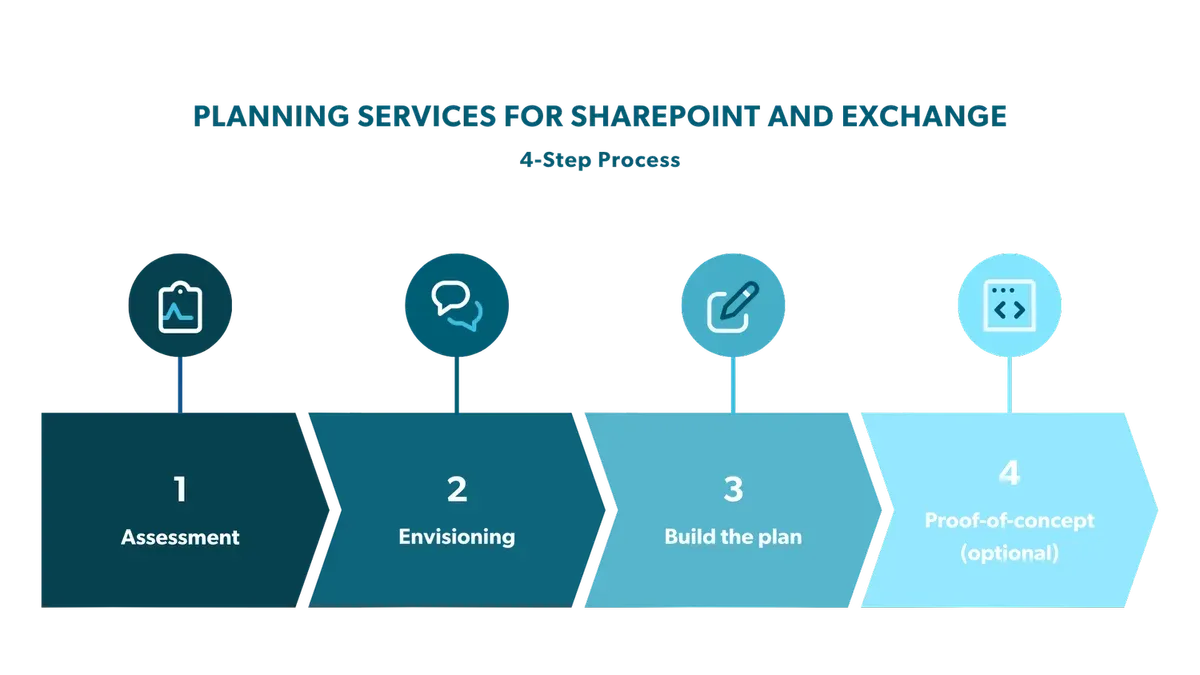
Hands-on sessions led by patient instructors allow learners to practice features like creating team sites or setting alerts in a low-pressure environment. An effective session outline includes a brief demonstration, followed by guided practice and time for questions.
Ongoing support is critical. Establish channels such as a dedicated helpline or a SharePoint Q&A forum where employees can ask questions without hesitation. This reduces anxiety around making mistakes and fosters continuous learning.
“The training made SharePoint feel manageable, not overwhelming,” reported an employee after attending a tailored workshop.
Sample feedback often highlights increased confidence and willingness to use SharePoint daily. Incorporating these elements results in stronger adoption and smoother transitions.
- Use stepwise, jargon-free guides with visuals
- Organize hands-on sessions with patient instructors
- Set up accessible, stigma-free support channels
- Collect and incorporate learner feedback continuously
Communicate Clearly and Frequently to Build Trust and Engagement
Effective communication is key to easing older employees’ anxieties about SharePoint. Use multiple channels such as email newsletters with clear subject lines like "Your Guide to SharePoint This Month," scheduled team meetings, and printed quick-reference guides placed in common areas. This repetition reinforces key messages and accommodates different preferences.
Highlight benefits directly tied to their daily tasks—for example, explain how SharePoint’s document versioning reduces the risk of losing important files or how shared calendars simplify scheduling. This relevance builds motivation to learn.
Openly acknowledge common challenges, such as initial unfamiliarity with navigation or concerns about data security. Invite feedback through anonymous suggestion boxes or dedicated SharePoint Q&A sessions. This transparency fosters trust and shows you value their input.
For instance, a communication plan might start with an introductory email outlining the rollout timeline, followed by weekly tips emailed and discussed in team huddles. Printed one-page guides summarizing key features can be distributed during these meetings. Over time, feedback collected via short surveys can inform adjustments, increasing engagement and confidence.
- Use email, meetings, and printed guides to cover varied learning styles
- Focus messages on practical benefits for daily work
- Address challenges openly and encourage feedback
- Implement a structured communication schedule
- Review and adapt messaging based on employee responses
Implement a Phased Rollout with Pilot Groups and Feedback Loops
Start by selecting pilot participants from various departments, ensuring a mix of roles and digital comfort levels among older employees. For example, include administrative assistants, project managers, and customer service reps. This diversity helps reveal different usability challenges.
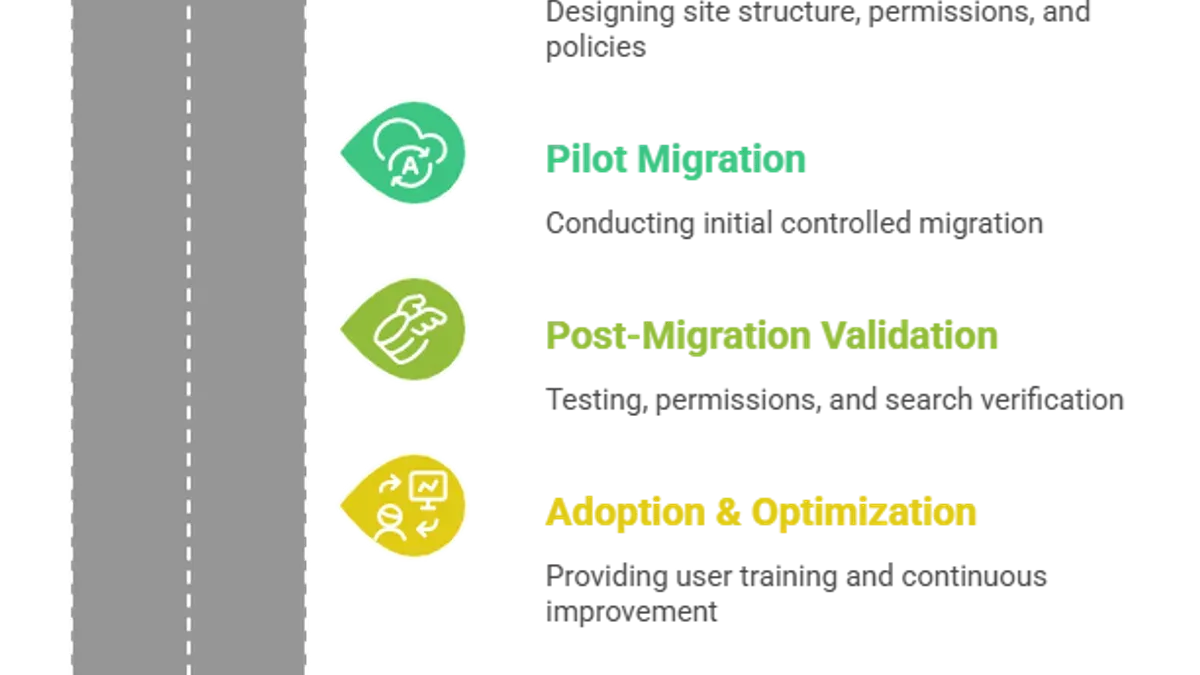
Conduct the pilot over four weeks, beginning with introductory training sessions followed by active SharePoint use in daily tasks. Schedule weekly feedback meetings using structured surveys and open discussions to capture pain points and usability issues.
Use the feedback to refine training materials, simplify navigation menus, and adjust permission settings. For instance, if users report difficulty locating shared documents, reorganize the document libraries and add clear labels. Incorporate additional support such as quick-start guides tailored to common questions raised during the pilot.
Comparing adoption rates, pilot groups typically show higher engagement and fewer support tickets after refinements are applied. This phased approach ensures the full rollout addresses real user needs, boosting confidence and reducing resistance.
- Choose diverse pilot participants representing different roles and tech comfort levels
- Run the pilot over a defined period with structured feedback sessions
- Iterate on training, site structure, and support based on feedback
- Measure adoption improvements and adjust before full deployment
Avoid Common Mistakes That Undermine Adoption Among Older Employees
One critical error is assuming older employees will proactively seek help when facing difficulties. Many hesitate due to fear of appearing incompetent or disrupting workflows. For example, a manufacturing firm’s rushed SharePoint rollout failed because support resources were passive, resulting in many older staff abandoning the platform.
Avoid overwhelming users by overloading SharePoint with unnecessary features or using technical jargon during training. Instead of clarifying, this creates confusion and resistance. In one case, a financial services company layered complex metadata and advanced workflows on day one, causing frustration among older employees who were not given paced, jargon-free training.
Neglecting the cultural and emotional aspects of change also undermines adoption. Resistance often stems from fear of job displacement or loss of familiar routines. Ignoring these concerns can increase dropout rates significantly. Successful rollouts recognize and address these feelings through empathetic communication and reassurance.
- Don’t wait for older employees to ask for help; proactively offer support.
- Keep training clear, jargon-free, and paced appropriately.
- Address emotional and cultural concerns openly during change management.
- Limit initial features to essentials to reduce overwhelm.
Read next
- Master Your SharePoint Implementation Timeline: A Step-by-Step Guide
- Microsoft 365 Rollout Plan Tailored for Non-Technical Staff Success
- Switching from Google Workspace to SharePoint: Your Expert Guide
Frequently asked questions
How can I assess the digital readiness of older employees before rollout?
Start with a simple survey or questionnaire covering basic computer skills, familiarity with cloud tools, and comfort with collaboration platforms. Supplement this with hands-on observation during a short workshop or demo session. Focus on identifying specific gaps in navigation, file management, and communication tools within SharePoint.
What are the best practices for ongoing SharePoint support after rollout?
Provide easily accessible help resources such as step-by-step guides and short video tutorials tailored to common tasks. Establish a dedicated support channel like an internal chat group or hotline staffed by patient and knowledgeable personnel. Schedule regular refresher sessions and encourage peer support networks to maintain confidence and continuous use.
How do I measure the success of a SharePoint rollout specifically for older users?
Track adoption rates by monitoring login frequency and active usage of key features like document libraries and team sites. Collect qualitative feedback through follow-up surveys or focus groups emphasizing ease of use and confidence in performing tasks. Compare the rate and nature of support requests before and after rollout to identify persistent challenges.
What features in SharePoint should I avoid initially to reduce confusion?
Temporarily disable advanced features such as Power Automate workflows, complex metadata tagging, and custom web parts. Avoid exposing users immediately to SharePoint's integration with Microsoft Teams channels or Planner tasks if those tools haven’t been introduced. Start with simple document libraries, basic lists, and clear navigation menus to build familiarity.
Quick checklist
- Assess the digital comfort levels of your older employees before rollout.
- Configure SharePoint permissions to minimize complexity.
- Create training materials that use clear language and step-by-step visuals.
- Schedule regular communication updates using multiple channels.
- Run pilot groups to gather feedback and adjust before full deployment.
- Monitor adoption closely and address concerns promptly.
- Avoid overwhelming users with excessive features or jargon.
Scope and limitations
This advice focuses specifically on supporting older employees transitioning to SharePoint and may not cover all accessibility requirements. Employees with disabilities might require specialized accommodations beyond simplified interfaces and empathetic training. For those cases, consult dedicated accessibility experts and tailor solutions accordingly.
Taking the time to set up a phased pilot with empathetic training is the single most effective next step. It allows you to identify friction points early, build confidence among older users, and adapt your rollout plan before scaling. Prioritize this to ensure smoother adoption and sustained engagement.