How to Recover and Secure a Hacked Outlook Account
This guide explains how to recover and secure a hacked Outlook account with clear steps to regain control and enhance security.

This article explains how to recover and secure a hacked Outlook account with clear, actionable steps. If an Outlook account hacked scenario occurs, regaining control quickly is critical to prevent further data loss or unauthorized activity. Understanding common hacking methods such as phishing, credential stuffing, and unauthorized device access helps identify the breach source and avoid repeats. The guide covers recovery procedures including password resets, security info updates, and two-step verification setup. It also details reporting options to Microsoft and, if necessary, how to delete the compromised account safely. Practical advice ensures users can restore access and strengthen defenses effectively without confusion or delay.
Can someone hack my Outlook account?
Outlook accounts rely on Microsoft’s security infrastructure, including password protection, two-factor authentication (2FA), and threat detection. However, attackers exploit common vulnerabilities to bypass these measures. Phishing remains a leading method, where users receive deceptive emails mimicking Microsoft or trusted contacts, prompting them to enter login credentials on fake sign-in pages. These attacks often succeed because users mistake these pages for legitimate Outlook login screens.
Credential stuffing is another frequent vector. Attackers use lists of leaked username-password pairs from unrelated breaches, attempting them on Outlook accounts. Since many individuals reuse passwords across services, a breach on a less secure platform can compromise Outlook access. Malware such as keyloggers can also capture credentials directly from infected devices, while social engineering tricks users into revealing sensitive information or granting access.
For example, an employee might receive an email appearing to be from IT support asking to confirm their Outlook password due to a supposed security update. If the user complies, the attacker gains immediate access. Data breaches involving third-party apps connected to Outlook can also expose tokens or credentials, enabling unauthorized access without needing passwords.
Tip: Using unique, complex passwords and enabling two-step verification significantly reduces the risk of account compromise.
How did my Outlook account get hacked?
Outlook account compromises often stem from phishing scams that mimic legitimate Microsoft login pages. These fake sites trick users into entering credentials, which attackers harvest immediately. A common sign is receiving unexpected password reset emails or noticing login prompts after clicking suspicious links in emails or messages.
Malware and keyloggers installed on a Windows device can silently capture keystrokes, including Outlook passwords. These malicious programs often arrive via infected email attachments or unsafe downloads. Once active, they can relay login details to attackers without any visible signs on the user’s device.
Connected third-party applications authorized through OAuth can also be exploited. Attackers might steal OAuth tokens, granting them access without needing the actual password. Reviewing authorized apps under Outlook’s “Privacy & security” settings is essential to identify unfamiliar or outdated app permissions.
Checking recent account activity is a critical step to pinpoint unauthorized access. In Outlook, this can be done by visiting the “Security settings” page and selecting “View my activity.” Users may find unfamiliar IP addresses or locations with timestamps that do not match their own usage patterns. For example, finding a login from a foreign city at 3 a.m. when the user was offline strongly indicates a breach.
Tip: Regularly review the “Recent activity” section in account settings to detect suspicious logins early and revoke access promptly.
What to do if Outlook account is hacked
When an Outlook account is hacked, immediate action limits further damage. If the password was changed by the attacker, begin with Microsoft’s account recovery page at https://account.live.com/acsr. Enter the compromised email and a contact email to receive recovery status updates. Provide accurate answers to identity verification questions, including recent email subjects and contacts, to increase recovery success.
Once access is regained, reset the password via Security > Password security in the Microsoft account portal. Use a strong, unique password never used before. Next, enable two-factor authentication under Security > Advanced security options to add an extra verification layer.
Check for unauthorized forwarding rules by navigating to Settings > View all Outlook settings > Mail > Rules. Delete any suspicious rules that automatically forward emails. Review recovery email addresses and phone numbers in Security > Advanced security options and remove any unfamiliar entries.
Finally, scan all devices that accessed the account with reputable anti-malware software to remove any lingering threats. This prevents reinfection and future unauthorized access.
Example: After regaining control, a user found an unknown forwarding rule sending emails to an external address and removed it, stopping further data leaks immediately.
How to recover Outlook account hacked and password changed
When the password has been changed by an attacker, regaining access requires using alternative verification methods. Start by attempting to sign in and select the "Forgot my password" option. Microsoft will prompt for verification using secondary contact information such as a recovery email address or phone number previously linked to the account. If these are still accessible, a security code will be sent to verify identity.
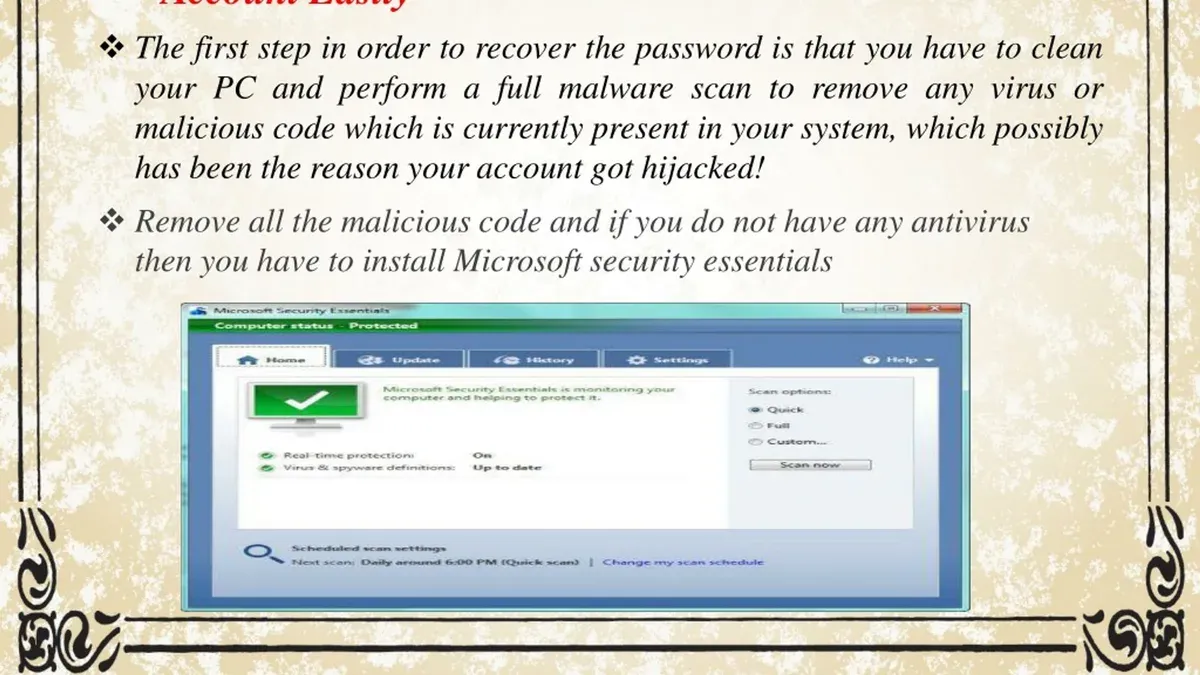
If alternative contacts are outdated or compromised, proceed to fill out Microsoft's account recovery form. This form requests detailed information to confirm ownership, including recent email subjects, contacts frequently emailed, and previous passwords. Accuracy and detail significantly improve chances of recovery. For example, stating the exact date a Microsoft subscription was purchased or the creation date of the account helps.
Common pitfalls include providing vague or inconsistent answers, which lead to rejection or delays. One typical mistake is omitting recent account activity details or misspelling recovery addresses. A successful submission might note: "Account created on March 15, used primarily to contact work colleagues, last password changed in early June, recovery phone number ending 1234." Microsoft reviews these responses to verify the claimant.
If recovery attempts fail or are delayed, retry after gathering more precise information or check devices where the account was accessed for clues. Persistent failure may require contacting Microsoft support directly, though options are limited. Maintaining patience and supplying as much accurate data as possible is crucial in this process.
How to report Outlook account hacked
Microsoft offers dedicated channels to report compromised Outlook accounts and related phishing attacks. The primary resource is the Report a compromised account page, which guides users through securing the account and submitting a detailed report to Microsoft’s security team. For phishing emails impersonating Microsoft services, forwarding the suspicious message to [email protected] helps Microsoft quickly analyze and block malicious campaigns.
When significant financial loss, identity theft, or targeted attacks occur, reporting to local law enforcement or national cybercrime units is advisable. These authorities often have dedicated cybercrime divisions with online reporting portals. For example, in the United States, the FBI’s Internet Crime Complaint Center (IC3) accepts detailed reports of hacked accounts and fraud. Providing timestamps, IP addresses from recent login activity, and copies of phishing emails strengthens investigations.
Reporting compromised accounts and phishing attempts not only aids individual recovery but contributes to threat intelligence used to block attackers and protect others. Microsoft uses aggregated reports to update filters and security measures across its platforms, reducing the risk for all users.
Example: After noticing unauthorized emails sent from an Outlook account, the user forwarded the phishing message to Microsoft’s phish reporting address, secured the account via the recovery form, and filed a complaint with local cybercrime authorities including account activity logs. This combined approach maximized chances of recovery and helped disrupt the attacker’s operations.
How to delete a hacked Outlook account
Deleting an Outlook email address differs from deleting the full Microsoft account it is linked to. Removing just the Outlook address is not possible; the entire Microsoft account must be closed. This means losing access to all services tied to that account, such as OneDrive, Xbox, Skype, and purchased apps. Data, emails, contacts, and subscriptions will be deleted after a 60-day waiting period, during which recovery is still possible.
Account deletion is advisable only if recovery and securing attempts fail or the account is irreparably compromised. Deleting a hacked account should be a last resort due to the permanent loss of data and services. Instead, consider enhancing security by enabling two-factor authentication and monitoring for suspicious activity.
To close the account, sign into the Microsoft account portal, navigate to Security & Privacy > More security settings > Close your account. Follow the prompts to verify identity and acknowledge the consequences. Microsoft will disable the account immediately but retain data for 60 days before permanent deletion.
Example: A user whose Outlook account was hacked repeatedly despite recovery efforts opts to delete the account. They prepare by backing up important emails and files from OneDrive, then proceed with closure. During the 60-day waiting period, they can reactivate if needed but otherwise lose all linked services after that.
Tip: Back up all essential data before initiating account closure to avoid irreversible loss.
How to recover Outlook account if hacked without recovery info
When recovery email addresses and phone numbers are unavailable or compromised, regaining access to an Outlook account requires alternative proof of ownership. Start by gathering detailed information about the account, such as recent login locations and device history, which can be found under Microsoft’s Recent activity page. Access this by navigating to Security & Privacy > Recent activity on a linked Microsoft device or browser.
Next, collect billing information if the account has associated subscriptions or purchases. This includes last four digits of payment methods, billing addresses, and transaction dates from services like Microsoft 365 or Xbox. These details can be submitted through the Microsoft account recovery form to verify identity.
Using other Microsoft services linked to the account, such as OneDrive or Skype, can also help confirm ownership. Providing specifics like folder names, contact lists, or Skype usernames adds credibility to the recovery request.
Worked example: A user locked out after a hack without recovery data successfully regained access by submitting the exact date of account creation, billing address tied to a Microsoft 365 subscription, and recent device login IP addresses. These details matched Microsoft’s records, allowing manual identity verification.
If these steps fail, professional assistance from cybersecurity experts or legal advice may be necessary, especially if sensitive data or business access is involved.
How to protect an Outlook account from future hacks
Enabling multi-factor authentication (MFA) is the most effective step to secure an Outlook account. Navigate to Microsoft account settings under "Security" > "Advanced security options" to turn on MFA. This requires a second verification method, such as the Microsoft Authenticator app or SMS codes, making unauthorized access far harder. Accounts without MFA remain significantly more vulnerable to compromise, as a stolen password alone grants full access.
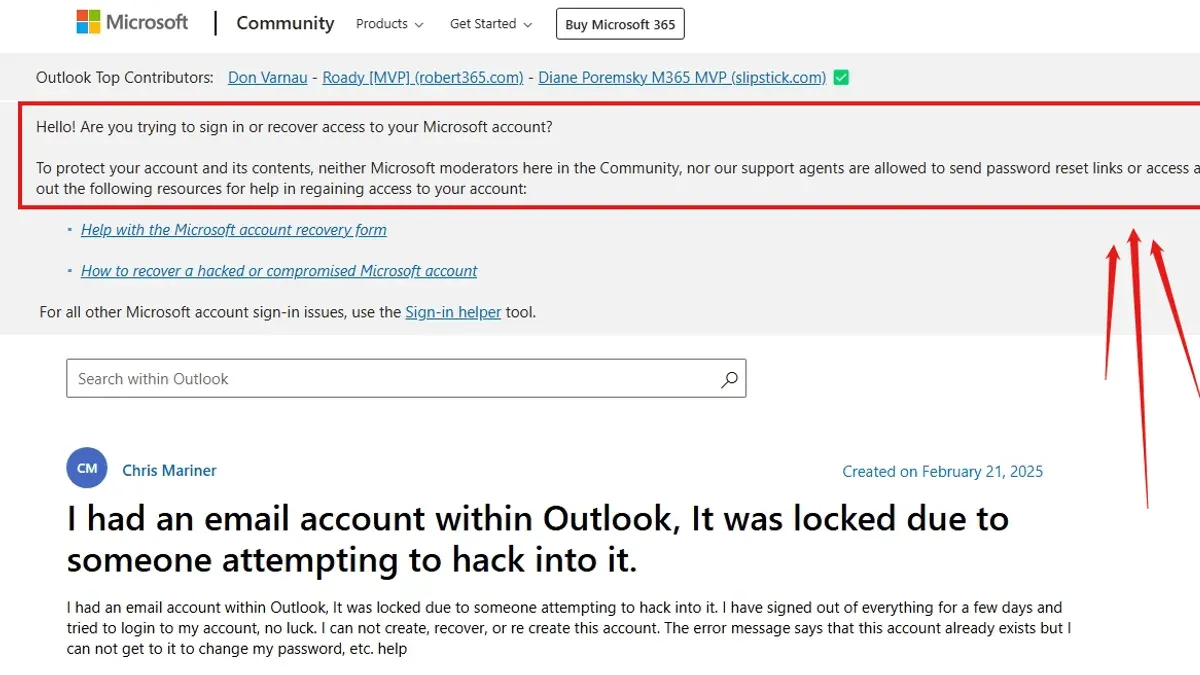
Using strong, unique passwords managed by reliable password managers reduces risk from credential reuse. Passwords should be at least 12 characters, mixing letters, numbers, and symbols. Regularly updating passwords and avoiding repetitive use across services closes common attack vectors.
Regularly reviewing account activity and permissions helps spot suspicious behavior early. Within the Microsoft account portal, check "Recent activity" for unknown sign-ins and verify authorized devices and third-party app access under "Apps and services". Removing unused or risky apps prevents potential backdoors.
Recognizing phishing attempts requires vigilance. Outlook users should avoid clicking links in unexpected emails, especially those requesting credentials. Hovering over links to verify URLs and confirming sender authenticity reduces exposure to credential theft.
Securing connected devices by keeping operating systems and antivirus software updated helps prevent malware that can capture credentials. Uninstalling third-party apps not essential to Outlook use limits attack surfaces.
Tip: Enabling app passwords for legacy Outlook clients that do not support MFA ensures convenience without sacrificing security.
Frequently asked questions
Can outlook be hacked?
Yes, Outlook accounts can be hacked, primarily through phishing attacks, password reuse, or data breaches. Attackers exploit weak or compromised credentials, or trick users into revealing login details. Using strong, unique passwords and enabling two-factor authentication significantly reduces the risk.
What do i do if my outlook has been hacked?
Immediately attempt to regain control by resetting the password via Microsoft's account recovery process. Check and remove any unauthorized forwarding rules or connected devices. Then, update security information and enable two-factor authentication to prevent further unauthorized access.
How to recover a hacked outlook account?
Start by visiting the Microsoft account recovery page and verify identity using recovery email, phone number, or security questions. If the password was changed, use the recovery form to prove ownership. Once access is restored, review account settings for suspicious activity and update all security credentials.
Can Outlook be hacked?
Outlook is vulnerable like any online service if security practices are weak or users fall for scams. Attackers often exploit poor password hygiene, phishing, or malware to gain access. Protecting the account requires vigilance in password management and monitoring for suspicious sign-ins.
What do I do if my Outlook has been hacked?
Secure the account by changing the password immediately using the Microsoft account recovery tools. Review recent activity and remove unknown devices or access permissions. Finally, report the breach to Microsoft and update all related accounts that share the same password.
What this advice does not cover and when to seek other help
This guide does not cover advanced forensic investigation techniques or breaches involving corporate or enterprise Outlook accounts that require coordinated response from an organization's IT department. Recovery success heavily depends on having sufficient verification details like linked phone numbers, secondary email addresses, or answers to security questions. Cases lacking these may necessitate direct communication with Microsoft Support for specialized assistance. Additionally, this guide does not address legal actions or identity theft resolution beyond account recovery and security.
The single most useful next step after regaining access is to immediately update all recovery and security settings within the Microsoft account dashboard. This includes confirming current phone numbers and alternative emails under "Security > Advanced security options," enabling two-step verification, and reviewing recent activity logs. Proactively securing account recovery options significantly reduces risk of repeated unauthorized access.
See also: Microsoft Teams Account Hacked: How to Respond and Stay Secure · How to Recognize and Secure a Hacked OneDrive Account · How to Recover and Protect a Hacked iCloud Account