Education Technology
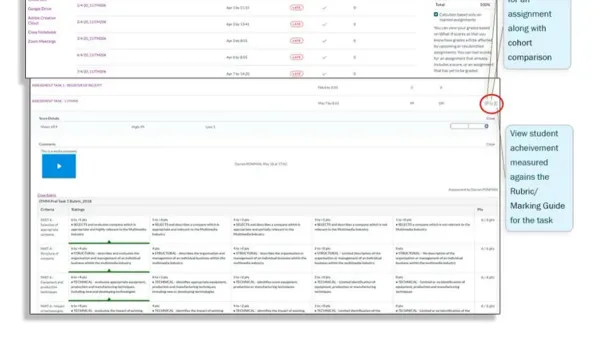
Canvas Feedback Comments Checklist for Private School Teachers
Ensure your feedback is clear and personalized with our Canvas feedback comments checklist designed for private school teachers.

Education Technology
Ensure your feedback is clear and personalized with our Canvas feedback comments checklist designed for private school teachers.
Education Technology
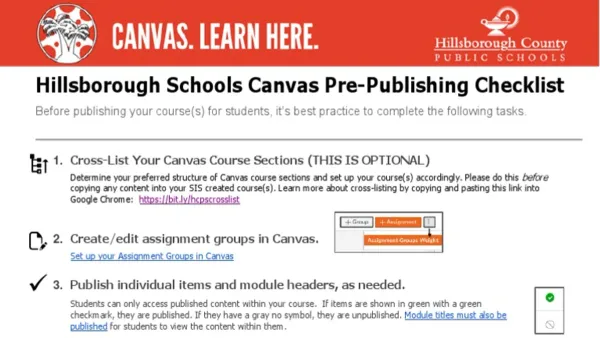
This checklist helps high school teachers copy Canvas courses accurately, ensuring all content and settings transfer correctly for smooth course setup.
Education Technology
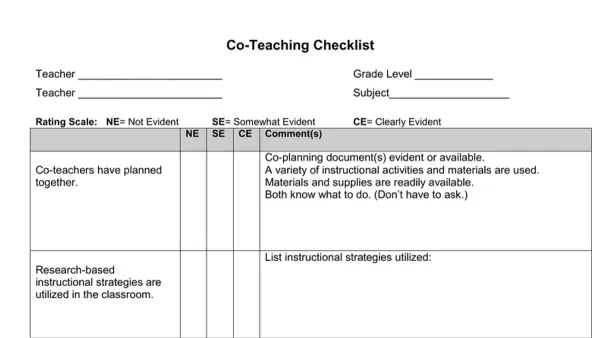
This checklist helps teachers with low tech confidence set up and use Canvas co-teacher access for smooth course collaboration and management.
Education Technology
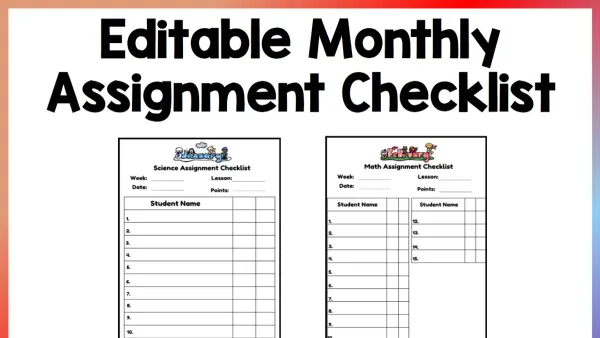
This checklist guides elementary teachers through setting up clear, age-appropriate assignments in Canvas to engage students and streamline grading.
Education Technology
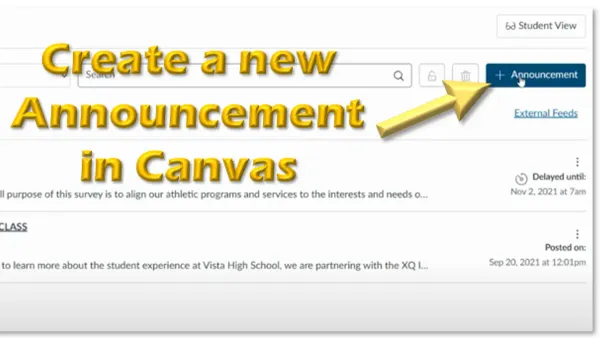
This checklist helps teachers with low tech confidence post clear, effective Canvas announcements to keep students informed and engaged.
Education Technology
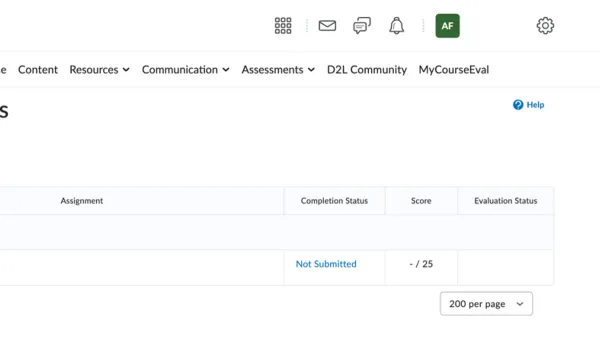
This guide explains how to track missing assignments in Brightspace using tools like Assignments, Grades, and Notifications for effective management.
Education Technology
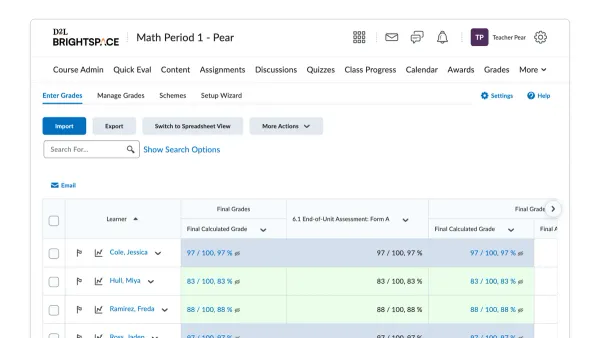
This article explains how to configure and use the Grade Sync tool in Brightspace to reliably sync grades with your student information system.
Education Technology
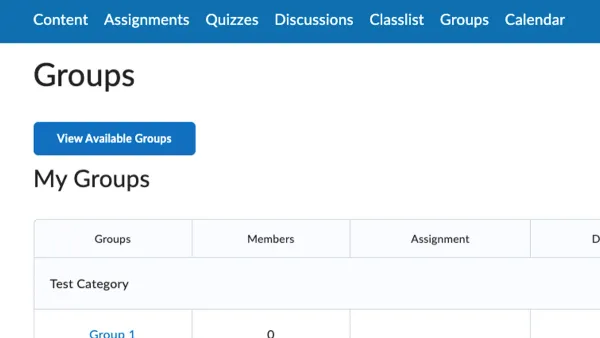
Step-by-step guide to setting up student groups for projects in Brightspace to enhance collaboration and simplify group assignment management.
E-Learning
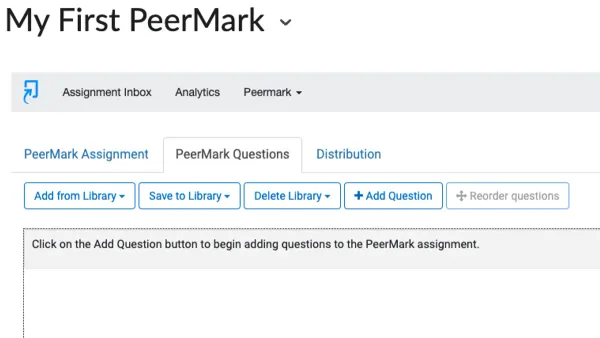
Discover practical steps to set up peer review in Brightspace, enabling effective student collaboration and feedback in your courses.
Education Technology
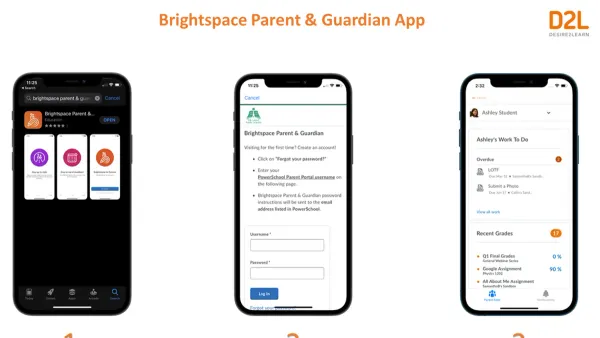
This guide explains how to link parents or guardians to student profiles and configure updates in Brightspace for timely family communication.
Brightspace
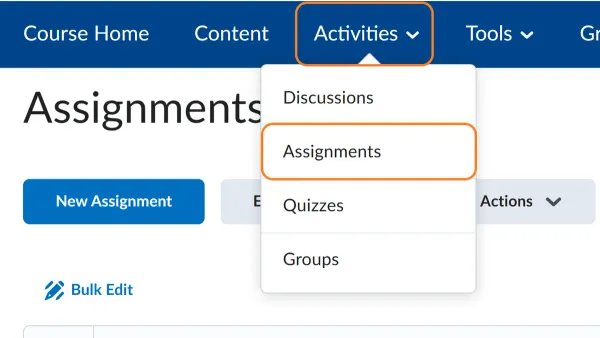
This guide shows how to reopen a closed assignment in Brightspace by adjusting due dates and availability with the right permissions.
Education Technology
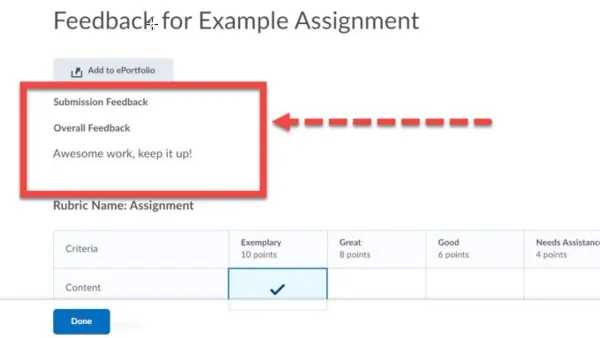
This guide explains how to leave clear, effective feedback on student work in Brightspace using text, rubrics, and multimedia tools.